07.7.4 During the print
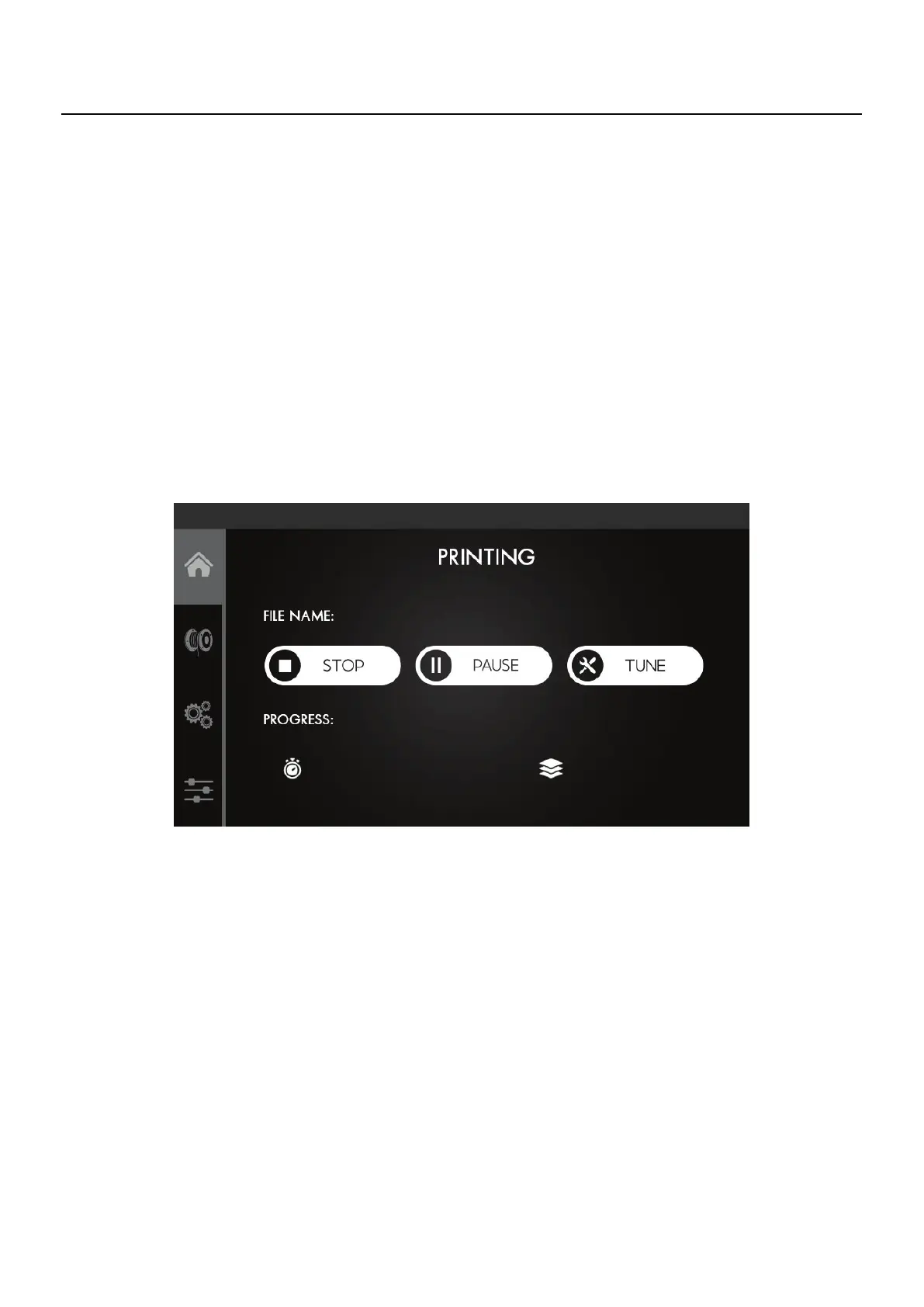
While the machine is printing you can check some information such as remaining
printing time, current layer, Bed and Nozzle temperatures and cooling speed. You can
also select one of two options:
Stop - It completely cancels the printing and resets all the target temperatures.
NOTE
This print will not be recoverable.
Pause - allows you to pause the printing to clear any dirt that may have appeared and
resume printing where it left off.
07
Operation



 To Next Page