07.5 Load Filament
1. Tap the Filament option on the left of the screen .
2. Then select
Load Filament
option.
3. Choose the type of material to be
Loaded.
4. Wait while the hotend reaches the set temperature.
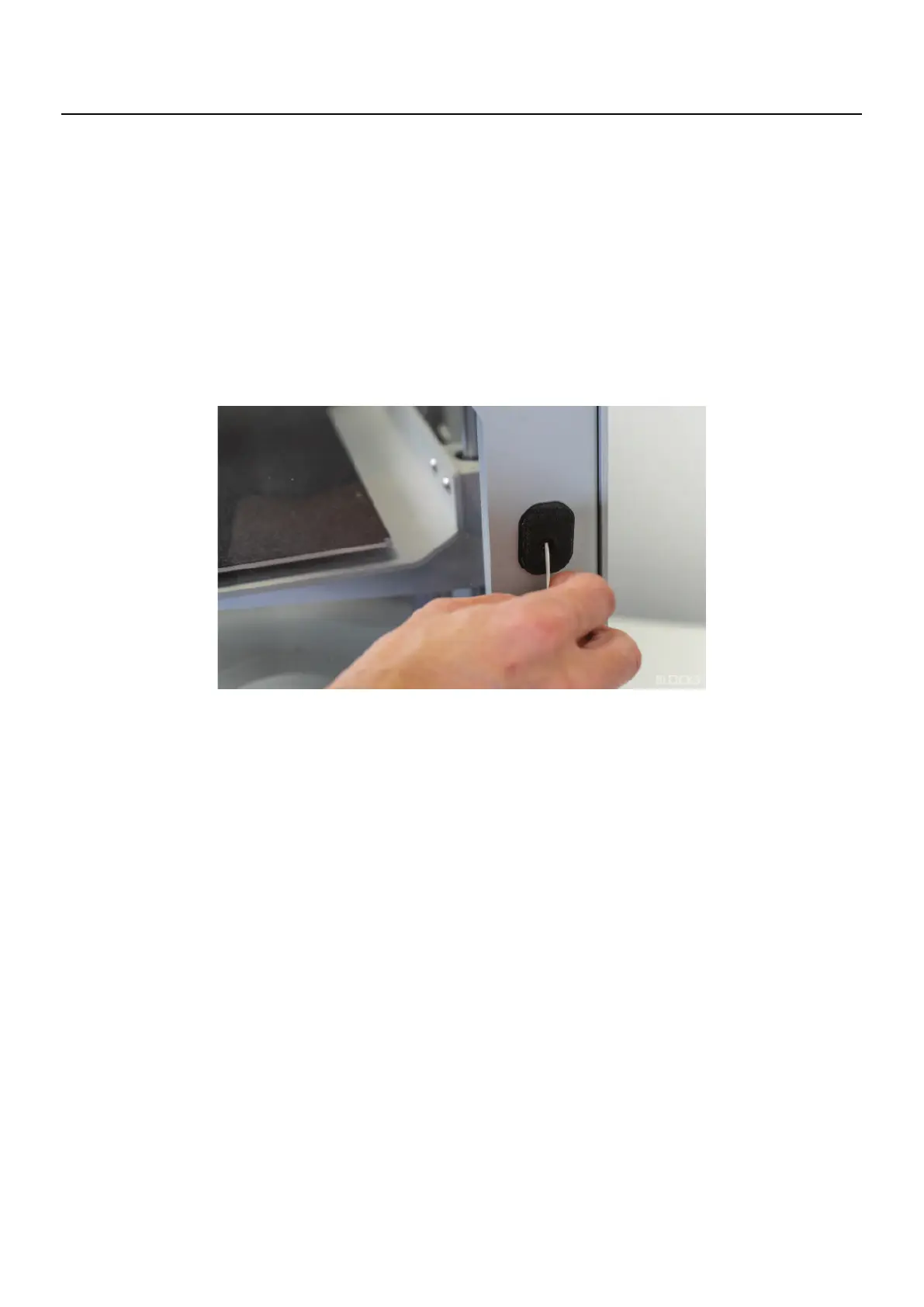
5. Once the machine starts beeping and the status LED starts blinking insert the fil-
ament into the entrance of the tube and push until you feel the filament being
pushed.
6. After
the filament
begins to exit through the nozzle, the machine starts to beep
again, the operator may choose to terminate the process or wait for the machine to
do it. Waiting for the machine to purge the material is good when changing colours in
order to guarantee that the colour of the new filament is even.
Note
If you are using flexible filament, disconnect the PTFE tube from the print head, insert
the filament in
to the entrance of the tube at the right side of the printer and push until
it reaches the other end of the tube. At this point tap the load procedure and once the
machine starts beeping directly insert the filament in the print head and reconnect
the PTFE tube at the end of the procedure.
07
Operation



 To Next Page