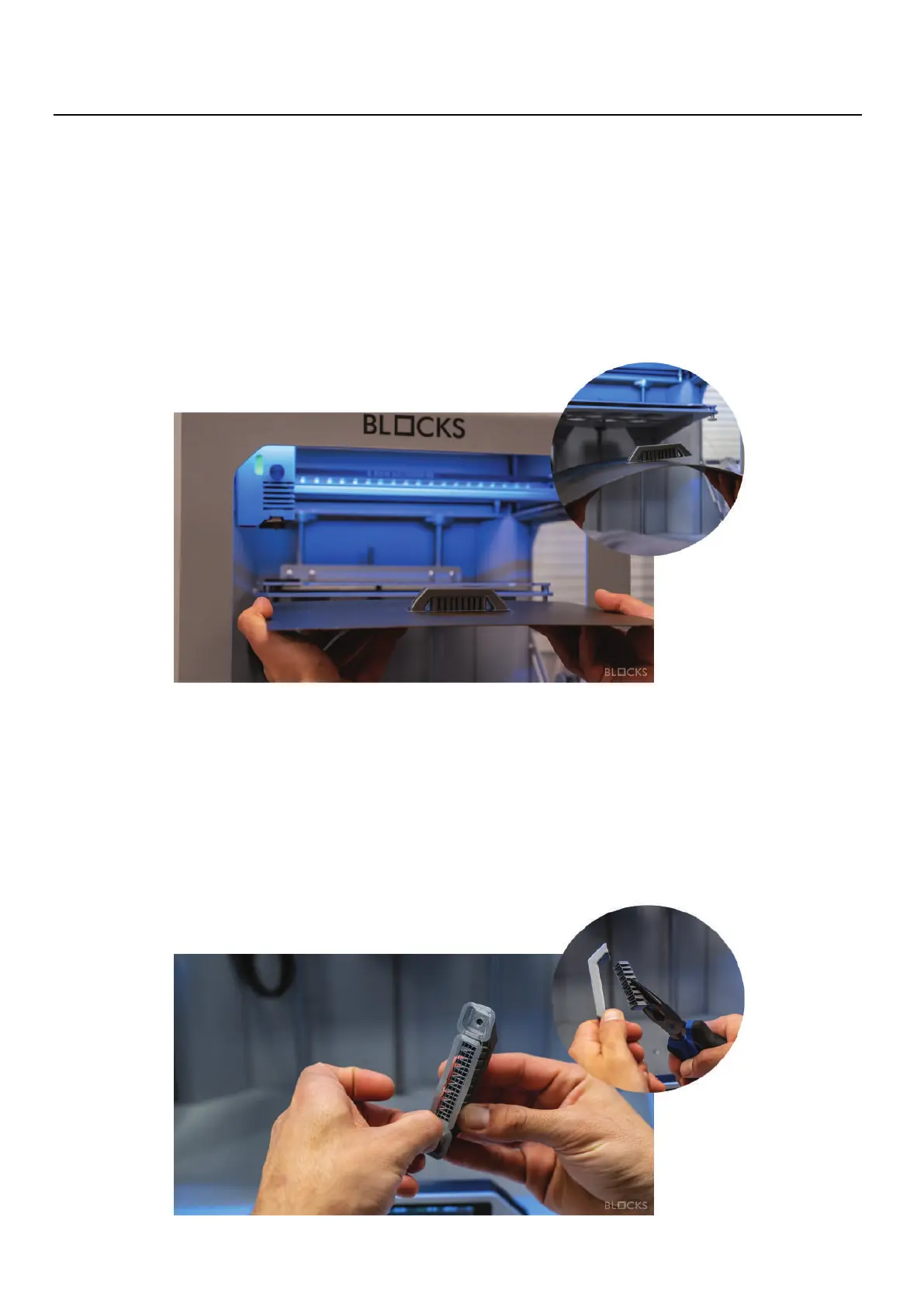
07.7.6 Remove support
It is advised to wear protective gloves when removing the support structure because of
the sharp corners that the support structure might have.
Remove the majority of the support by using pliers and for the remaining traces use
cutting pliers or tweezers
07.7.5
Remove the print
NOTE
Please take attention to the amount of force applied to the printing plate in order not
to bend it. Do not drag the print plate over the heated bed.
07
Operation
To remove the printed object from the build plate first take the plate from the bed and
then bend it slightly in order to unstick your object from the flexible build plate.



 To Next Page