03.1 Safety information
• Blocks 3D printers generate high temperatures and have hot moving parts that can
cause injury. Never reach inside Blocks 3D printer while they are in operation. Always
control the printer with the touchscreen at the front or the power switch at the back.
• Do not change or adjust any parts of the products unless the change or adjustment
is authorized by the manufacturer
• Do not store items inside de printer
• Blocks 3D products are not intended for use by persons with reduced physical and/
or mental capabilities, or lack of experience and knowledge, unless they are super -
vised or have been given instructions concerning the use of the appliance
by a per -
son responsible for their safety
• Children should be under constant supervision when using Blocks products.
03.2 Hazards
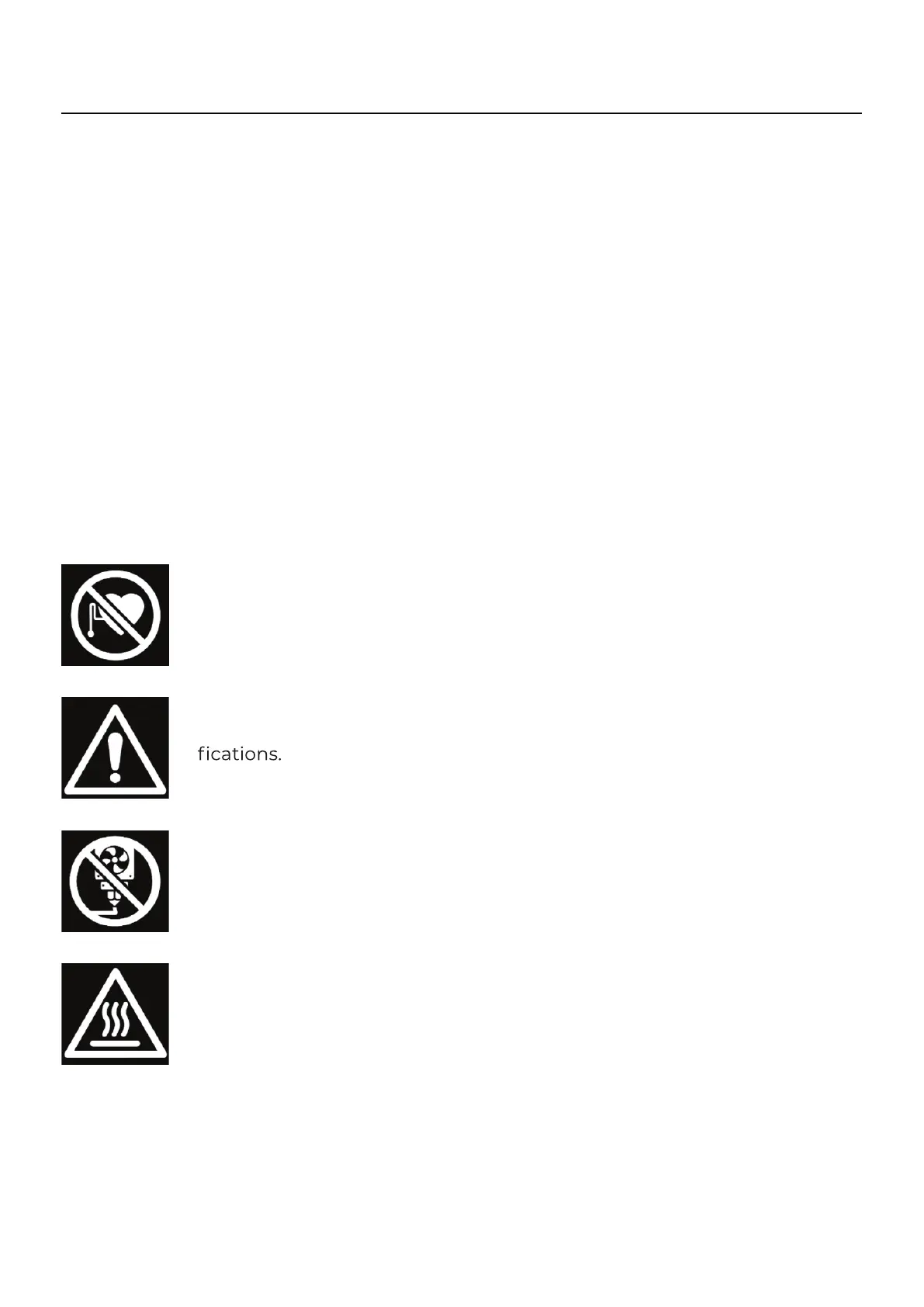
Pacemaker
Magnets and other devices can interfere with the operation of pace -
makers and implantable cardioverter defibrilators (ICDs).
Warning
Always unplug the product before performing maintenance or modi -
Always allow the product to cool down for 30 minutes before
performing maintenance or modifications.
Printable surface
Do not print directly on this surface. Surface is not designed for material
deposition. Can cause damage to the printing surface, short circuit and
permanent damage to the main board of the printer.
Hot Surface
There is a potential risk of burns: the print core of the printer can reach
temperatures above 200 °C, while the heated bed can reach temper -
atures above 100 °C. Do not touch either of these parts with your bare
hands
03
Safety and compliance



 To Next Page