07.4 Nozzle adjustment
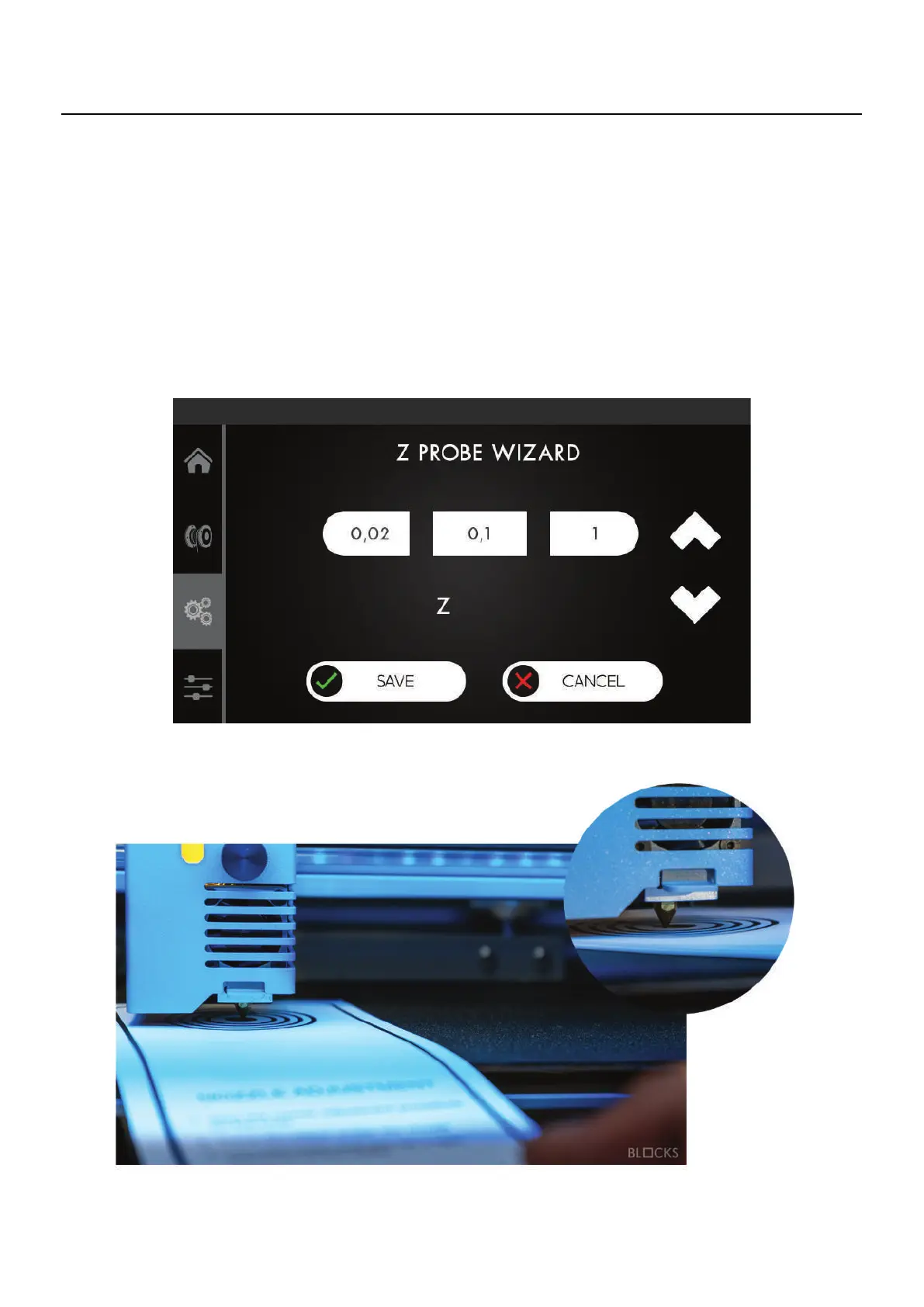
1. In the Control menu select nozzle adjustment.
2. If the nozzle appears to have a lot of residues that can affect its distance to the plate
please select the option “No” to properly clean the nozzle from all residues. We cali-
brate the bed using a printing temperature because it reduces the deviation error.
3. Put a thin paper sheet between the nozzle and build plate.
4. Select the step value and then by pressing the up and down arrows, adjust the dis-
tance of the plate to the nozzle until you feel a light pressure on the paper.
07
Operation



 To Next Page