08.6 Cleaning and maintenance of the extruder
residues that must be
cleaned to ensure optimum traction of the pinion. To clean the pinion the operator
removed.
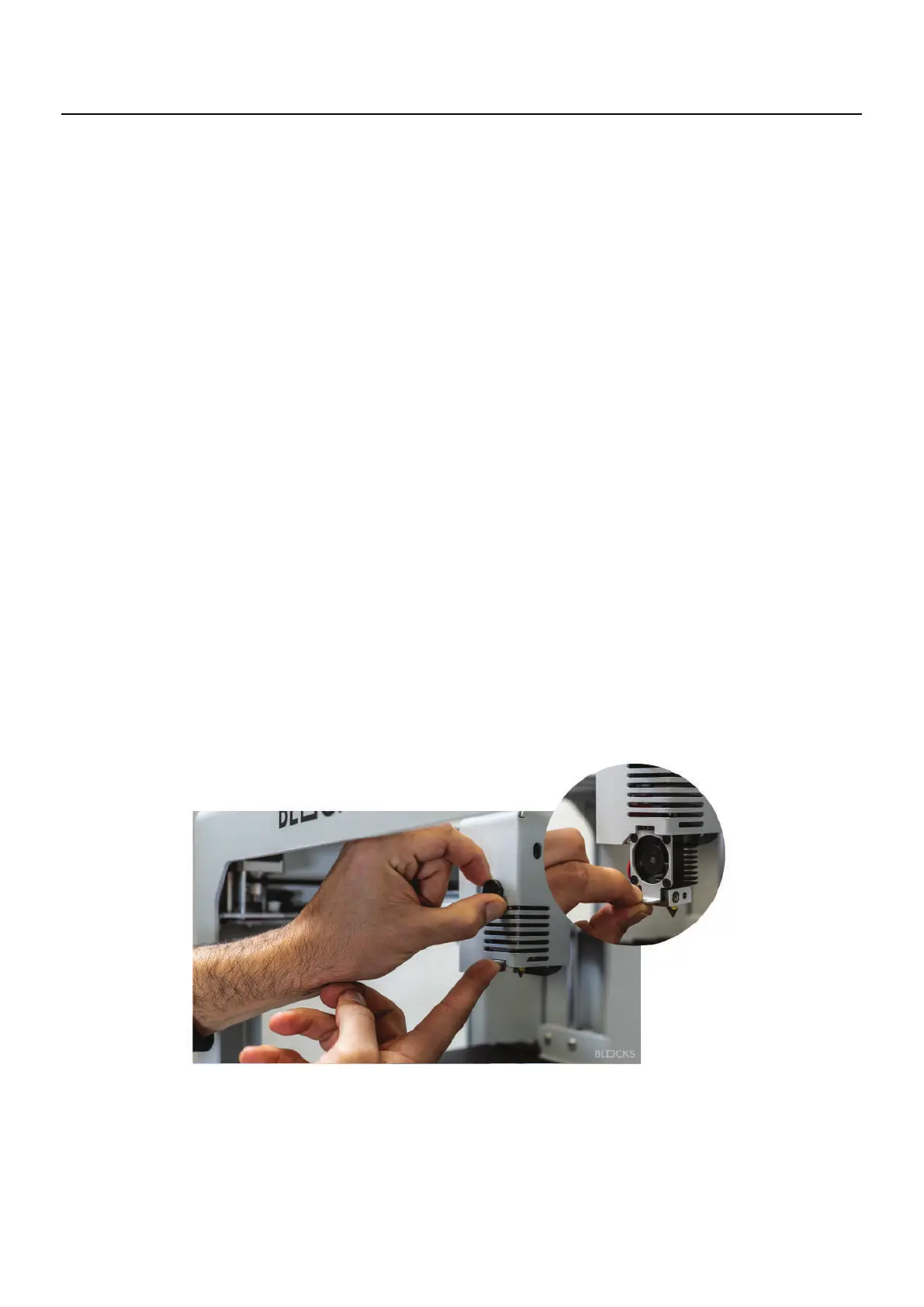
Then unscrew by hand the print core knob and unscrew by using an Allen key the 3
screws of the extruder cover. Release the extruder hinge by unscrewing the tension
screw until it is possible to open the hinge. Once the gears become exposed with a
steel brush or sharp object, remove all the plastic particles that are inside.
After the cleaning procedure close the hinge put the tension screw and the spring on
the original place. Then assemble the print head by doing these steps in reverse.
08.7 Switch Print Core
The print core is one of the most important components and it can be changed for two
different reasons:
1. The operator might want to cha
nge the nozzle configuration
2. In case of having a nozzle clogg or a malfunction
In order to switch the print core tap the switch print core button on the Utilities option
and then follow the instructions on the touchscreen.
08
Maintenance
Throughout the use the extruder will accumulate filament
must ensure that there is no filament loaded in the machine and that the print core is



 To Next Page