41
Operation
SmartTouch Touchscreen Control
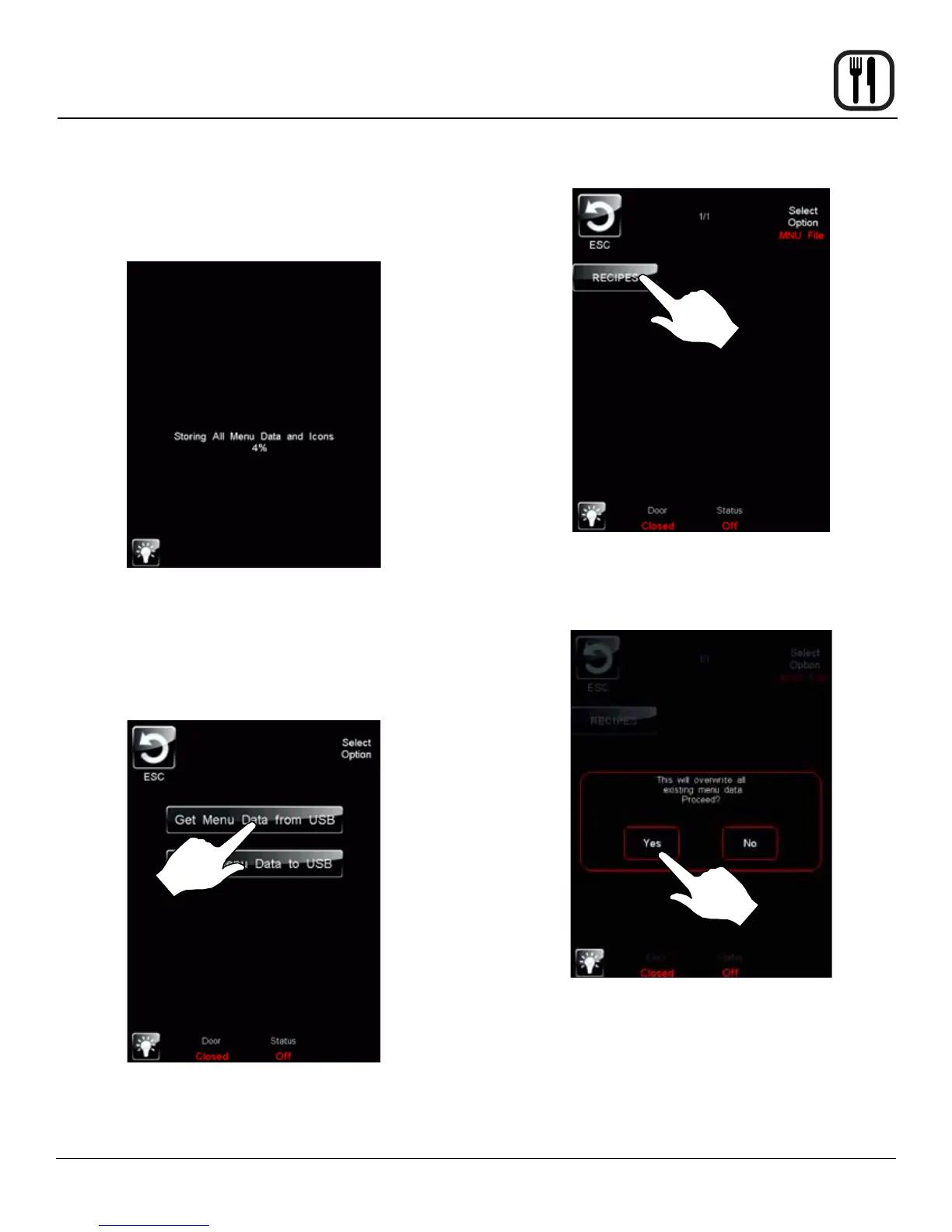
3. The status screen appears to display the download
status. The display returns to the previous screen
when download is complete.
Figure 41
4. Press the ESC key to exit USB screen.
To Retrieve Menu Data from USB
1. Press the GET MENU DATA from USB key to transfer
recipes from the USB.
Figure 42
2. The control displays all menu (.MNU) les on the
USB drive. Select the desired le.
Figure 43
3. The overwrite warning screen appears. Press YES
to continue
Figure 44
4. The status screen appears to display the upload sta-
tus. The display returns to the previous screen when
upload is complete.
5. Press the ESC key to exit USB screen.










 To Next Page