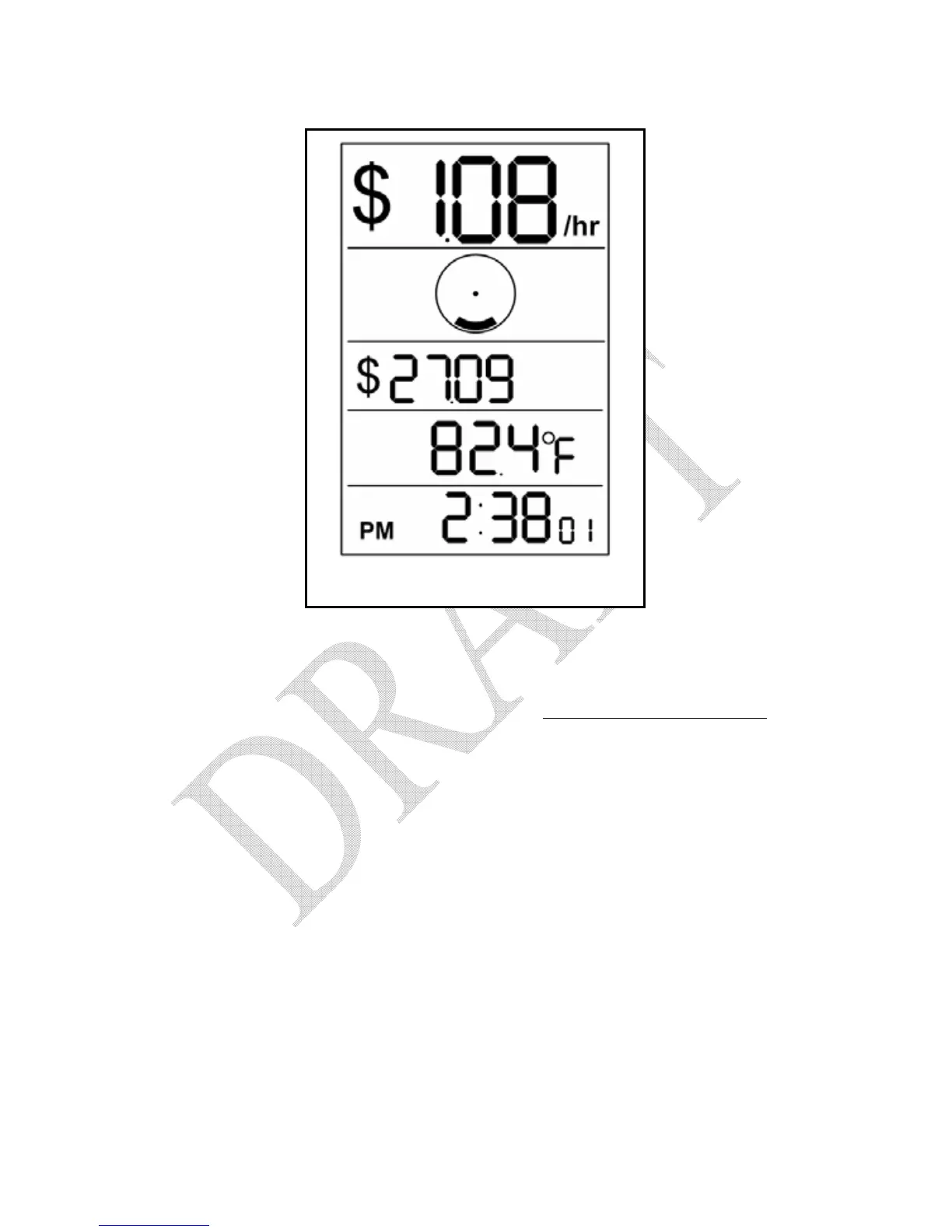
Figure 6.3 – Dollars & Cents Mode
The third row (Total Row) on the screen represents the total dollars worth of
electricity consumed since the total was last reset. In the example above you
have used $27.09 worth of electricity since the total was last reset.
To reset Total Dollar value, refer Section 8.4 – Resetting the Total Values.
6.3. Kilowatt and Kilowatt-Hours Mode
To enter the Kilowatt and Kilowatt-Hours screen, press and release the
MODE button located on the top of the Display Unit. You will then see a
screen similar to the one shown in Figure 6.4, below (your actual values will
vary).


 To Next Page
 Loading...