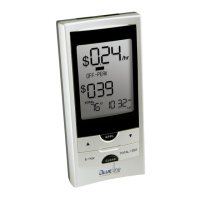
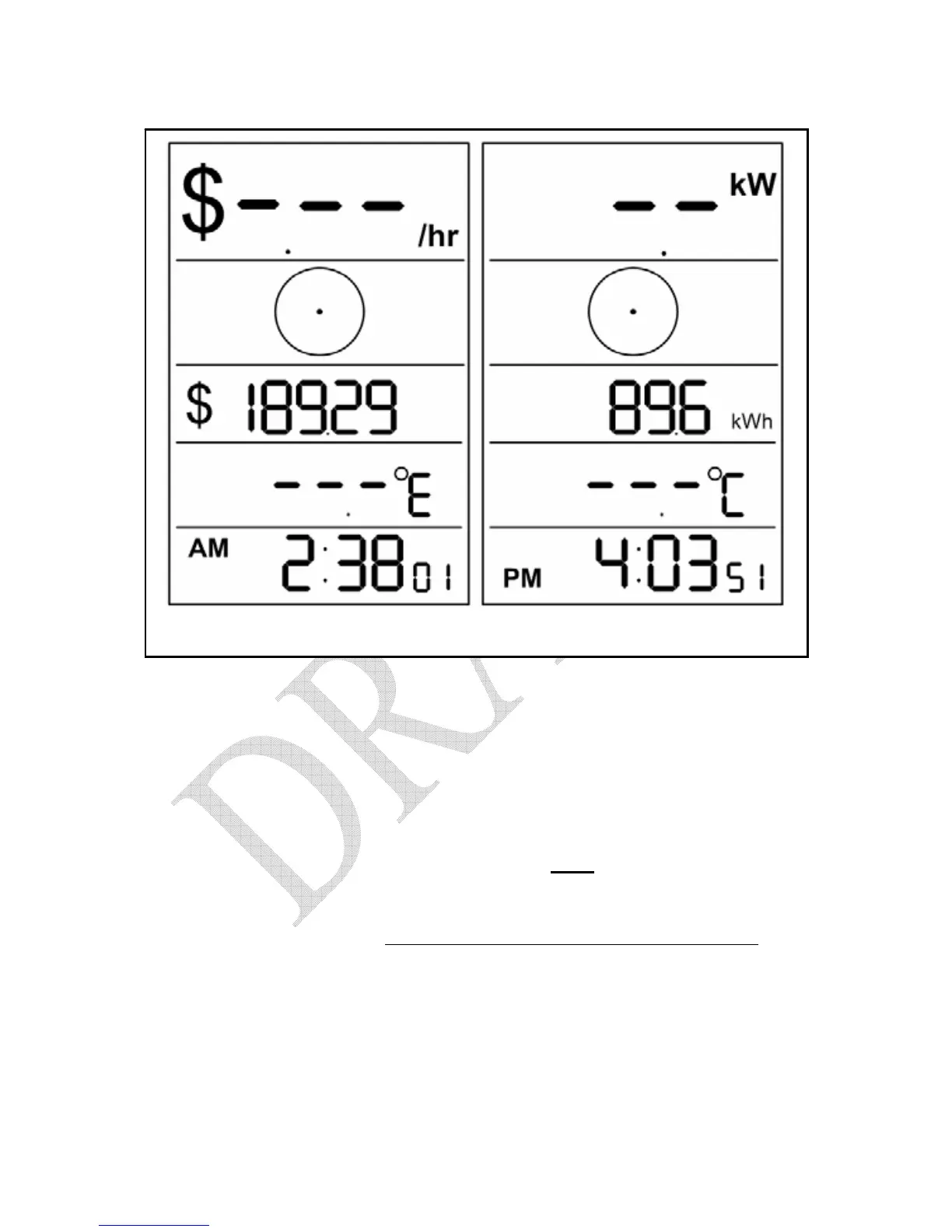
Figure 6.6 – Loss of Signal Indication
A loss of signal can be caused by:
¾ Sensor Unit battery is exhausted
¾ The Display Unit has been moved out of range of the Sensor Unit
¾ Strong interference from other electronic devices, such as wireless
weather stations
To resolve the problem, press any button on the
back of the Display Unit and
then move the Display Unit closer to your Utility Meter. If this does not solve
the problem, try re-synchronizing the Display and Sensor Units. Refer to the
instructions in Section 5.7 –
Synchronizing the Display and Sensor Units. If
the problem persists, more information is available online at
http://www.bluelineinnovations.com. If you are still unable to resolve the
problem please feel free to call our toll-free supports line at 1-866-607-2583.


 To Next Page
 Loading...