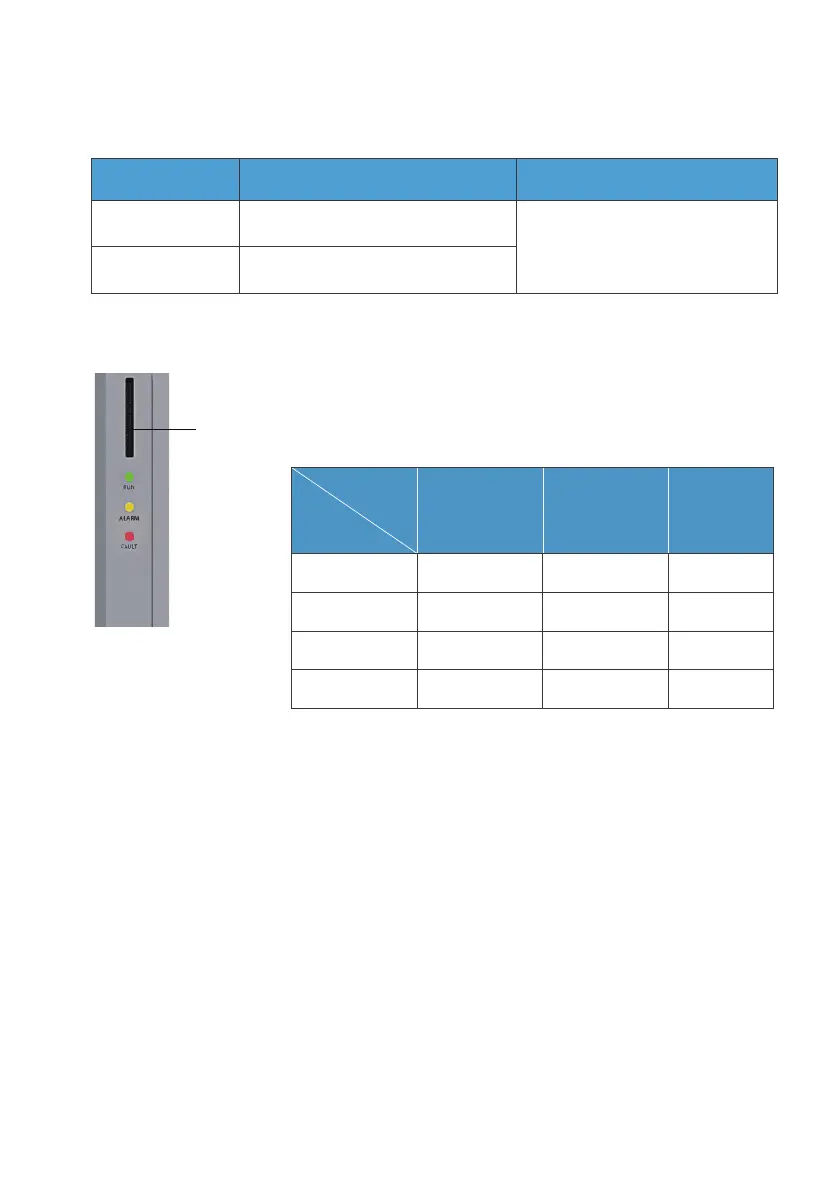
3.4 LED Indicators
3.5 Buzzer Alarm
When a fault occurs, the buzzer emits a series of 5 beeps. Each beep lasts for 2
seconds, with a 3-second interval between each beep.
Note: The buzzer alarm can be turned off in the BLUETTI App.
Fig. 3-2
3.3.5 LINK PORT 1 & LINK PORT 2
Table 3-6
Table 3-9
Interface Function Note
Refer to Fig. 6-8 for details.
Link Port 1
Link Port 2
Connect the IoT controller
Connect the battery pack
System
Status
Run ON OFF OFF
ON ON OFF
OFF OFF ON
OFF ON ON
Run +Alarm
Fault
Alarm and fault
Green Yellow Red
LED
Indicator
JUST POWER ON 27



 To Next Page