JUST POWER ON68
11. Troubleshooting
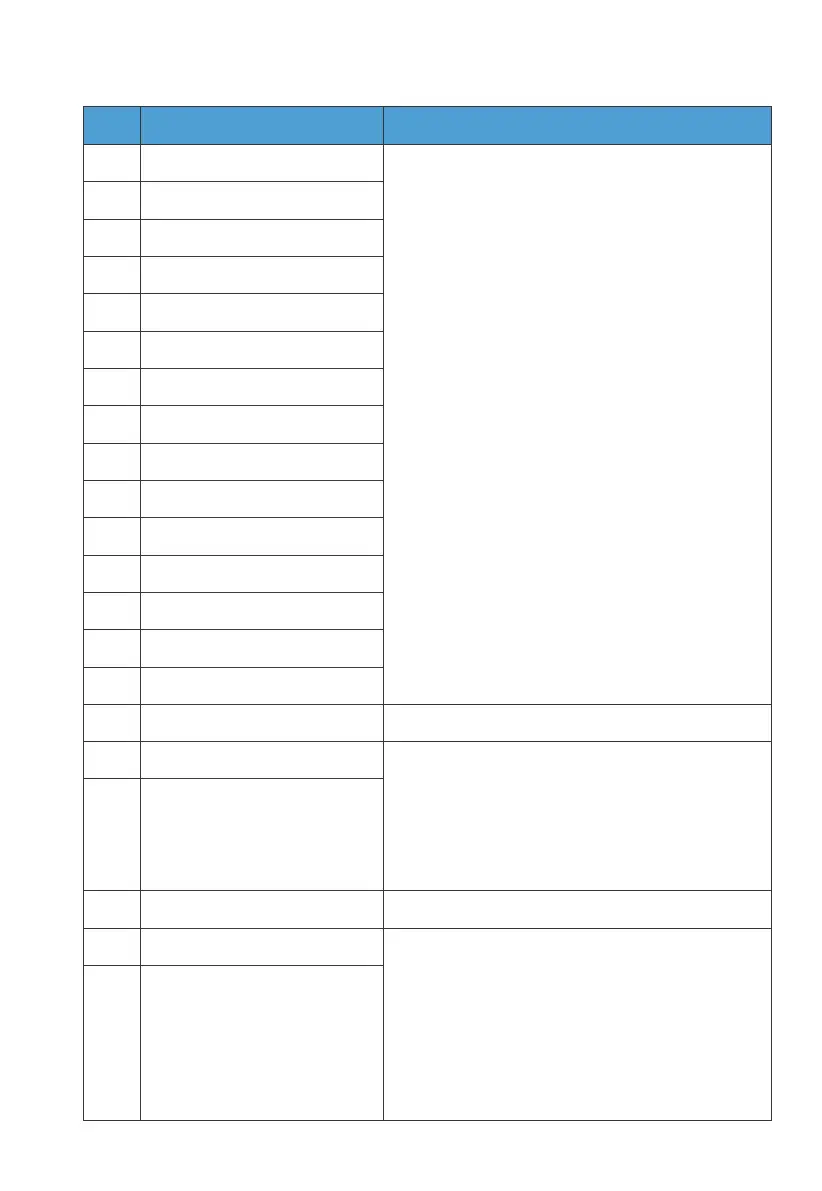
Error DescriptionNo. Troubleshooting
B001.
B002.
B003.
B004.
B005.
B006.
B007.
B008.
B009.
B010.
B011.
B012.
B013.
B014.
B015.
B016.
B017.
B018.
B019.
B020.
B021.
BUS Overvoltage
BUS2 Overvoltage
BUS Undervoltage
BUS2 Undervoltage
Hardware BUS Overvoltage
Hardware BUS2 Overvoltage
Hardware Battery Overvoltage
Hardware Inverter Overcurrent
Hardware Inverter2 Overcurrent
Hardware LLC1 Input Overcurrent
Hardware LLC2 Input Overcurrent
Reserved
Auxiliary Power Undervoltage
DC Component Exception
Relay Failure
PV Connection Error
PV1 Overcurrent
PV2 Overcurrent
PV1 Voltage High
PV2 Voltage High
1. Log in to the App and bind your EP800.
Connect to it via Bluetooth to check for
any firmware updates.
2. After successfully upgrading, restart
your EP800*. If the issue persists, please
contact BLUETTI support for assistance.
* See FAQ 1.
1. Log in to the App and bind your EP800. Connect to it
via Bluetooth to check for any firmware updates.
2. Make sure the input currents for PV1 and PV2 are
below 12.5A and 25A, respectively. You can monitor the
real-time current in the App.
3. Restart your EP800*. If the issue persists, please
contact BLUETTI support for assistance.
* See FAQ 1.
1. Immediately turn off the PV input switch. Check if the
total open circuit voltage is within 500V. If it exceeds
the limit, reduce the number of PV modules connect-
ed in series.
2. The inverter will automatically resume normal
operation after the necessary corrections.
3. Restart your EP800*. If the issue persists, please
contact BLUETTI support for assistance.
* See FAQ 1.
Reserved



 To Next Page