5.3 Safety Instructions
•
The IoT controller is ONLY applicable to BLUETTI products only.
• Do not keep the controller near heat sources or in high temperatures.
• Do not store the controller with flammable liquids, gases, or explosive materials.
• The inspection, testing, and maintenance should be performed by qualified
personnel.
Warning
• Do not block or cover the openings of the controller.
Keep it out of the reach of children.
• Use dry powder fire extinguisher in case of fire.
5.4 Connection and Operations
Step1: Plug the IoT cable into EP800 Link Port 1.
Step2: Turn on EP800, and the IoT controller starts up automatically.
Step3: When an upgrade is needed, please follow the instructions provided in the
EP800 Home Energy Storage System BLUETTI App User Manual.
To register and log in, simply follow the steps below:
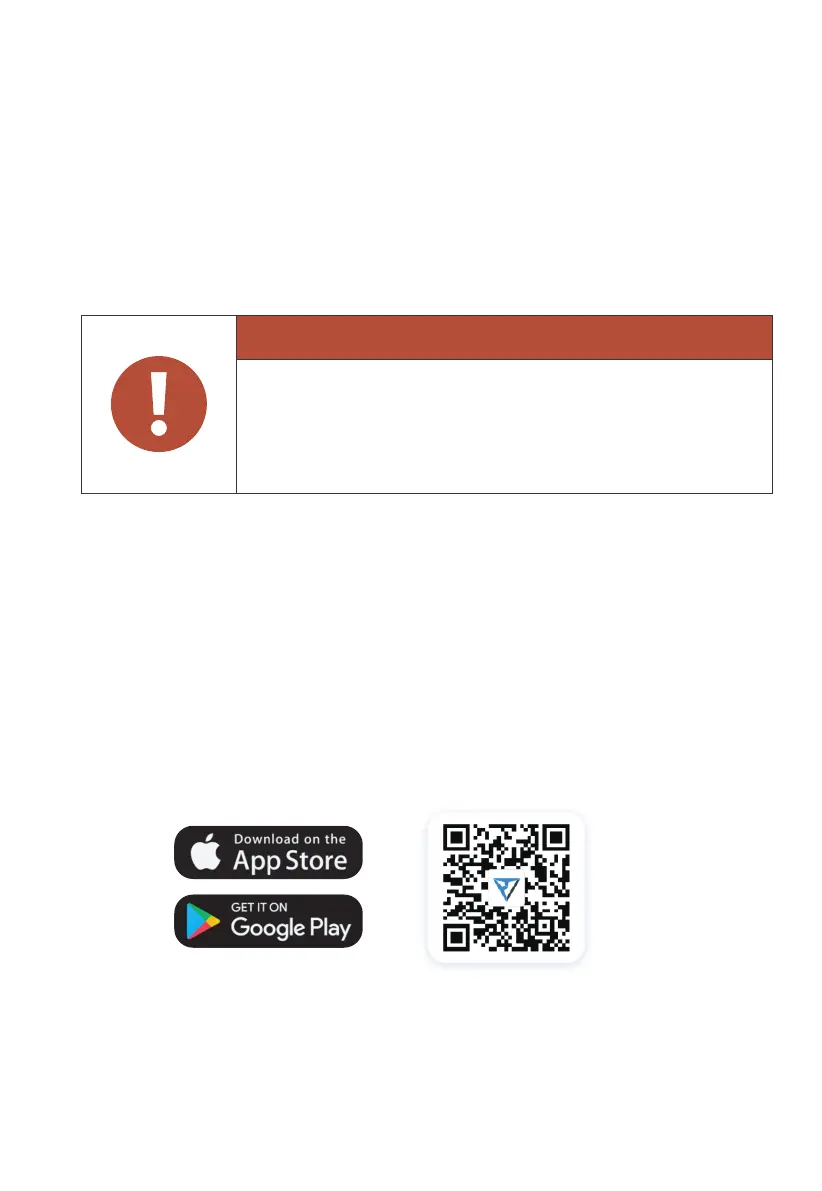
• Scan the QR code below to download the BLUETTI App, or search for “BLUETTI” in
the App Store/Google Play.
JUST POWER ON 33



 To Next Page