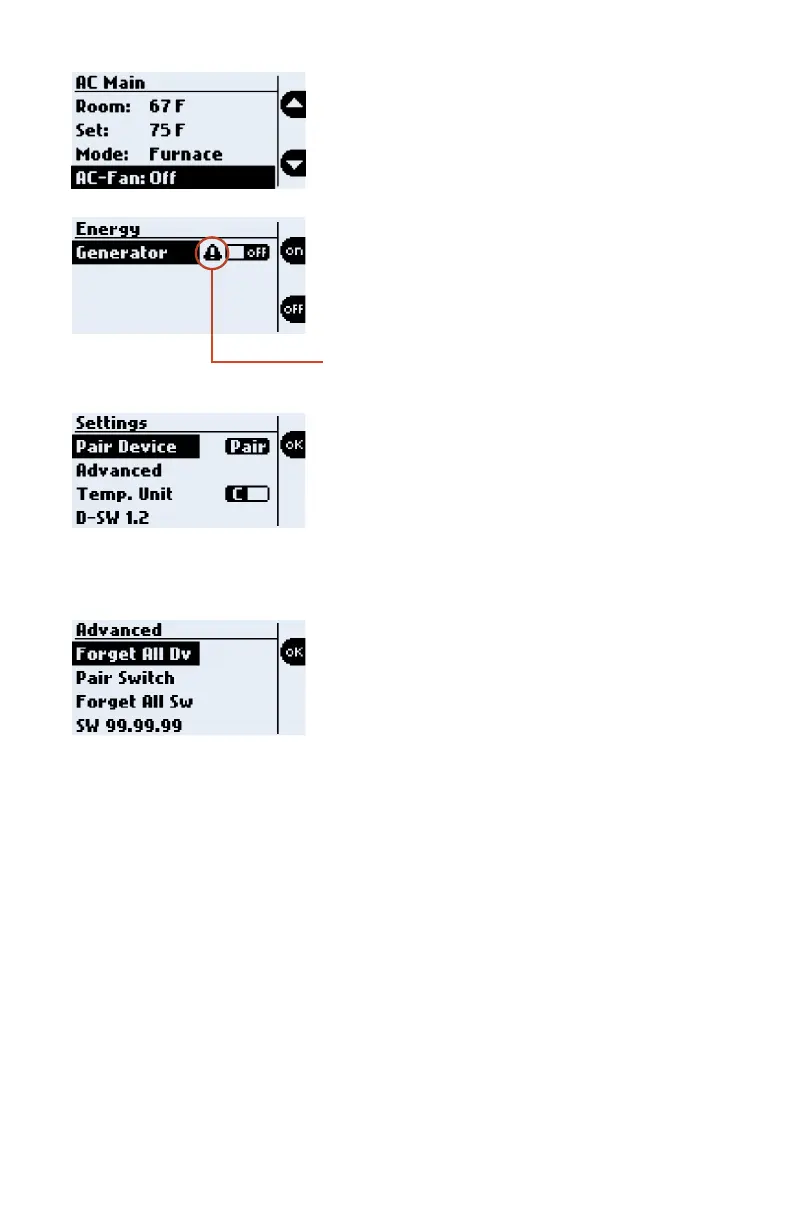
Advanced
Forget All Dv: Forget ALL Bluetooth Devices.
Pair Switch: Pair BLE Switches.
Forget All Sw: Forget all BLE Switches.
SW: Node software version.
Settings
Pair Device: Press OK to pair to a device.
Advanced: Press OK to go to the Advanced
menu.
Temp. Unit: Toggle between Fahrenheit &
Celsius.
D-SW: Indicates the software version on the
Display.
Energy
ON: Press and hold the ON action button, until
the generator turns on.
OFF: Press and hold the OFF action button,
until the generator turns off.
NOTE: A generator warning will appear if the
generator fault LED is actively blinking.
If Furnace Mode is selected, the AC-Fan
option displays.
AC-Fan: Settings: OFF / LOW
12



 To Next Page