GENERATOR (MODEL DEPENDENT)
Using the Generator over Bluetooth
To turn on the generator using Bluetooth, press and hold the Start Generator
button until the generator starts. The app will also show the running status
of the generator. To stop the generator, press and hold the Stop Generator
button until the generator stops.
Using the Generator over the Cloud (Model Dependent)
To turn on the generator over the cloud, press the Start Generator button. A
confirmation message will appear. Swipe right on the Swipe to Enable button
to start the generator.
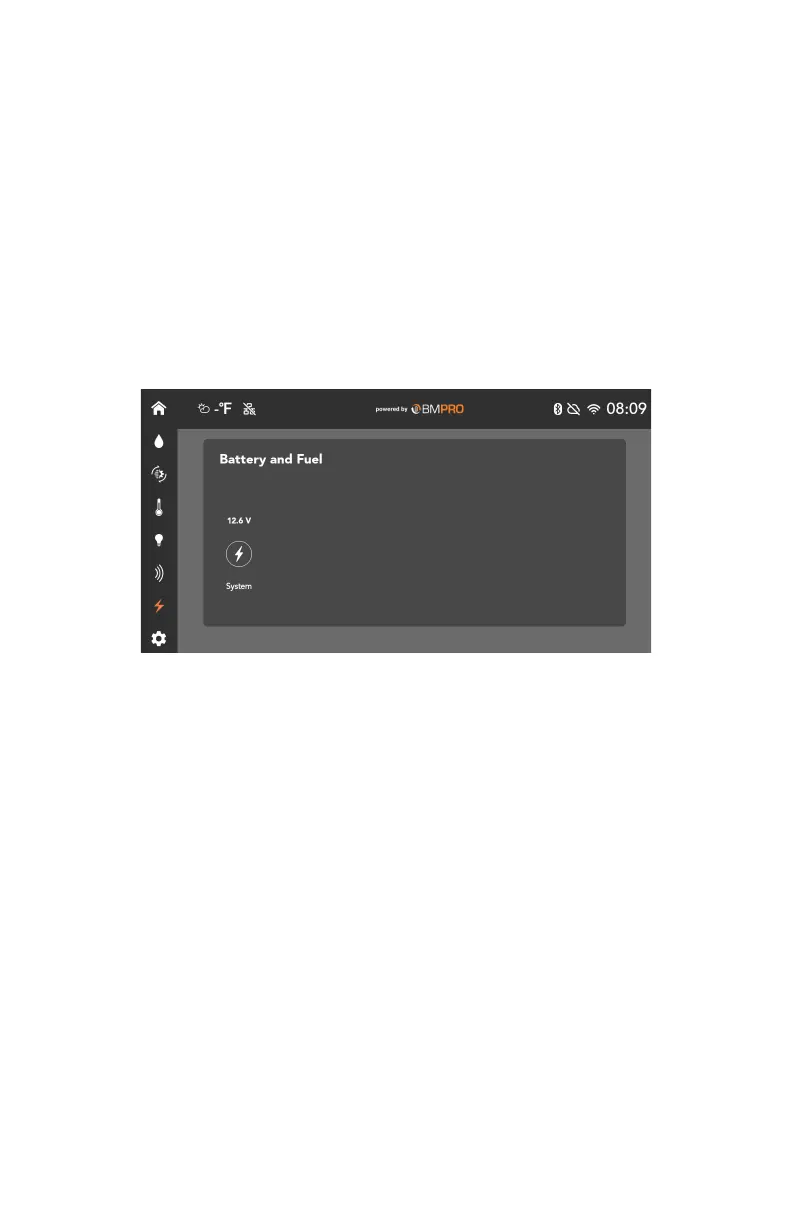
BATTERY AND FUEL
The Battery and Fuel section allows you to monitor RV voltages, chassis
voltages and fuel levels.
If no RV and chassis batteries are connected, the app will monitor the system
voltage of the Node.
If the voltage drops below 12V, a warning will appear on the screen.
ENERGY CENTER
The Energy Center screen allows you to monitor energy usage within your
BMPRO Connect+ system.
Fuel levels are monitored and displayed in 8 levels.
A warning is displayed if the fuel level is empty.
If applicable, a running indicator will be displayed under Fuel 1 whenever you
turn the pump on.
29



 To Next Page