SOLAR CONTROLLER
When solar is connected to a compatible RV-C controller, the Energy Center
screen will display the Solar Controller section, allowing you to view the
status of any connected solar panels.
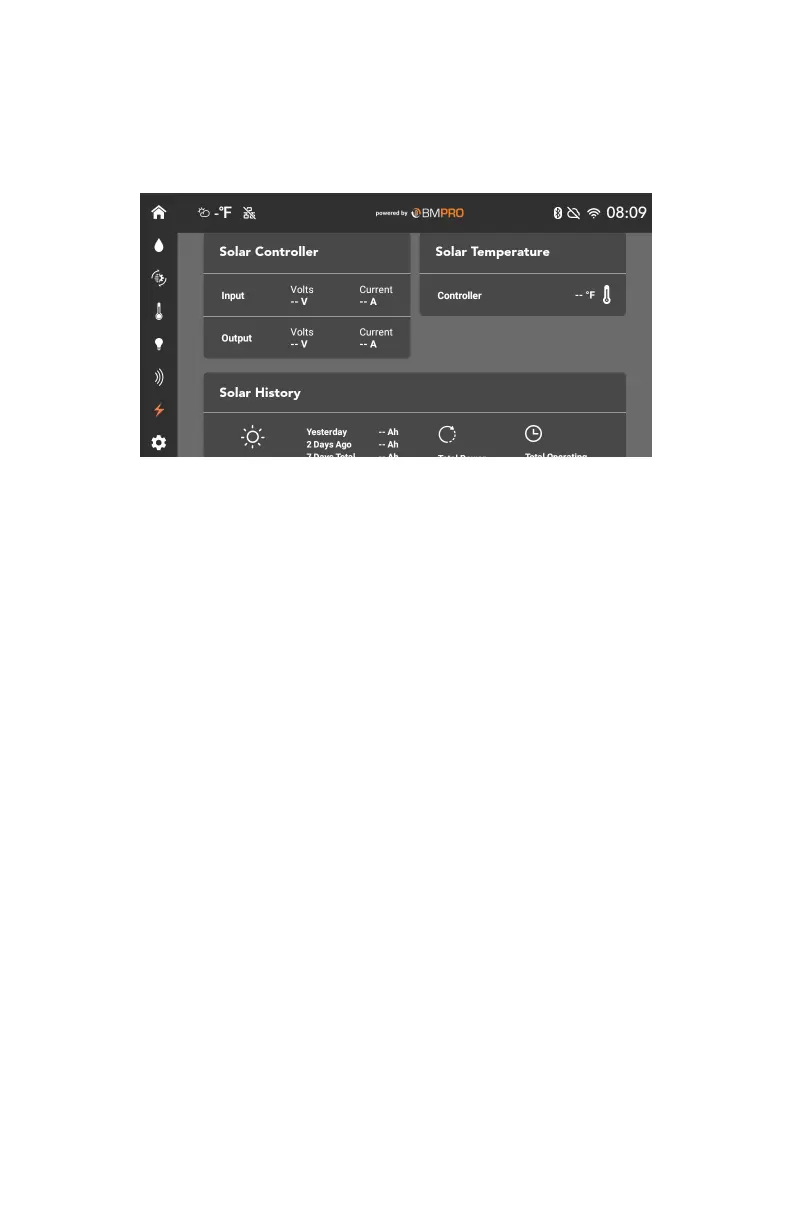
Solar Controller
This section displays the input voltage and current from the solar panel and
the output voltage and current of the battery.
Solar Temperature
This section displays the solar controller regulator and battery temperature.
If no battery sensor is present, the battery temperature can be hidden from
view.
The temperature can be displayed in either °F or °C, depending on what
preference has been set in General Settings.
Solar History
This section displays the total electric charge produced in ampere hours for
today, yesterday, and two days ago, and the total charge produced over the
last seven days.
Electric charge is displayed in ampere hours.
The total power generation is displayed in kilowatt-hours.
Clear History
The Clear History button will clear all the solar history, including the total
power generation and total operating days.
31



 To Next Page