UPDATING SOFTWARE
The Node can be updated over-the-air, meaning you get the latest feature
updates without the need to bring your RV to your local RV dealer.
Notifications to update the Node software may be received after release if
your system is connected to Wi-Fi. Critical updates will start automatically,
and non-critical updates can be postponed.
While the Node is powered, update the Node at the prompt to ensure that the
Node is running the latest version of software.
If a Controller is part of your system, the Node will check the software revision
that is installed on the Controller.
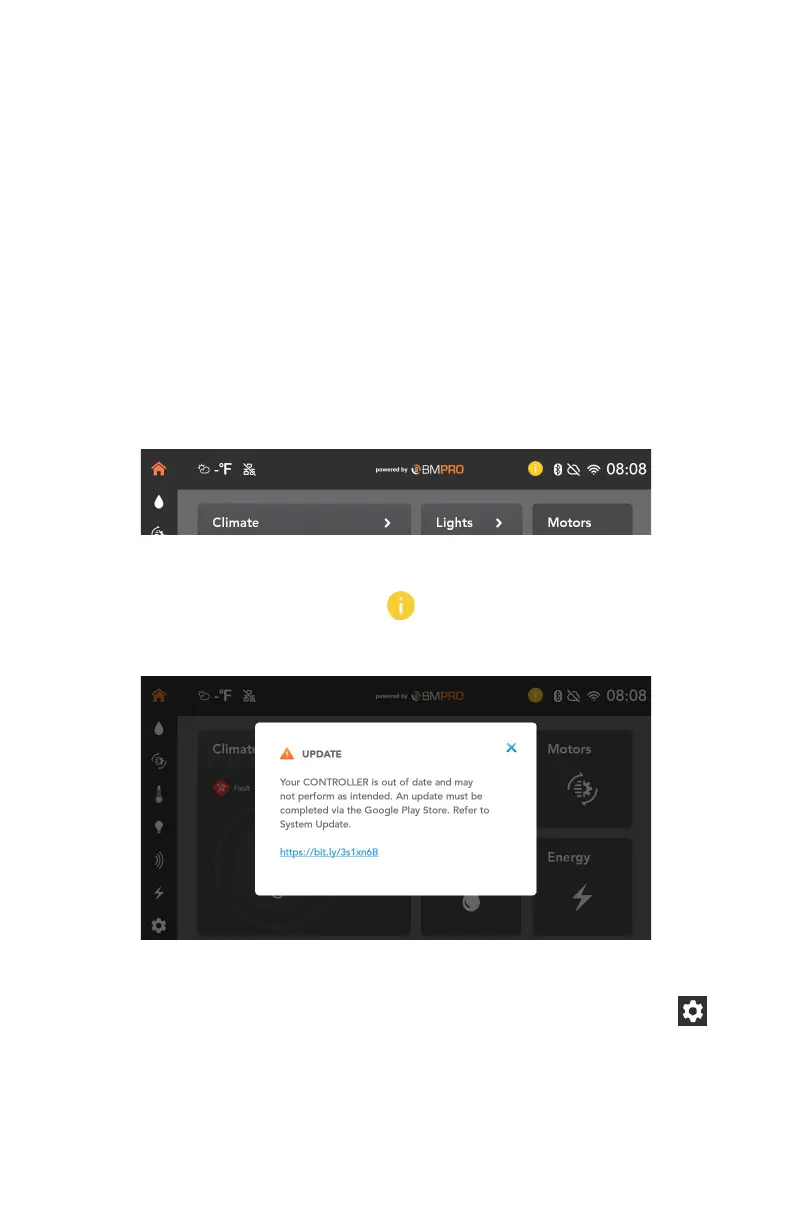
If there is an update available, a yellow information icon will display in the top
toolbar of the app.
To update the software:
1. Press the yellow information icon.
2. Follow the instructions on the screen.
You can also update your system at any time from the settings menu:
1. In the page navigation sidebar, at the bottom, select the settings icon.
2. Press Updates.
44



 To Next Page