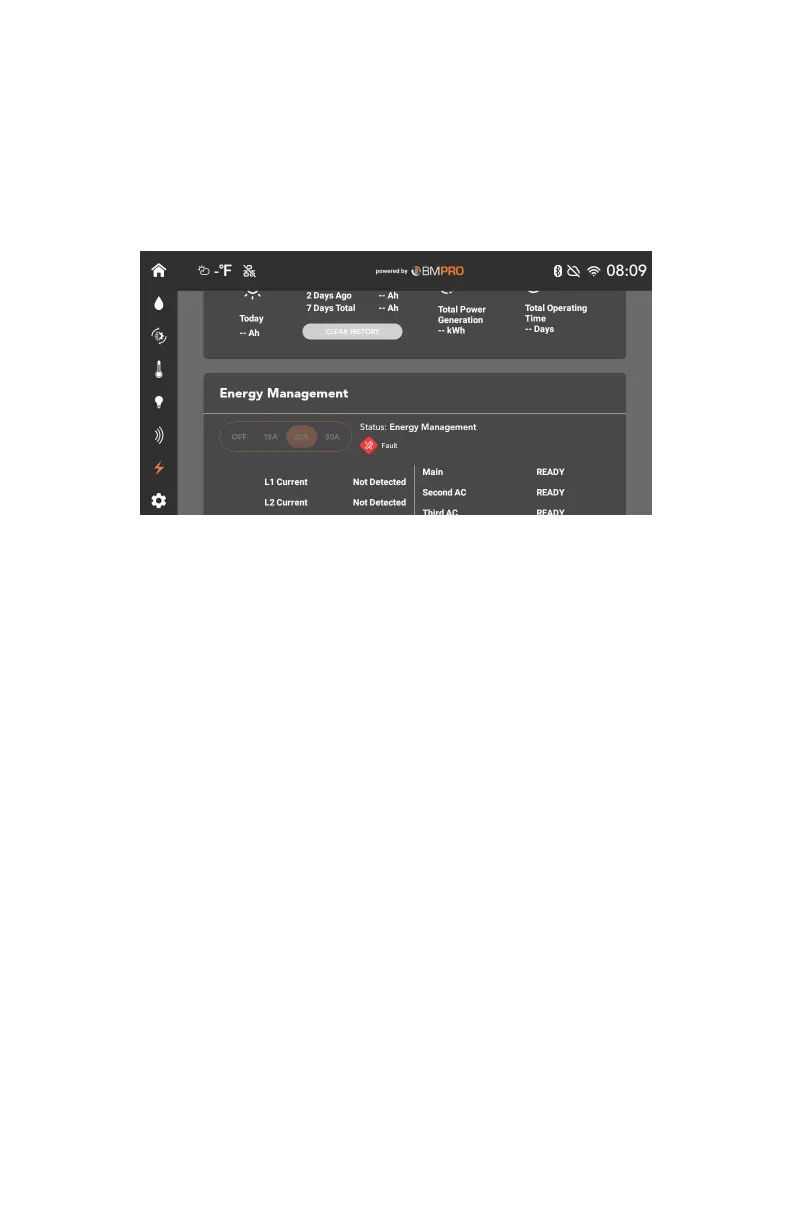
ENERGY MANAGEMENT
The Energy Management section displays the status of any load shedding
occuring within your BMPRO Connect+ system, and allows you to set current
limits to determine how much load shedding should occur.
By shedding loads, you can ensure that the circuit breakers of your AC Mains
supply are not tripped.
If an appliance is shed, it will be temporarily disabled in the BMPRO Connect+
app. A pop-up message will appear if you try to interact with a shed appliance
while load shedding is active.
The load shedding current limit can be configured:
9 OFF: Turns load shedding off
9 15A
9 20A
9 30A
9 GEN: Uses a connected generator. This option only displays if a generator
is detected.
Line Currents
The current drawn from each connected AC line is displayed as L1 and L2
Current.
If both lines are detected at once, load shedding is unneccesary and will be
automatically disabled.
Load Status
The status of each load will change depending on which loads are being shed.
9 READY: The load is ready to be used.
9 SHED: The load is being shed.
9 WAITING: The load has recently been shed. It will wait two minutes before
it becomes ready again.
32



 To Next Page