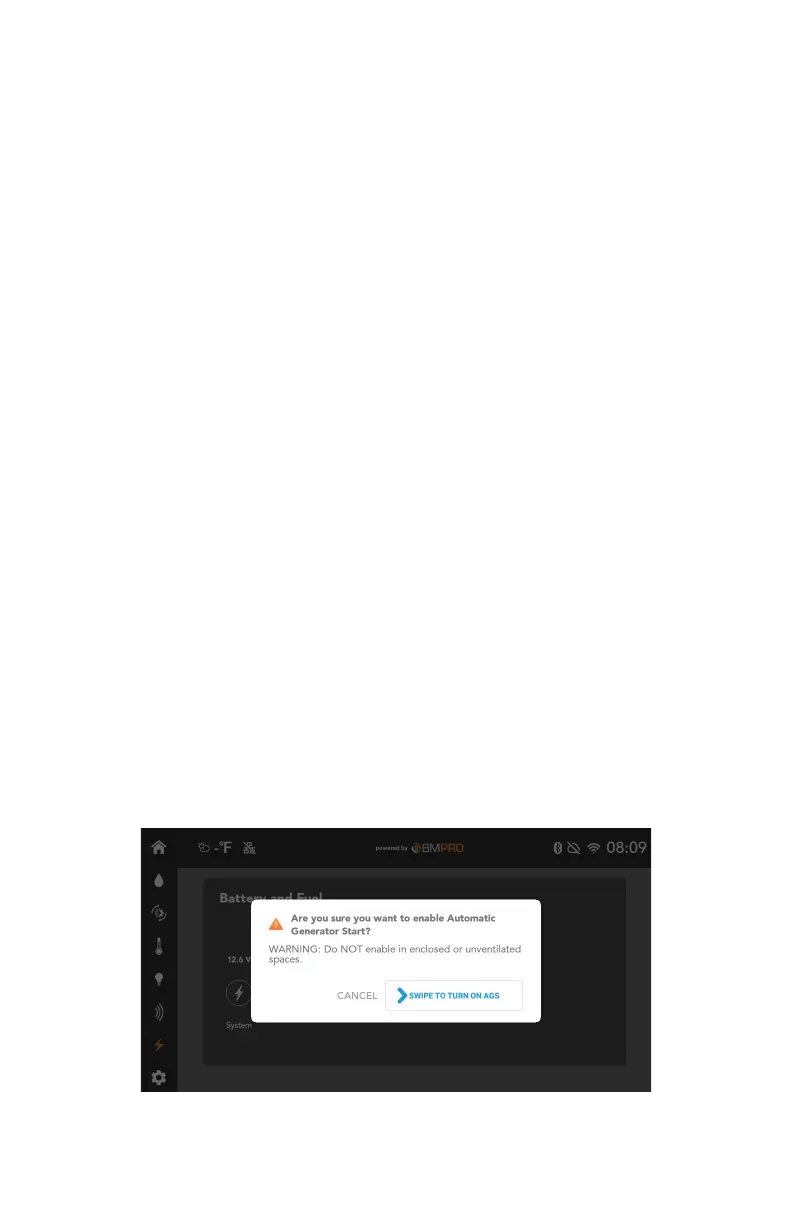
GENERATOR LOCKOUT (MODEL DEPENDENT)
You can keep your battery and climate levels steady by using Automatic
Generator Start (AGS).
AGS will keep your levels steady by automatically turning your generator on or
off.
If AGS is enabled, the app will try to start the generator a total of four times to
try and keep levels steady.
If there are four failed starts, the app will stop trying to start the generator.
If the generator fails to start, please consult your generator’s owner’s manual.
Generator Fault
If the Generator Status section indicates a fault:
1. Press the Stop Generator button.
2. Fix the fault with the generator.
3. Press the Start Generator button.
If the fault has been fixed, when you next turn the generator on from the app,
the Generator Status section will display “No fault”.
Generator Lockout (Model Dependent)
The generator will be automatically locked out if a high input is detected on
the brakes. This will be shown on the Node at pin 64.
The generator cannot be turned back on until the lockout is disabled.
The app will not show a pop-up if the generator is locked out.
The lockout can be disabled by:
9 Swiping on the pop-up that appears on the Controller screen.
9 Sending leveling commands with the leveller.
30



 To Next Page