Display Solar Controller
Allows you to toggle Solar Controller information to be hidden if you do not
want it to be displayed in the app.
If Solar Controller information is hidden, you can toggle it to be displayed.
Operating Status
Displays the current operating status of the Solar Controller.
Default State On Power Up
Displays the default state of the Solar Controller when powered up.
Battery Bank Size
Allows you to set your battery bank size.
Battery Chemistry
Displays your battery chemistry.
Battery Temp Sensor Installed
Displays if a battery temperature sensor is installed.
Serial Number
Displays the Solar Controller serial number.
Make
Displays the Solar Controller make.
Model
Displays the Solar Controller model number.
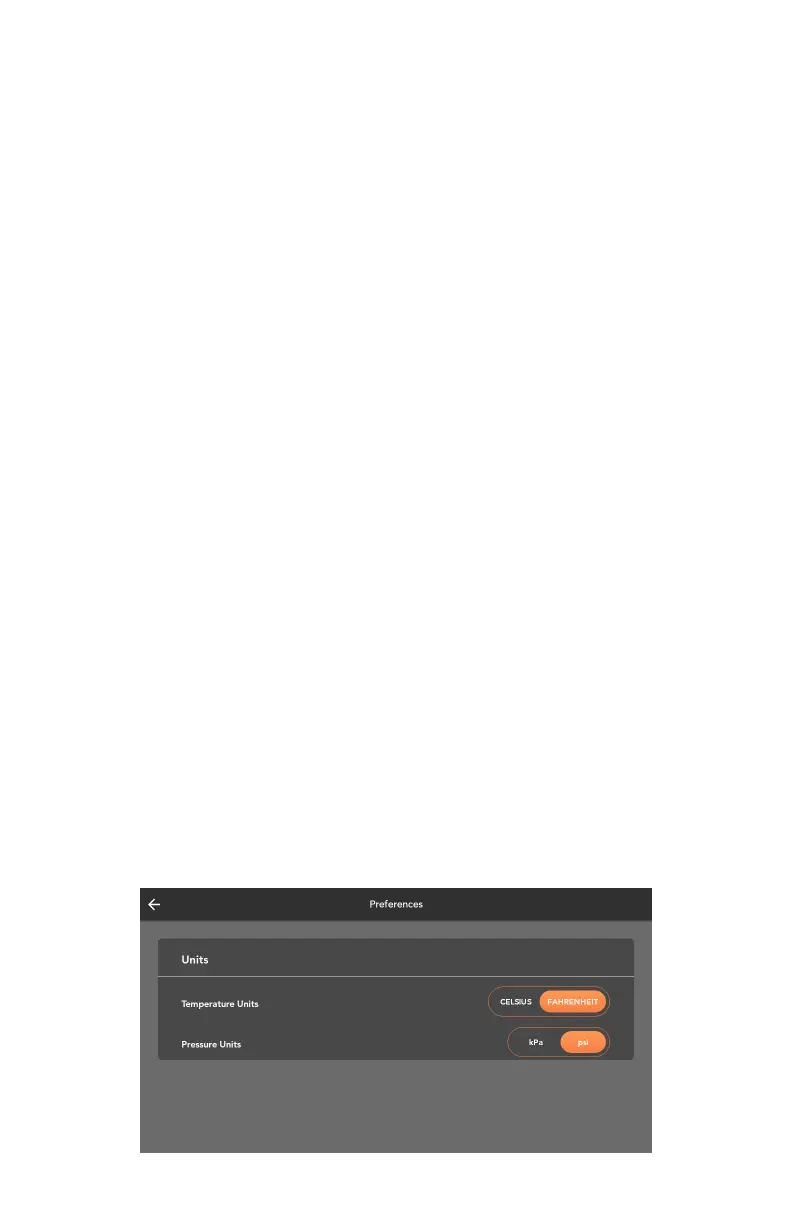
UNIT PREFERENCES
To change temperature or pressure units, go to the settings menu on the
home screen and press Preferences.
From there, temperature units can be toggled between Fahrenheit and
Celsius, and pressure units can be toggled between kPa and psi.
40



 To Next Page