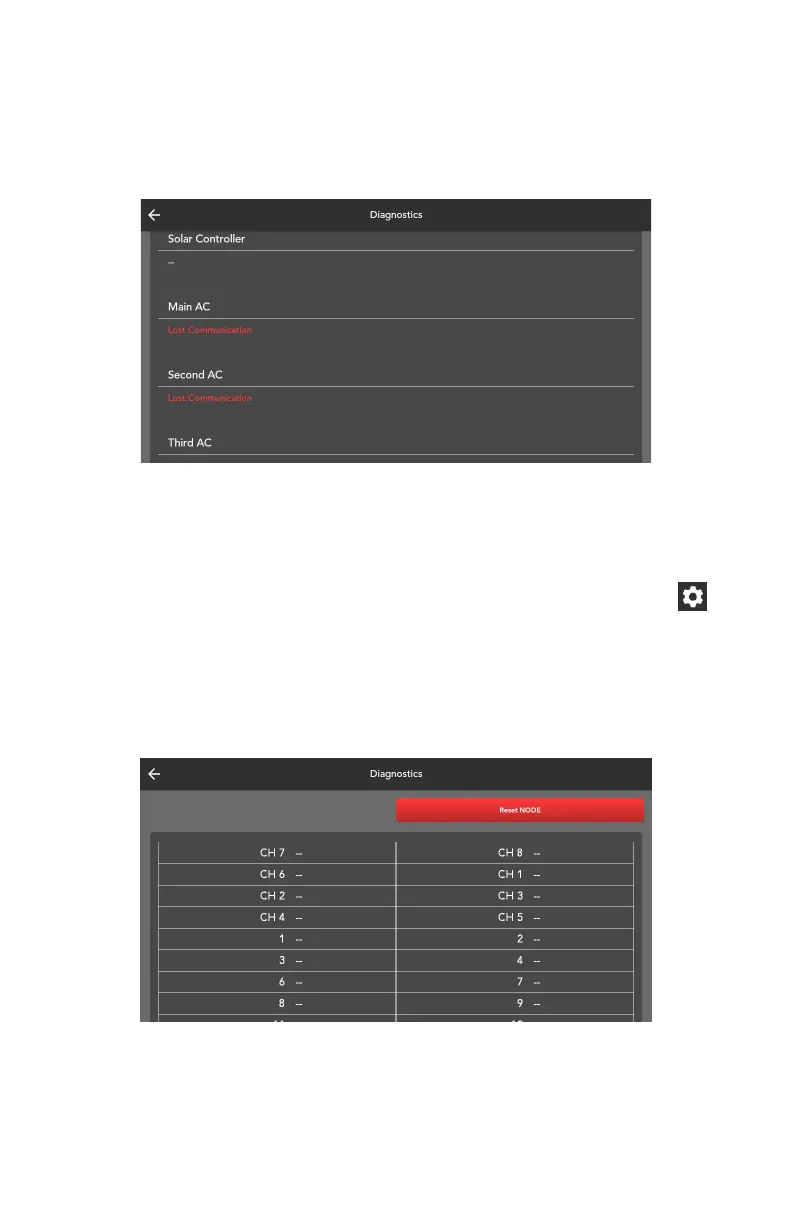
Climate Faults
The Diagnostics screen will display any faults detected in the climate system.
The fault message will disappear from the Diagnostics screen once the fault
has been externally cleared.
Resetting the Node
If the Node is not behaving correctly, you can force reset it.
To reset the Node:
1. In the page navigation sidebar, at the bottom, select the settings icon.
2. Press Diagnostics.
3. Press Reset NODE.
4. In the pop-up, press Confirm.
The Node will now reset.
43



 To Next Page