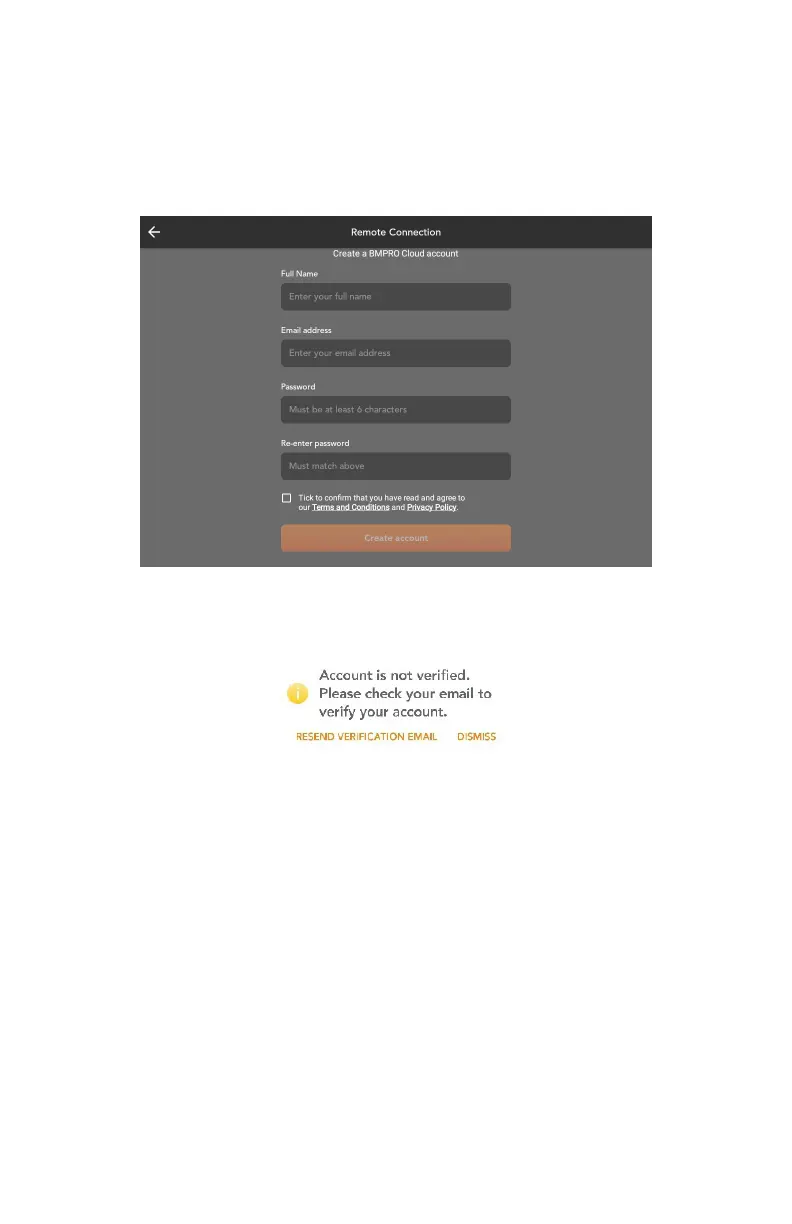
7. Press Create account.
8. An email will be sent to your account to verify your email address. Click on
the link provided in the email to complete verification.
9. Now connect your smart device using your BMPRO account details to get
started.
Press RESEND VERIFICATION EMAIL to complete the email verification
process.
Forgot Your Password
If you have forgotten your Cloud account password, press Forgot your
password in the login screen, enter your email address and press SEND
EMAIL.
Account Not Verified
If the email address was not verified, the following message will appear:
19



 To Next Page