20
User's Manual
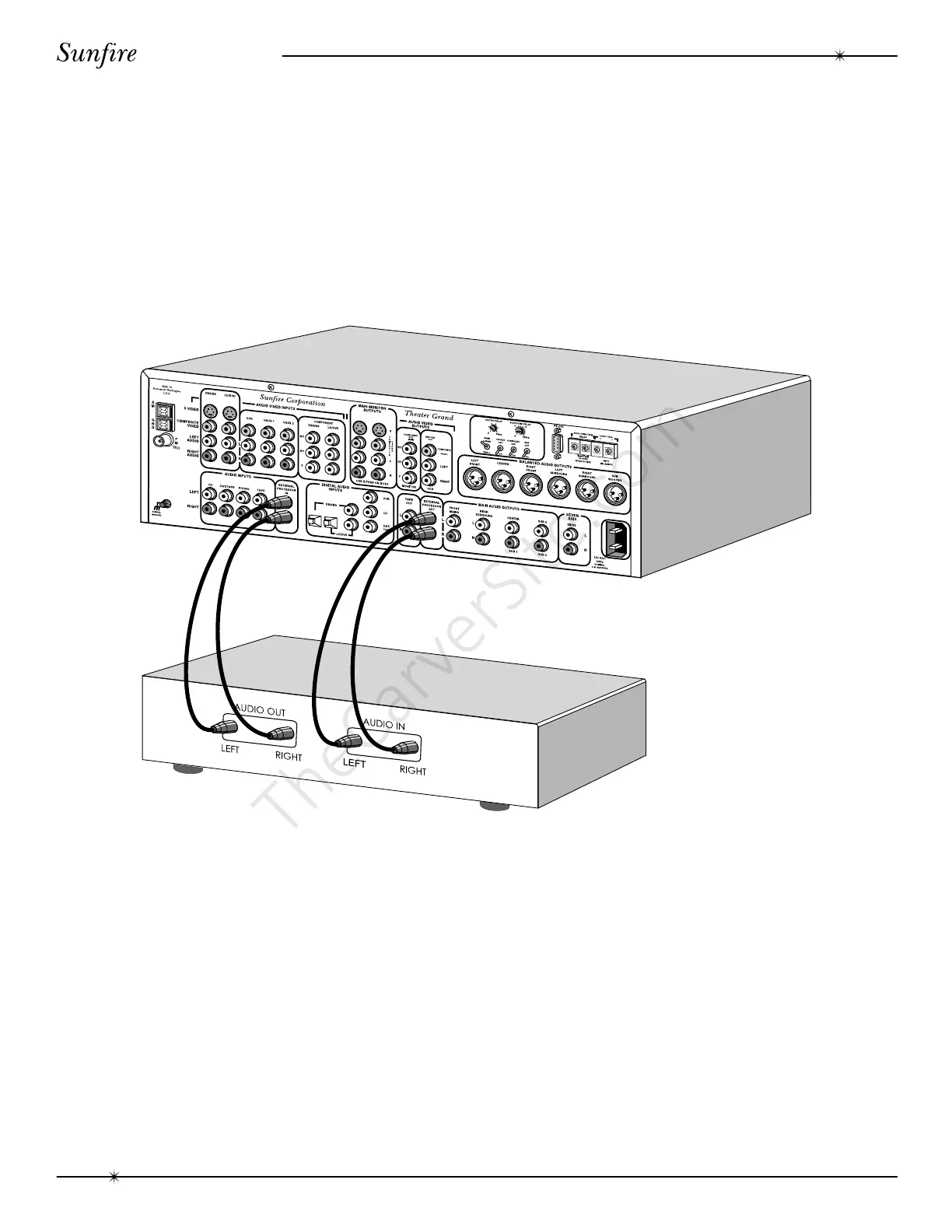
External Processor Connections-analog audio
The external processor loop is engaged
by holding down the front “PANEL DIM”
button until “ADPT ON” appears in the
display. The left and right analog signals will
then pass through the external processor, be
processed or equalized and then sent back in
to the Theater Grand Processor. Hold down
“PANEL DIM” again to disengage the loop.
System Configurations



 To Next Page