33
User's Manual
Touch DSP on the remote until the
desired mode is reached. The choices are:
STEREO
DOLBY PRO LOGIC
3-CHANNEL
CATHEDRAL
JAZZ CLUB
STADIUM
STEREO
This is the conventional two-channel
Stereo mode with sound from your left and
right speakers. In this mode, you can also
select the HOLOGRAPHIC IMAGE to give
more depth and realism.
DOLBY PRO LOGIC
This mode is used when you are playing
source programs which are encoded in Dolby
Pro Logic. You should look for the Dolby
Surround Logo on Video tapes,
LaserDiscs, DVDs, CDs and on the opening
titles of TV programs.
The source signals are decoded by the
Theater Grand Processor into separate
channels: left and right channels for off-
screen imaging, a center channel for most on-
screen dialog, and a surround channel for
ambience and special effects. The surround
speakers are in mono and the subwoofer is
derived from the front channel bass.
3-CHANNEL
This mode is used if you do not have
surround speakers. It allows the left, right and
center channels to play and is used primarily
when listening to Dolby Pro Logic sources.
The center channel will produce most of the
program dialog. The 3 channel mode can also
be used when listening to stereo sources but
the center channel imaging is not as accurate
or predictable as with Dolby Pro Logic.
CATHEDRAL, JAZZ CLUB, STADIUM
In these DSP modes, the surround
speakers simulate the ambiance caused by
rear reflections and effects of the different
venues. These are useful for adding surround
sound effects to stereo sources.
In live musical programs or events, the
rear reflections and ambiance are altered by
the size of the room and the type of wall
surface. In these three DSP modes you can
select different ROOM sizes, choose the type
of WALL surface and select the strength of
the EFFECT.
The following procedure assumes that you
have already completed the level calibration and
have the front and surround channels operating.
You will be using the remote control and
looking at the front panel display window.
1. Touch DSP in the remote’s AMP
display until CATHEDRAL, JAZZ or
STADIUM appear in the front panel
display.
2. Touch SURROUND until the word
EFFECT appears.
3. Touch plus or minus to select from five
choices: EFFECT 1, increasing in
strength through to EFFECT 5.
4. Touch SURROUND once more and
the word WALL appears.
5. Touch plus or minus to select from three
choices: HARD, MEDIUM or SOFT.
6. Touch SURROUND again until the word
ROOM appears.
7. Touch plus or minus to select from three
choices: SMALL, MEDIUM or LARGE.
8. Touch SURROUND once more to
finish this adjustment procedure.
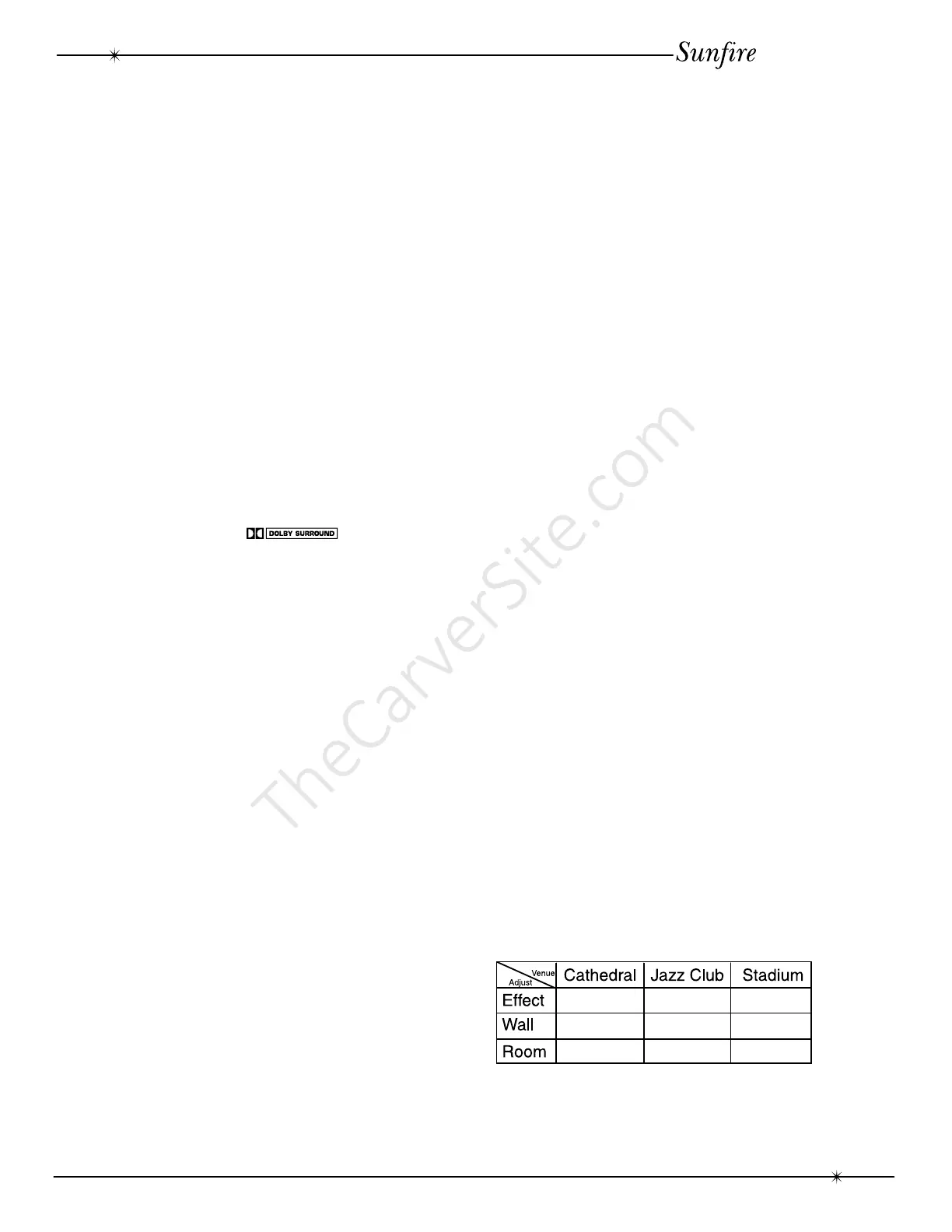
You can play your favorite pieces of
music and experiment until you find the most
natural sounding ambiance. Record the
settings in this table.
The Surround modes
Surround Modes



 To Next Page