Setting Parameters 5.2 Changing Individual Parameters
Page 24 BOGE base control for scroll compressors
2. Press the Info key .
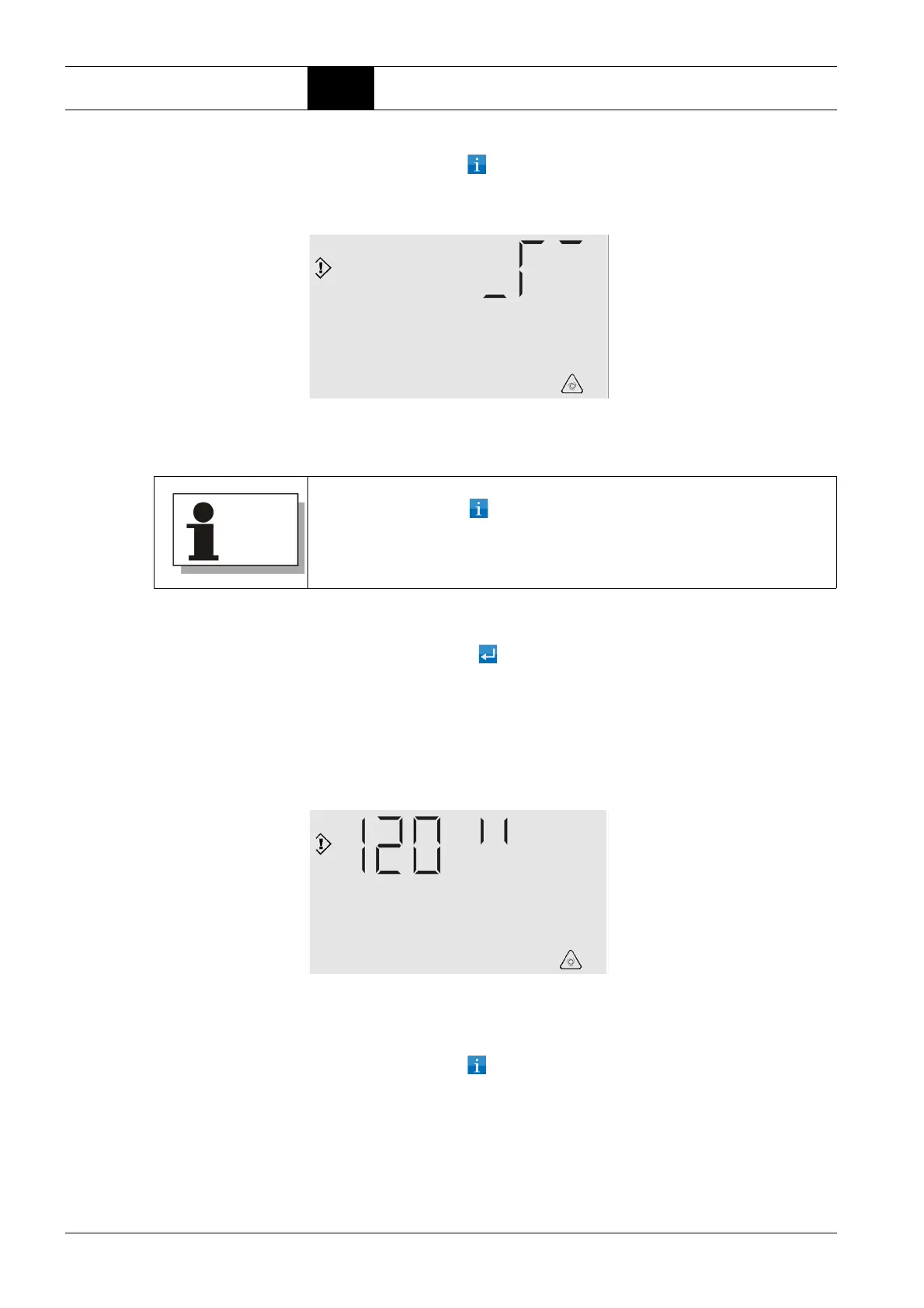
The display for setting the Auto-Restart function appears with the "acti-
vated" selection option.
Fig. 5.2: Auto-Restart display – activated
The flashing curve at the top right means: Auto-Restart.
Once "Auto-Restart" or "no Auto-Restart" has been selected by calling up the
corresponding display (Fig. 5.1 or 5.2):
3. Press the Enter key :
If the "Auto-Restart deactivated" display has been selected:
The main display appears again.
The Auto-Restart function is deactivated.
If the "Auto-Restart activated" display has been selected:
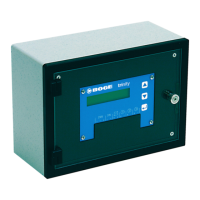
The display for setting the delay time appears:
Fig. 5.3: Auto-Restart display – delay time
The number of seconds for the delay time flashes on the seven-seg-
ment display.
4. Press the Info key until the desired value is displayed.
You can toggle between display 5.1 (deactivated) and 5.2 (activated) by
pressing the Info key .



 To Next Page