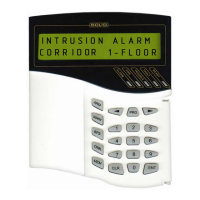
FIRE AND ALARM CONSOLE
42
4-
‘OFF’ for a time given when the device relay output being configured;
5-
blink;
6-
blink;
7-
blink. Initial state is ‘OFF’;
8-
blink. Initial state is ‘ON’.
Attention! The intrusion and fire alarm panelss ignore outputs control commands from
the console, if they control the outputs itself (see intrusion and fire alarm panelss maintenance
guides).
2.2.3.4 ‘S2000-ASPT’ device control
The console allows users to select launching mode for ‘S2000-ASPT’ device, controlling
fire-extinguishing equipment, launch fire-extinguishing equipment and cancel launching.
Selecting fire-extinguishing mode
Type password.
Select ‘MANUAL CONTROL’ menu item by ‘
4’, ‘3’ and
‘ENT’ keys, or press hot key ‘4’.
Select ‘EXTINGUISH’ menu item by ‘
4’, ‘3’ and ‘ENT’
keys, or press hot key ‘2’.
Select ‘LAUNCH MODE’ menu item by ‘
4’, ‘3’ and ‘ENT’
keys, or press hot key ‘1’.
Enter ‘S2000-ASPT’ address (valid value from 1 to 127), or
select valid address value by ‘
4’, ‘3’ key and press ‘ENT’.
Console displays current launching mode. In this example
‘S2000-ASPT’ controls the fire-extinguishing equipment in
manual mode. Press ‘ENT’ to select launching mode.
Select launching mode ‘AUTO’ or ‘MANUAL’ by ‘
4’ and ‘3’
keys, then press ‘ENT’.
If command has succeeded, panel displays new launching mode.
In this example ‘S2000-ASPT’ was switched to ‘AUTO’ mode.
Extinguish equipment manual launch
Type password.
Select ‘MANUAL CONTROL’ menu item by ‘
4’, ‘3’ and
‘ENT’ keys, or press hot key ‘4’.
Select ‘EXTINGUISH’ menu item by ‘
4’, ‘3’ and ‘ENT’
keys, or press hot key ‘2’.
Select ‘LAUNCH/CANCEL’ menu item by ‘
4’, ‘3’ and
‘ENT’ keys, or press hot key ‘2’.
Enter ‘S2000-ASPT’ address (valid value from 1 to 127), or
select valid address value by ‘
4‘, ‘3‘ key and press ‘ENT’. In
this example address 10 was selected.
Console displays current state of ‘S2000-ASPT’ device
controlling the extinguish equipment. In the example below
‘S2000-ASPT’ device is ready for extinguishing equipment
launching if the fire alarm conditions has been detected by fire
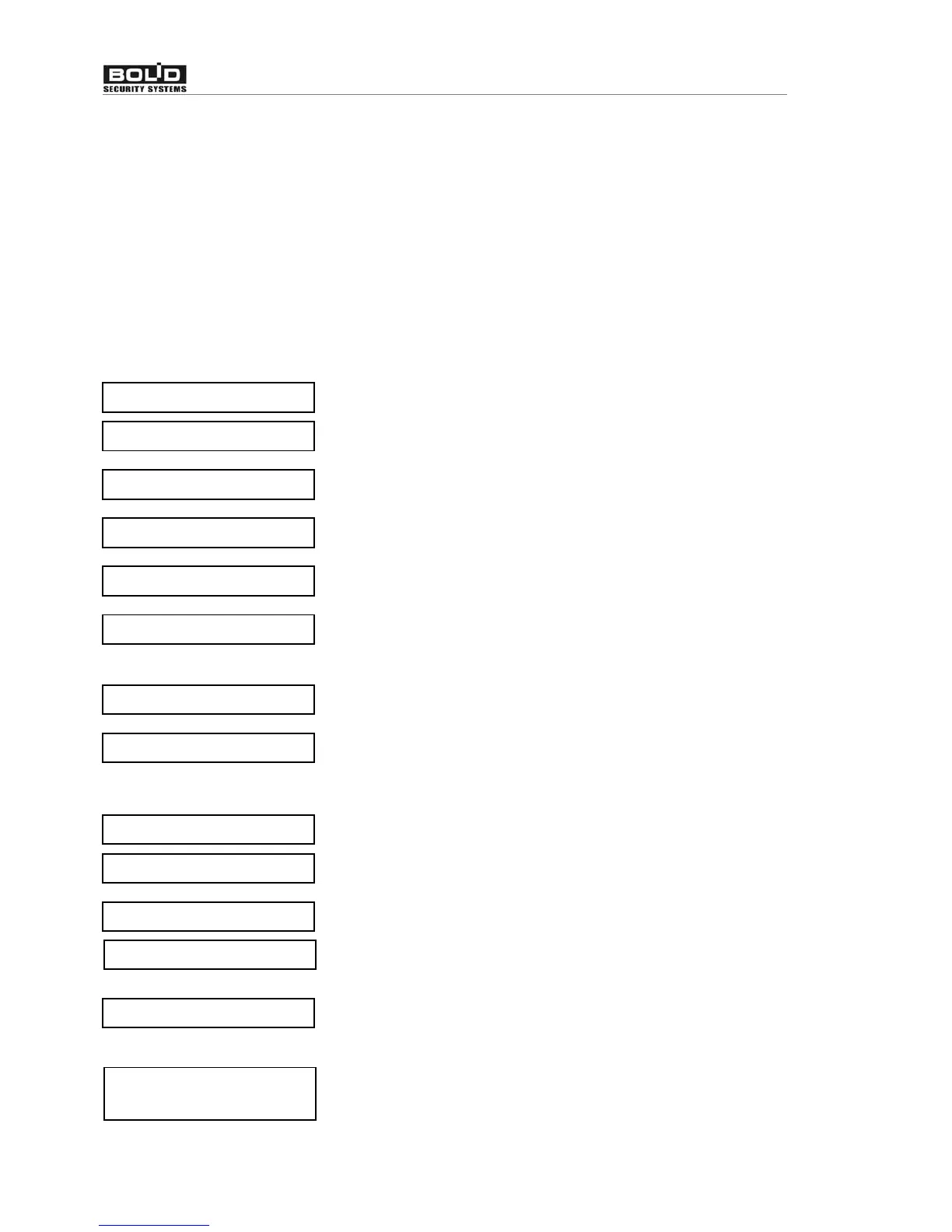
MODE: MANUAL
v AUTO
MODE: AUTO
ENTER CODE:_
v4 MANUAL CONTROL
v42 EXTINGUISH
vLAUNCH MODE
ADDRESS:_
ENTER CODE:_
v4 MANUAL CONTROL
v42 EXTINGUISH
ADDRESS:10_
vLAUNCH/CANCEL
LAUNCH STATE:
ARMED


 To Next Page