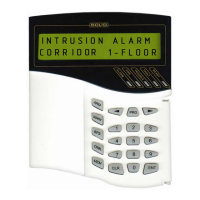
FIRE AND ALARM CONSOLE
48
and connecting device with new address followed by state information. In case of operation
faulting the console makes sound signal ‘Error’ and displays diagnostic message: ‘COMMAND
ERROR: DEVICE OFF LINE’, ‘COMMAND ERROR: UNKNOWN COMMAND’,
‘COMMAND ERROR: ADDR UNKNOWN’ (2-wire device is not connected to ‘S2000-KDL’),
‘COMMAND ERROR: ADDR OCCUPIED’ (programming address has occupied by already
existing 2-wire device) or ‘COMMAND ERROR’ (operation fault).
2-wire device addresses programming
2-wire device address programming should be made if it addresses are unknown. To
programming 2-wire devices address refer to their maintenance guides. Enter the ‘S2000-KDL’
device into address programming mode:
Enter in programming menu (press button ‘PRG’).
Type engineer password.
Select ‘ADDRESSES’ menu item by ‘
4’, ‘3’ and ‘ENT’ keys,
or press hot key ‘3’.
Select ‘2-WIRE DEVICES’ menu item by ‘
4’, ‘3’ and ‘ENT’
keys, or press hot key ‘2’.
Select ‘PROGR ADDRESS’ menu item by ‘
4’, ‘3’ and ‘ENT’
keys.
Enter ‘S2000-KDL’ address (valid value from 1 to 127), or
select valid address value by ‘
4’, ‘3’ keys and press ‘ENT’.
Enter programming 2-wire device address (valid value from 1 to
127), or select valid address value by ‘
4’, ‘3’ keys and press
‘ENT’.
If ‘S2000-KDL’ complete address-programming command,
LCD will displays message ‘ADDR PROGRAMM...’. ‘S2000-
KDL’ enter the address programming mode. Press ‘CLR’ to
cancel address programming.
To programming 2-wire device address make all reguired steps described in device
maintenance guide. The device address having set, ‘S2000-KDL’ automaticalle exit address
programming mode, the console makes sound signal ‘Success’ and displays messages about
device states. If operation faults the console makes sound signal ‘Error’ and displays diagnostic
messages: ‘COMMAND ERROR: DEVICE OFF LINE’, ‘COMMAND ERROR: UNKNOWN
COMMAND’, ‘COMMAND ERROR: ADDR OCCUPIED’ or ‘COMMAND ERROR’.
2.2.4.4 Console extra settings
Console settings include next options:
1)
“ALARM SOUND” is alarm indication mode. This mode can be on or off;
2)
“CODE REQUIRED” is device control function access restriction mode. Device control
functions are protected by passwords, if parameter is on. If parameter is off control functions are
accessible without password by ‘ENT’ key pressing;
3)
“USER CODE PRG” - permission / deny user password changing. If parameter on, user
has opportunity to change its password at console key board (see item 2.2.4.5);
4)
“DEFLT PROTECT” – protection console configuration reset in default values. If
parameter is on, resetting to the default values is prohibited, otherwise configuration resetting is
available, as described in item 2.2.5.
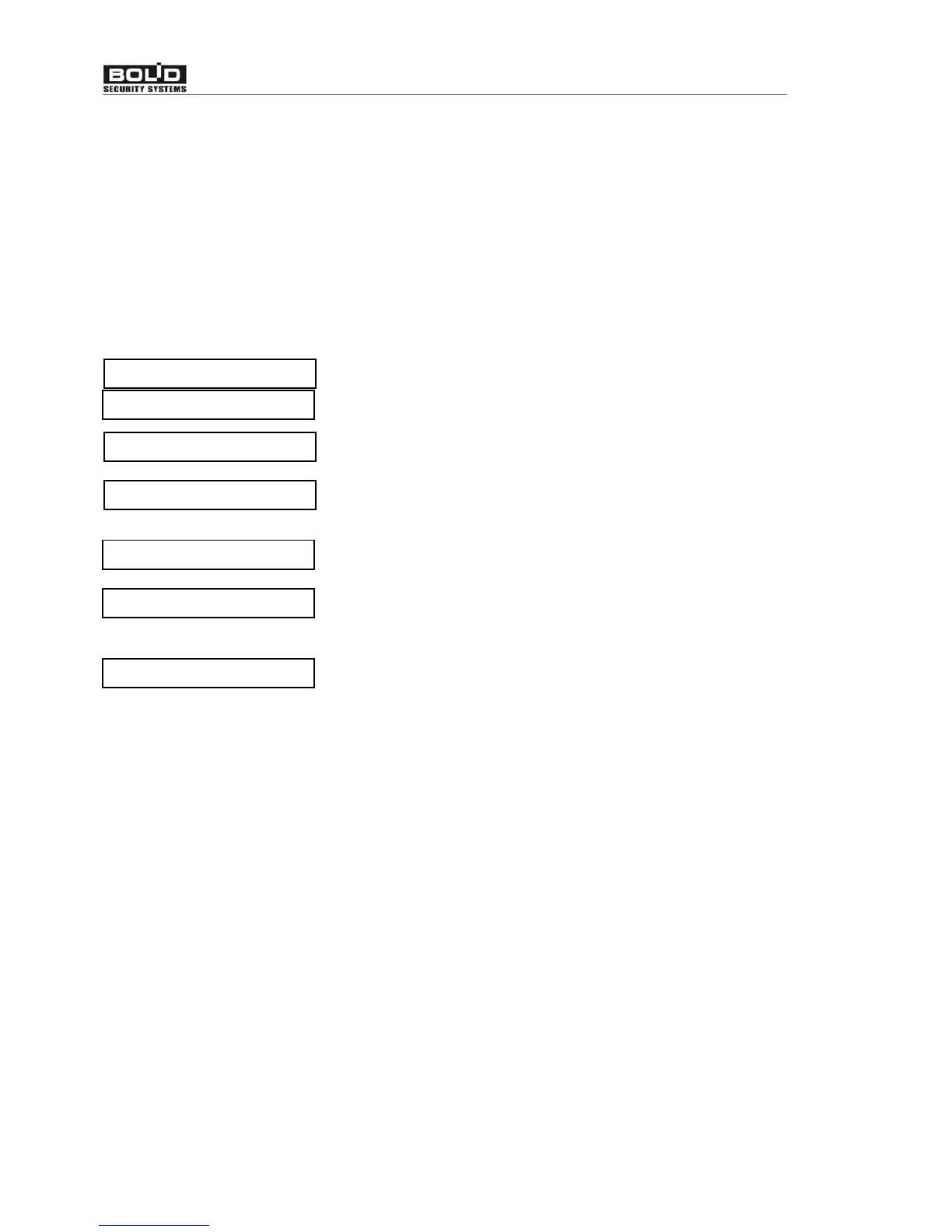
v3 ADRESSES
RS485 ADDR:_
ENTER CODE:_
v2-WIRE DEVICES
v PROGR ADDRESS
CURRENT ADDR:_
ADDR PROGRAMM...


 To Next Page