S2000M MAINTENANCE GUIDE
47
LCD displays current correction value (0 for our example). By
means of ‘
4‘ and ‘3‘keys select new correction value and
press ‘ENT’.
Date setting
Enter the programming menu (press button ‘PRG’).
Type engineer password.
Select ‘DATE’ menu item by ‘
4’, ‘3’ and ‘ENT’ keys, or
press hot key ‘2’.
LCD displays current date in DD.MM.YY format (day, month
and year). Input new date.
2.2.4.2 RS-485 device address changing
Enter in programming menu (press button ‘PRG’).
Type engineer password.
Select ‘ADDRESSES’ menu item by ‘
4’, ‘3’ and ‘ENT’ keys,
or press hot key ‘3’.
Select ‘RS485 DEVICES’ menu item by ‘
4’, ‘3’ and ‘ENT’
keys, or press hot key ‘1’.
Enter current device address (valid value from 1 to 127), or
select valid address value by ‘
4’, ‘3’ keys and press ‘ENT’.
Enter new device address (valid value from 1 to 127), or select
valid address value by ‘
4’, ‘3’ keys and press ‘ENT’.
2.2.4.3 2-wire devices adresses changing and programming
2-wire devices addresses changing
2-wire devices address can be changed in case of it is known.
Enter in programming menu (press button ‘PRG’).
Type engineer password.
Select ‘ADDRESSES’ menu item by ‘
4’, ‘3’ and ‘ENT’ keys,
or press hot key ‘3’.
Select ‘2-WIRE DEVICES’ menu item by ‘
4’, ‘3’ and ‘ENT’
keys, or press hot key ‘2’.
Select ‘CHANGE ADDRESS’ menu item by ‘
4’, ‘3’ and
press ‘ENT’.
Enter ‘S2000-KDL’ address (valid value from 1 to 127), or
select valid address value by ‘
4‘, ‘3‘ keys and press ‘ENT’.
Enter 2-wire device address (valid value from 1 to 127) to be
changed, or select valid 2-wire device address value by ‘
4’,
‘
3’ keys and press ‘ENT’.
Enter new 2-wire device address (valid value from 1 to 127), or
select new 2-wire device address value by ‘
4’, ‘3’ keys and
press ‘ENT’.
If command has successfully completed, console makes sound signal ‘Success’, and
‘S2000-KDL’ sends console the message about disconnecting of 2-wire device with old address
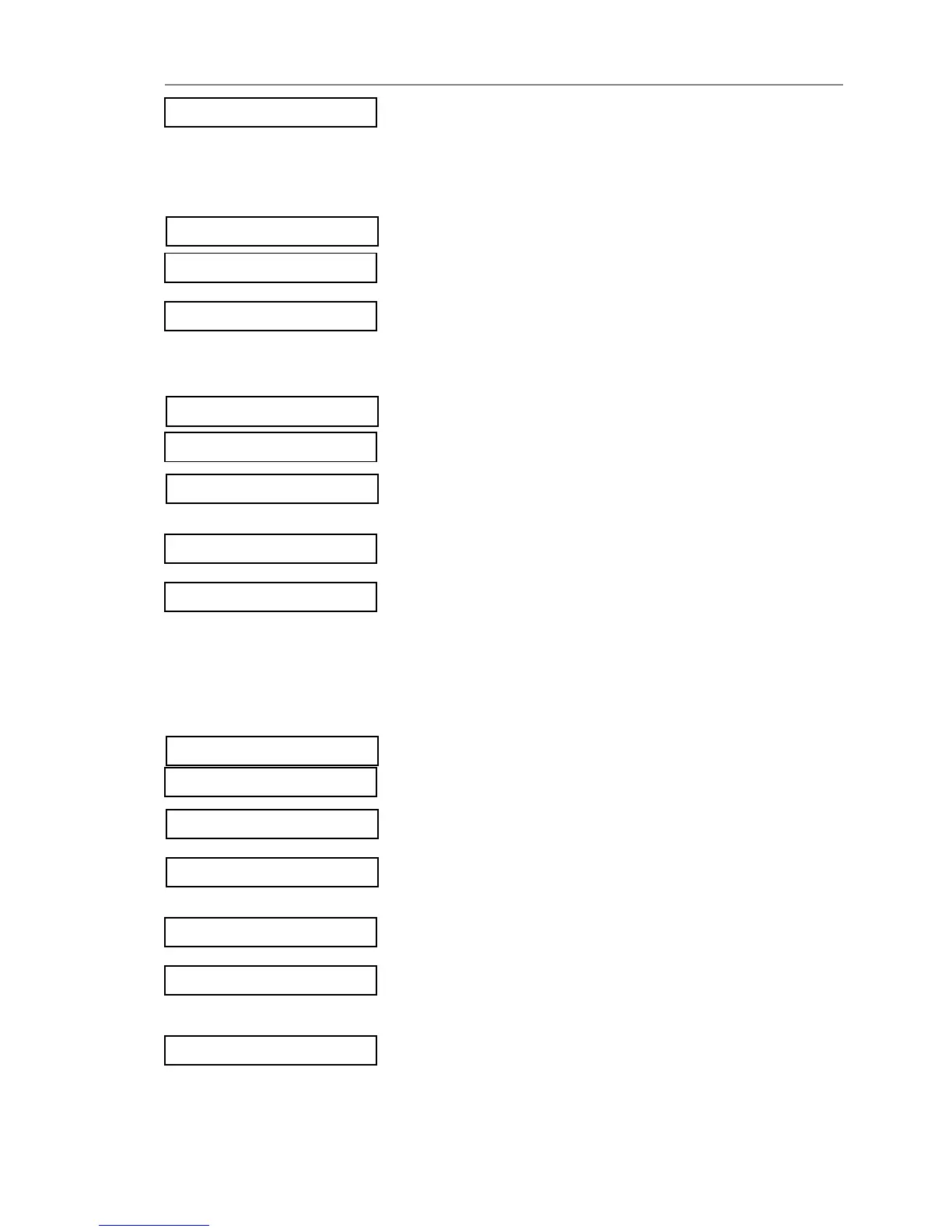
v2 DATE
DATE: DD.MM.YY
v3 ADDRESSES
ADDRESS:_
NEW ADDRESS:_
SEC/DAY: 0
ENTER CODE:_
ENTER CODE:_
vRS485 DEVICES
v3 ADDRESSES
RS485 ADDR:_
ENTER CODE:_
v2-WIRE DEVICES
vCHANGE ADDRESS
CURRENT ADDR:_
NEW ADDR:_


 To Next Page