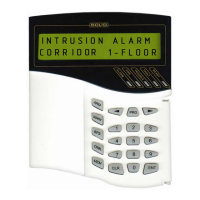
S2000M MAINTENANCE GUIDE
43
detectors, or manual alarm call pointhas been activated,or
manual launching command has been given.
Select ‘LAUNCH’ for selecting launching command and press
‘ENT’.
Press ‘ENT’ to confirm launch and launching procedure will be
started.
The console will display the new state of ‘S2000-ASPT’ device.
‘S2000-ASPT’ device enter the launching delay mode. If it is
necessary to cancel launching press ‘ENT’,
then select ‘CANCEL’ and press ‘ENT’.
The extinguishing equipment launch has canceled.
2.2.3.5 Request for loop state
Type password.
Select ‘REQUEST INFO’ menu item by ‘
4’, ‘3’ and ‘ENT’
keys, or press hot key ‘5’.
Select ‘ZONE STATE’ menu item by ‘
4’, ‘3’ and ‘ENT’
keys, or press hot key ‘1’.
Enter device number (valid value from 1 to 127), or select valid
address value by ‘
4’, ‘3’ key and press ‘ENT’.
Enter loop number, or select valid address value by ‘
4’, ‘3’
key and press ‘ENT’.
If the state was got it is displayed in following format:
‘
v device address / loop number: state’. In this example selected
loop has ‘ARM FAILED’ state. Each 0,5 seconds the console
automatically reguests state of selected alarm loop. Use the ‘
4’,
‘3’ keys to view states of other loops of selected device. The
loop states are described in appendix B.
2.2.3.6 Alarm loop resistance measurement
This command allows estimating loop resistance value, device power voltage, the
temperature or smokiness. The estimated value depends on intrusion and fire alarm panels being
in use. The intrusion and fire alarm panels can return either non-dimentional value given by
ADC or measured value supplied by corresponding physical unit.
Type password.
Select ‘REQUEST INFO’ menu item by ‘
4’, ‘3’ and ‘ENT’
keys, or press hot key ‘5’.
Select ‘ZONE ADC’ menu item by ‘
4’, ‘3’ and ‘ENT’ keys,
or press hot key ‘2’.
Enter the device adddress (valid value from 1 to 127), or select
valid address value by ‘
4’, ‘3’ key and press ‘ENT’.
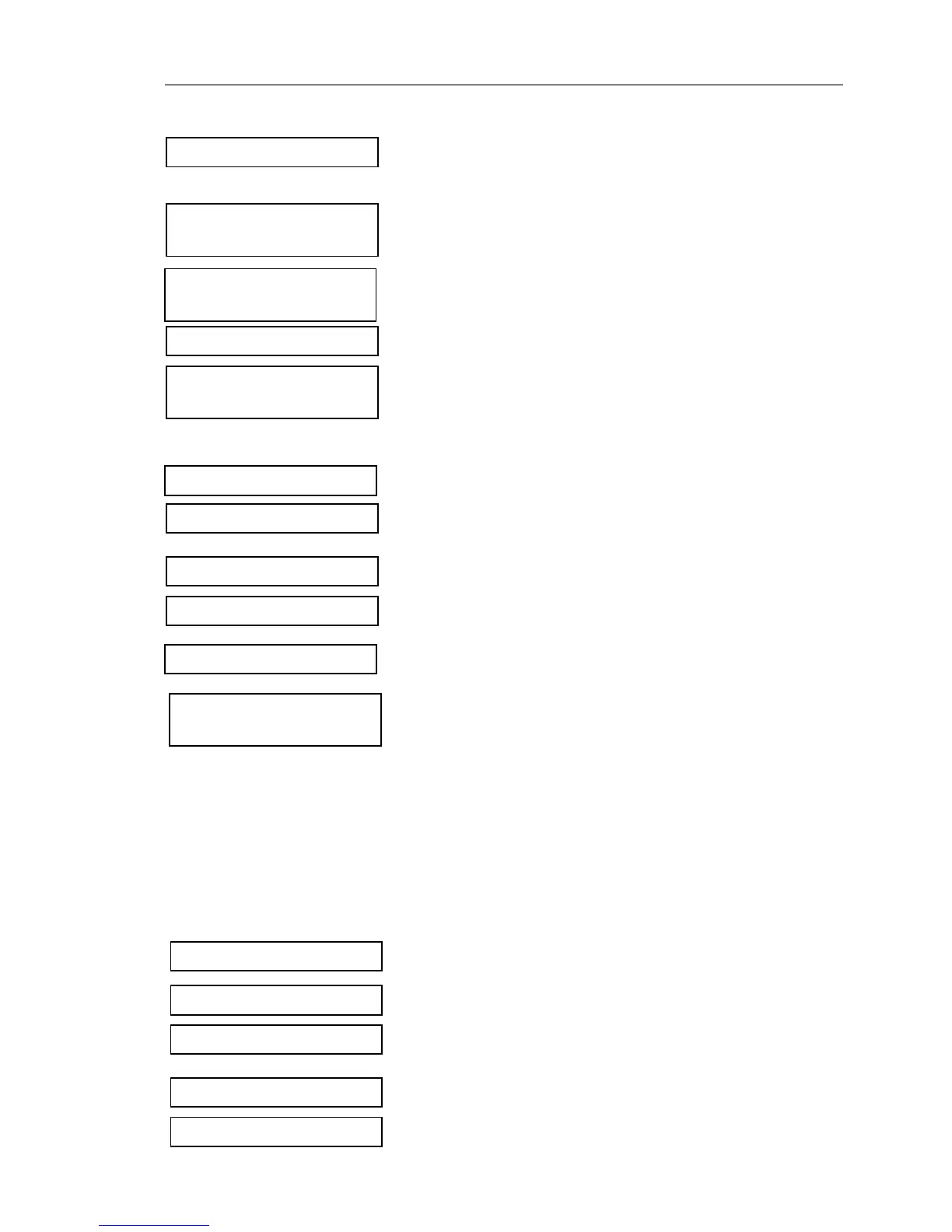
ENTER LOOP#:17_
v002/017:
ARM FAILED
ENTER LOOP#:17_
ENTER CODE:_
v5 REQUEST INFO
ENTER CODE:_
v5 REQUEST INFO
ADDRESS:_
vLAUNCH
CONFIRM LAUNCH
DEVICE: 10
LAUNCH STATE:
LNCH DELAY
vCANCEL
LAUNCH STATE:
ARMED
v51 ZONE STATE
ADDRESS:2_
v52 ZONE ADC


 To Next Page