CADENCE (CAD)
Cadence is how fast you are pedaling, counted as the number of complete
revolutions per minute (RPM) of the crankset.
Cadence Sensor
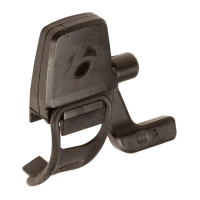
The sensor for cadence is attached to the left chainstay of your bicycle. The
cadence magnet must be correctly located on the crankarm. The sensor must
be switched to ON and send a signal.
Features of Cadence Function
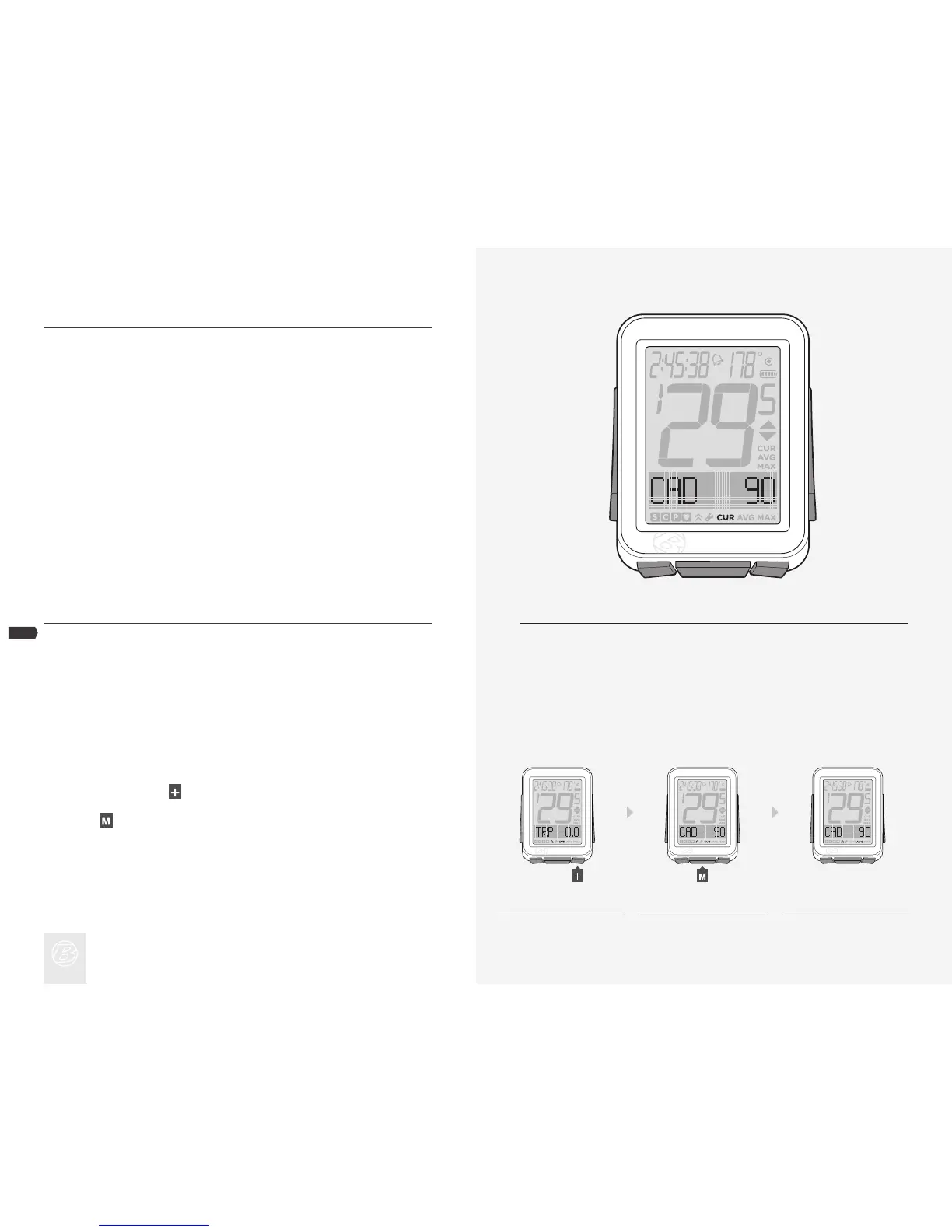
When displaying the cadence function, the lower section of the screen displays
CAD (Figure 11). The NODE can display Current (CUR), Average (AVG), and
Maximum (MAX) cadence.
Viewing Cadence CUR AVG MAX
NOTE
In Ride Mode, scroll to CAD.
Scroll
.
CUR changes to AVG, which changes to MAX.
1.
2.
3.
Figure 11. Cadence Function.
1. 2. 3.











 To Next Page