TIME
The NODE works with time in two ways:
· Time of Day (clock)
HH:MM hours and minutes
· Ride time (stopwatch)
HH:MM:SS, hours, minutes, and seconds
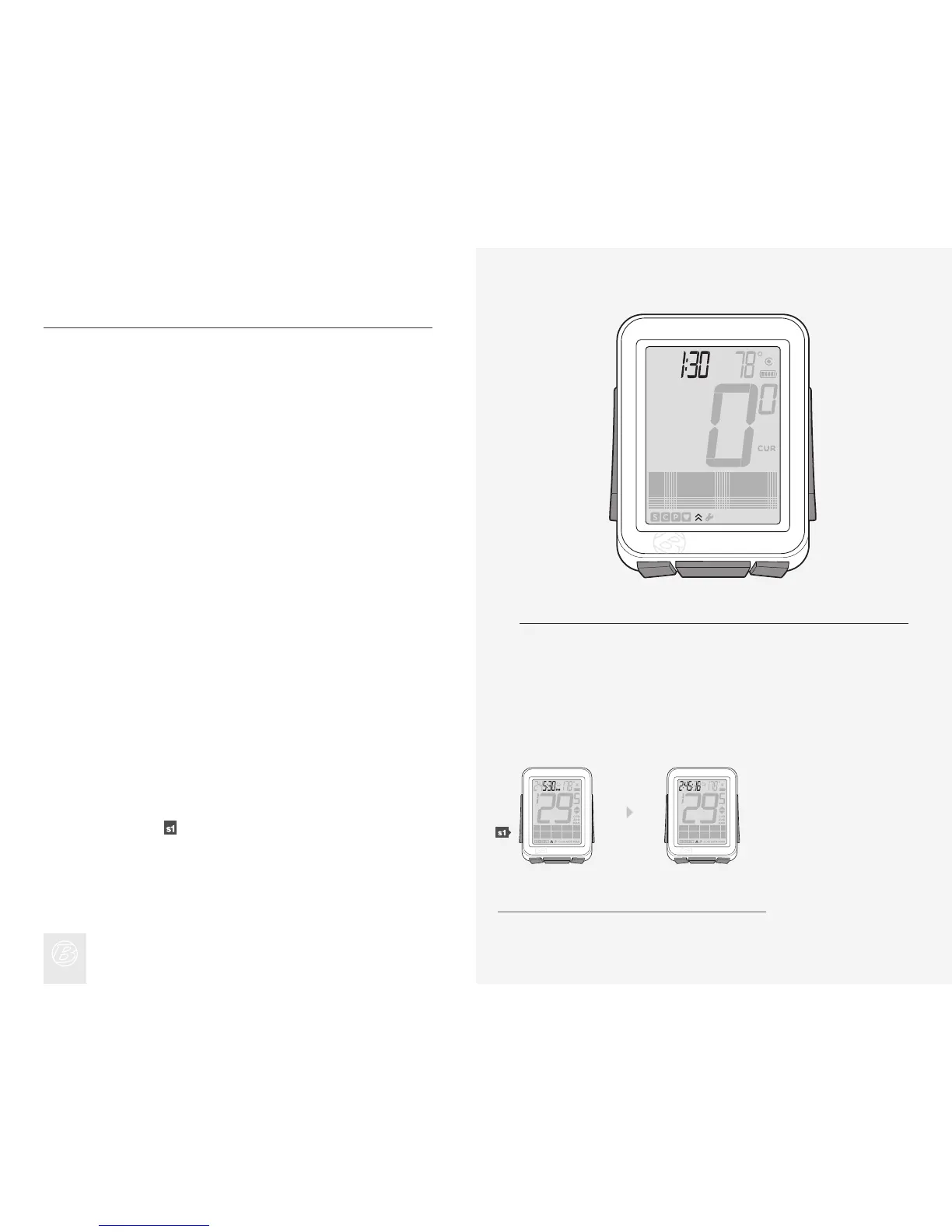
In Ride mode, the time function always displays (Figure 20).
Ride time data is erased in a Trip Restart, but the Clock setting is not. When the
Ride Time clock goes past 9:59:59, the rst digit changes to show an H along
with hours and minutes (H:00:00).
Viewing Clock and Ride Time
In Ride mode, hold for three seconds to toggle Clock and Ride Time.1.
Figure 20. Time Function.
1.











 To Next Page