NUTRITION TIMER
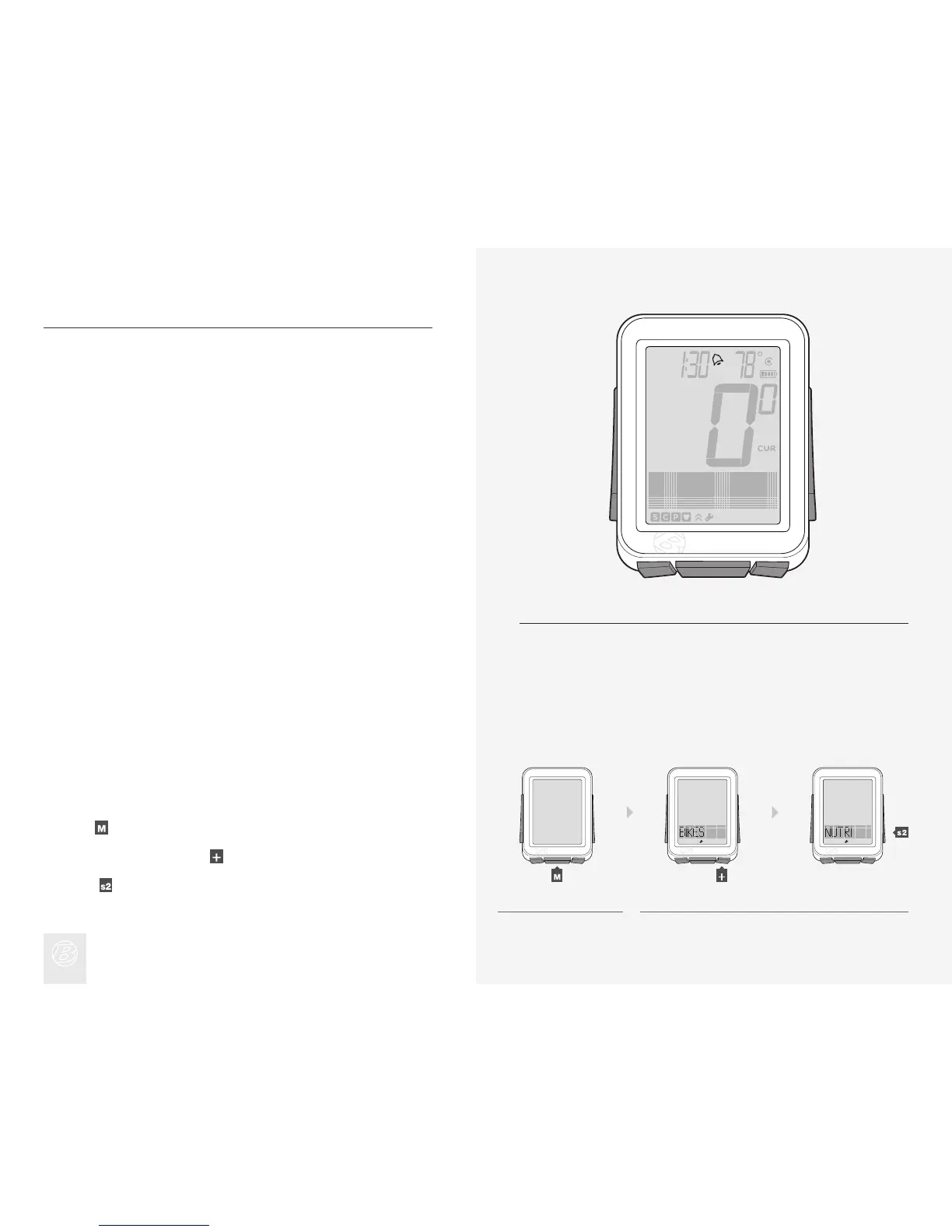
The nutrition alarm displays an alarm bell (Figure 21) to remind you to eat at
intervals you select. The intervals are based on the ride time clock, not the time
of day, so the nutrition timer shows time as hours and minutes (HH:MM).
Setting Nutrition Alarm
Hold for three seconds to go to Setting mode.
When BIKES appears, scroll
to NUTRI.
Press
.
1.
2.
Figure 21. Nutrition Timer Alarm.
1. 2.
(3 sec)











 To Next Page