26
43 44
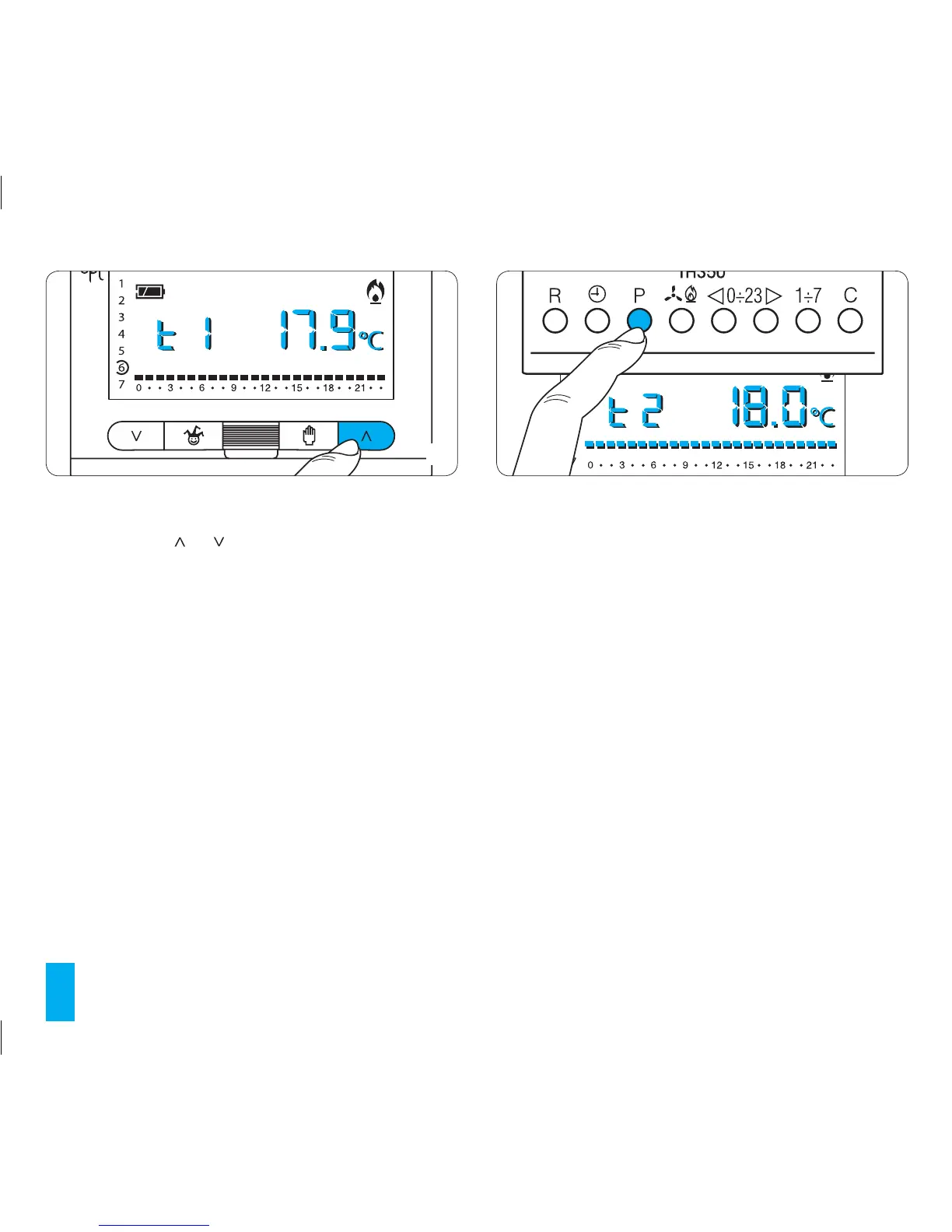
7.5- Use buttons or (fig. 43) to set the desired tem-
perature for T1.
7.6- Press button P to confirm the temperature shown
on the display and pass on to the next temperature level
(fig. 44).
Note. The value assigned to each temperature range is
limited to the values of the range just above or below. For
example, if range T3 corresponds to 20°C and range T1
corresponds to 16°C, the value for range T2 can only vary
between 16.1°C and 19.9°C. If a different temperature
range for T2 is required, for example 21°C, then the range
for T3 must be set at 21.1°C.
7.7- To change the other temperature ranges repeat the
steps described at points 7.4 and 7.5.
The entire graph for the ‘Daily’ programme reappears to
confirm that programming of the temperature ranges has
been completed.
10 seconds after the last action the unit exits the proce-
dure and accepts as valid the data inserted up to that
moment.
7.8- Reinsert the main unit of the thermostat.



 To Next Page