ES Range Product Manual
Version 2.9
© Copyright Brainboxes Limited 2013
Page 26 of 66
Restore Defaults: Pressing this button will reset all settings on this Property Page back to the factory
defaults of this device. The default settings for this Property Page are “RS-422 full duplex mode”.
RS-485 Half Duplex Autogating Mode (ES-357 Only)
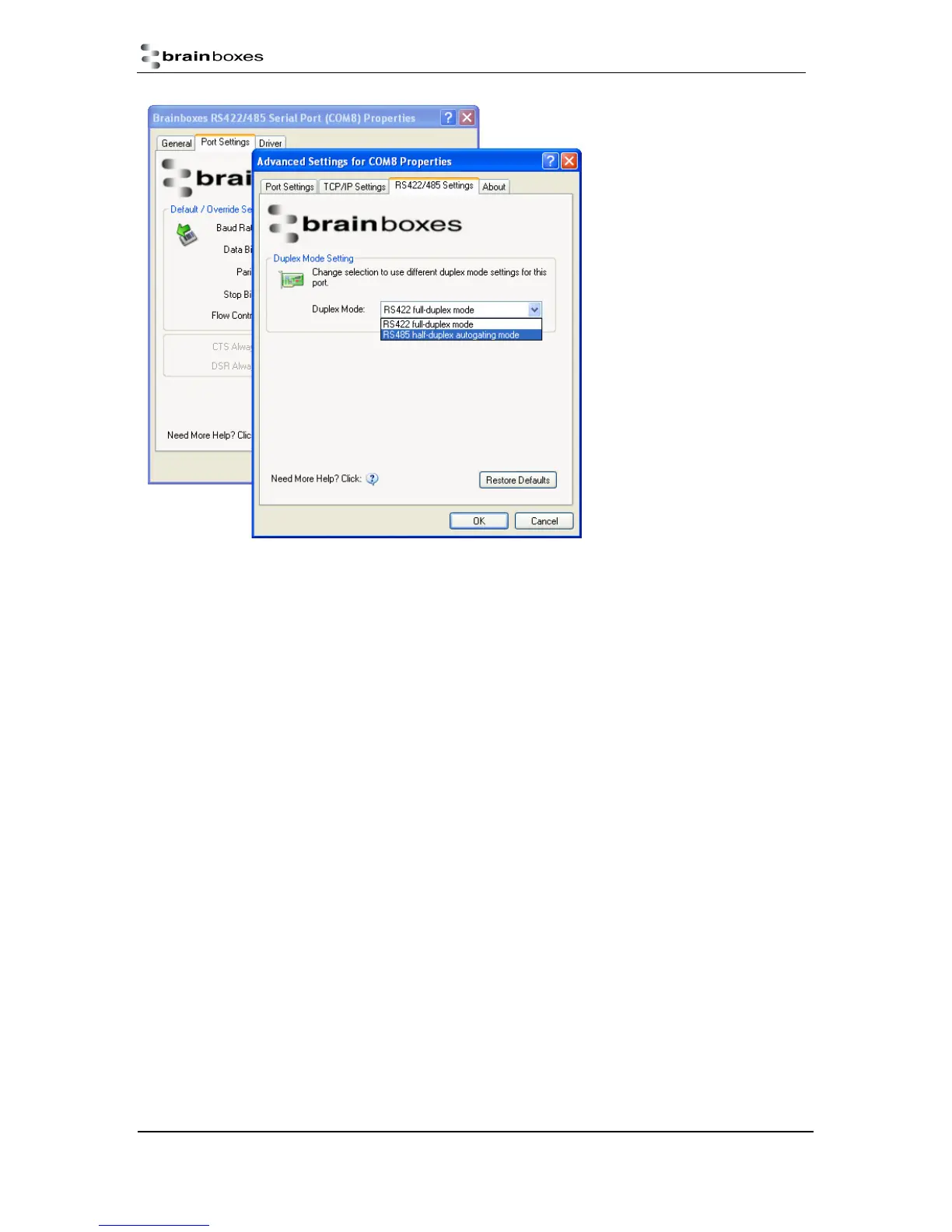
For the RS-422/485 port on the ES-357, there is an additional tab in the Advanced Settings of the
Windows COM port to allow you to change duplex mode to half duplex autogating mode. The factory
default setting is RS-422 full-duplex mode.
When the duplex mode is set to half duplex autogating the ES device will automatically detect the
start of the PC’s transmissions and will gate the PC’s transmitter onto the twisted pair cable. It will
then automatically detect the stop bit being sent and gates the port off the twisted pair cable.



 To Next Page