ES Range Product Manual
Version 2.9
© Copyright Brainboxes Limited 2013
Page 29 of 66
7. Finding your Brainboxes COM port
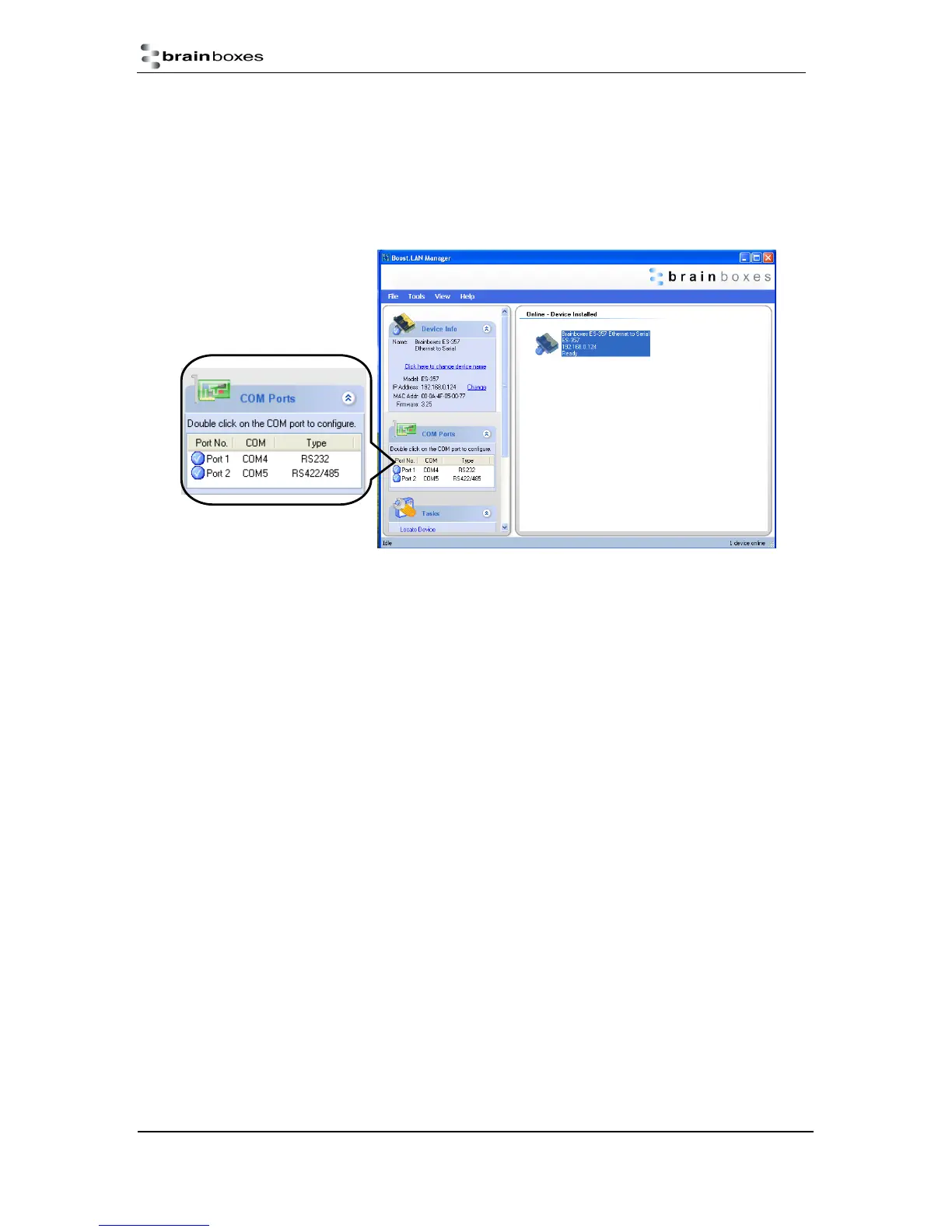
1. Open Boost.LAN Manager (Found by clicking Start All Programs Brainboxes
Boost.LAN Boost.LAN Manager)
2. Click on your ES Device
3. Find the “COM ports” section on the left hand pane.
To change your COM label, see Section 9 - Changing your COM label



 To Next Page