ES Range Product Manual
Version 2.9
© Copyright Brainboxes Limited 2013
Page 41 of 66
It is recommended when using Boost.LAN Manager that you install the driver before turning off the
UPnP. This will ensure that when Boost.LAN is opened, the installed device will be displayed in the
Boost.LAN device manager panel.
Transmission Interval
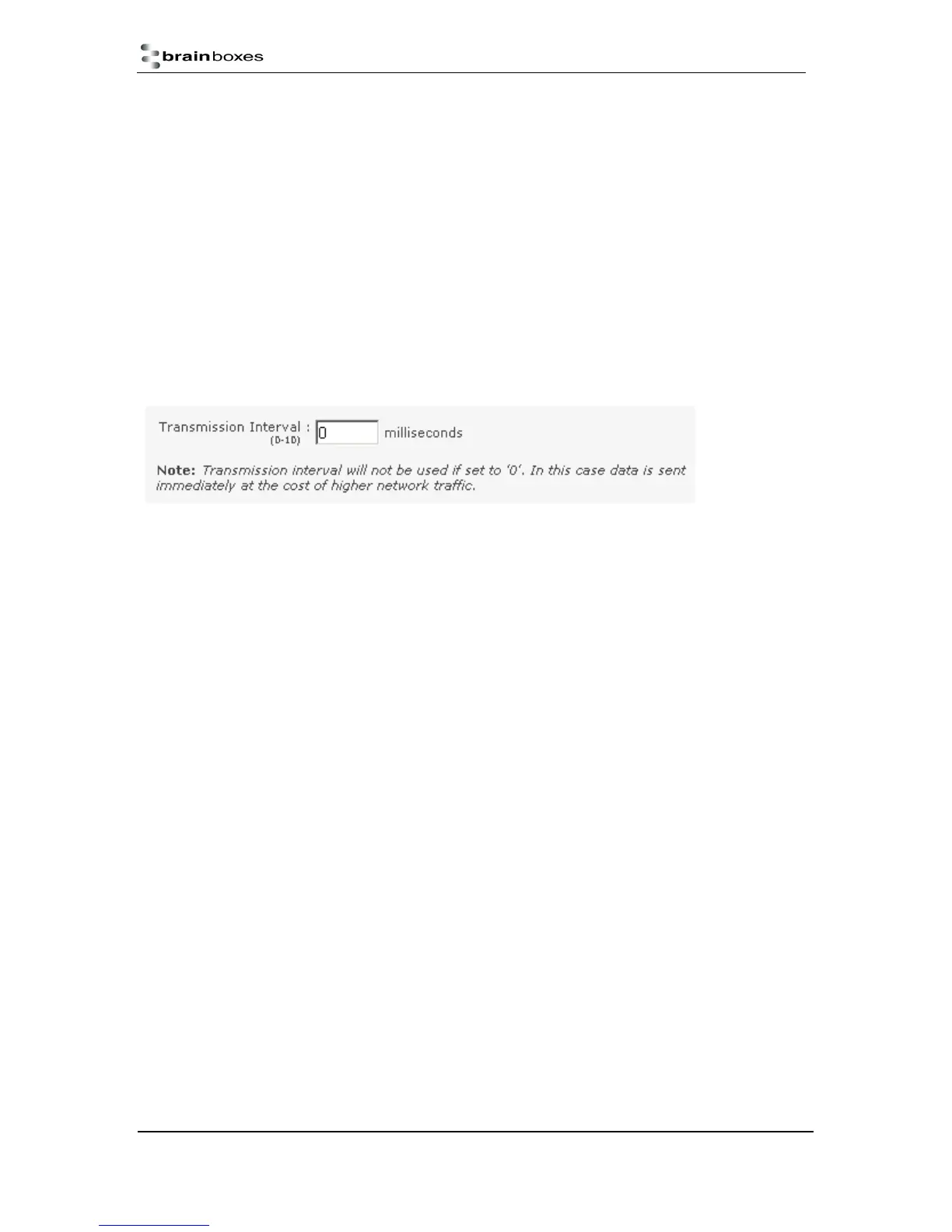
The transmission interval can be set via the web configuration page. The factory default for the
Transmission Interval is set to 0. With the transmission interval set to 0 milliseconds, the incoming
data is transmitted straight away, in small bytes which cause a lot of network traffic and high CPU
usage on the PC receiving the data.
When there is a transmission interval set, there is a delay on sending the data. The first byte of data
that comes in is sent immediately but after this no further data is sent until the transmission interval
time has passed. The ES device then accumulates any further bytes of data and then sends them all
together in one large chunk after the transmission interval, reducing network traffic and CPU usage.



 To Next Page