ES Range Product Manual
Version 2.9
© Copyright Brainboxes Limited 2013
Page 54 of 66
16. Uninstallation
It is possible to uninstall individual ES devices from your computer or remove the complete Boost.LAN
Suite.
Complete Boost.LAN Suite Uninstallation.
This will remove all Brainboxes Boost.LAN related software, including the Boost.LAN Manager and
device driver.
This can be done at any time, with or without the device connected. The uninstallation steps below
are applicable to all devices in the ES Ethernet to Serial range.
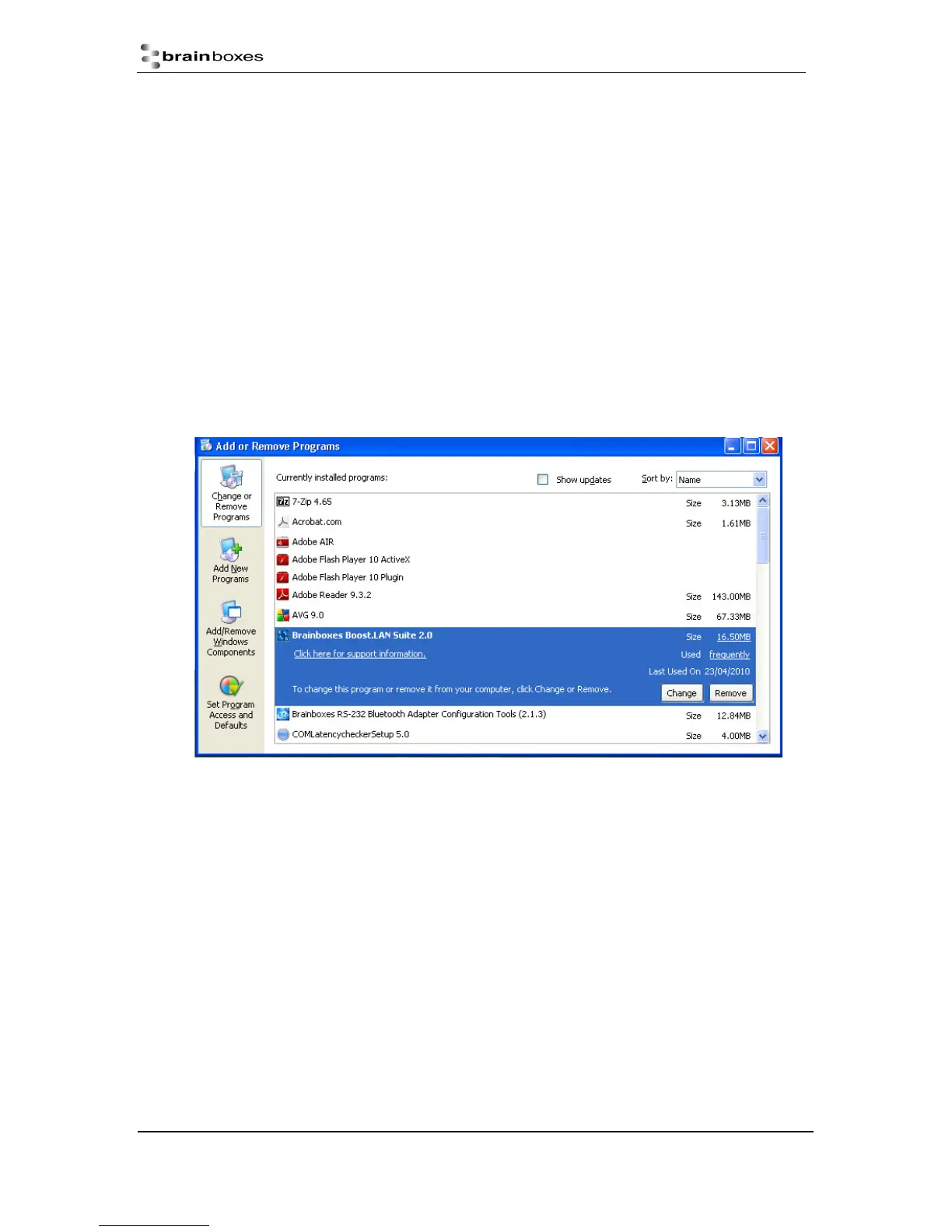
1) Open Control Panel, and then open “Add or Remove Programs”
2) Click on the “Brainboxes Boost.LAN Device Driver Suite” and then click Remove
3) The Brainboxes Boost.LAN Suite will then be uninstalled.
Individual Device Uninstallation
This can be done at any time, with or without the device connected. The un-installation steps below
are applicable to all devices in the ES Ethernet to Serial range.
1) Open the Boost.LAN Manager
2) Find and select your ES device
3) Click “Remove Device” on the left hand panel
4) Once the device is removed, it will be listed in the “Online – Driver not installed” section.
When finished, you may disconnect your ES device. To reinstall, simply follow the installation
instructions as in Section 4



 To Next Page