ES Range Product Manual
Version 2.9
© Copyright Brainboxes Limited 2013
Page 52 of 66
15. Firmware Upgrade
To upgrade your firmware to the latest release by Brainboxes follow the instructions below:
NB: If you have firmware 3.12 or older we recommend running the firmware upgrade with the ES
device connected directly into the PC using an Ethernet cable.
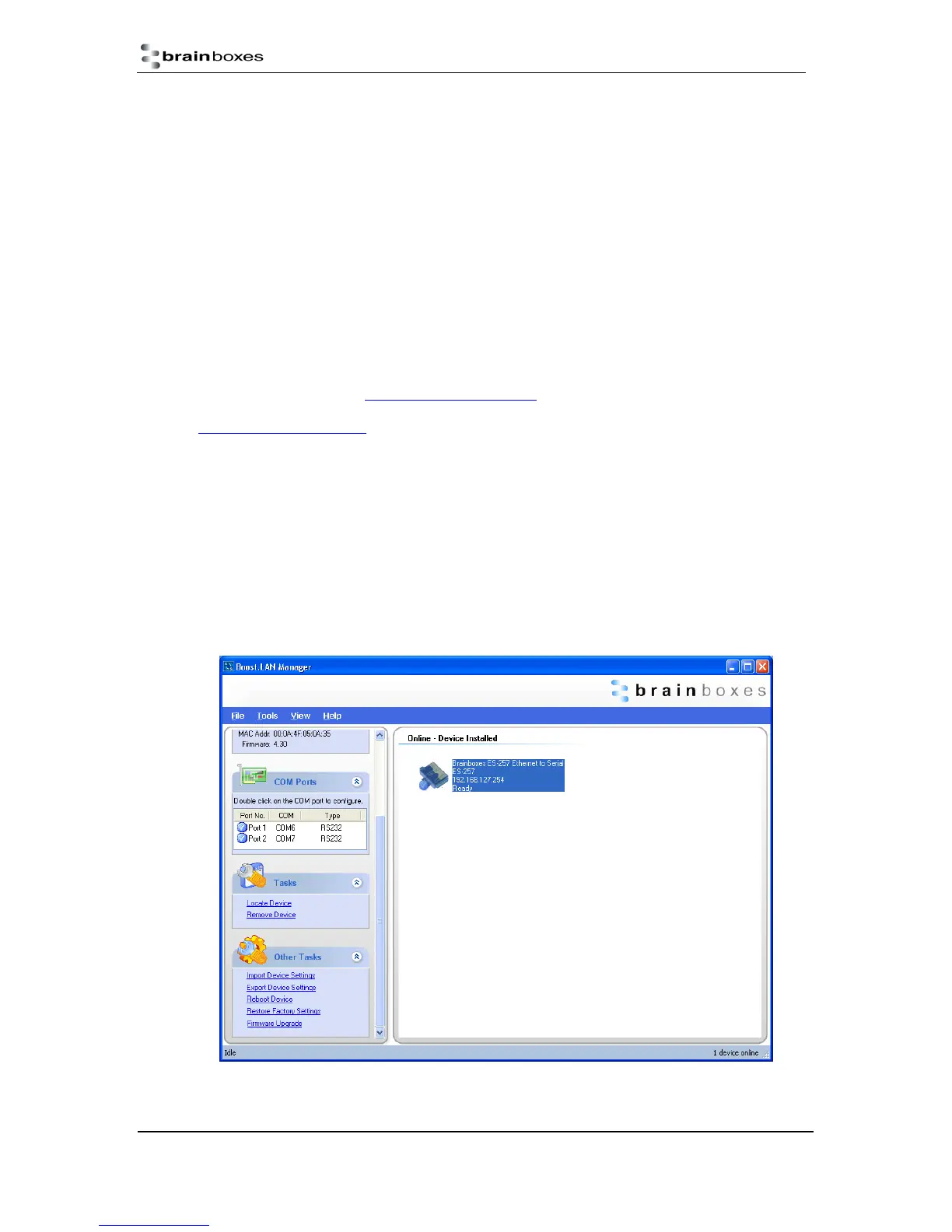
1) Open Boost.LAN Manager
2) Select your device from the Boost.LAN window.
3) Make a note of the current firmware version on the left hand panel.
4) Close Boost.LAN Manager.
5) Visit Brainboxes website, www.Brainboxes.com/faqs and locate the latest firmware version for
your device. Alternatively, contact Brainboxes Technical Support via
support@Brainboxes.com and request the latest firmware version be sent to you.
6) If the firmware online or received by Brainboxes Technical Support is a later version,
download and save the file to a location you will remember
i. If the firmware is NOT a later version, do not proceed with the upgrade.
7) Open the Boost.LAN Manager
8) Select your device
9) Go to the left hand panel and select “Firmware Upgrade”



 To Next Page