ES Range Product Manual
Version 2.9
© Copyright Brainboxes Limited 2013
Page 48 of 66
4) Select “Export Settings”
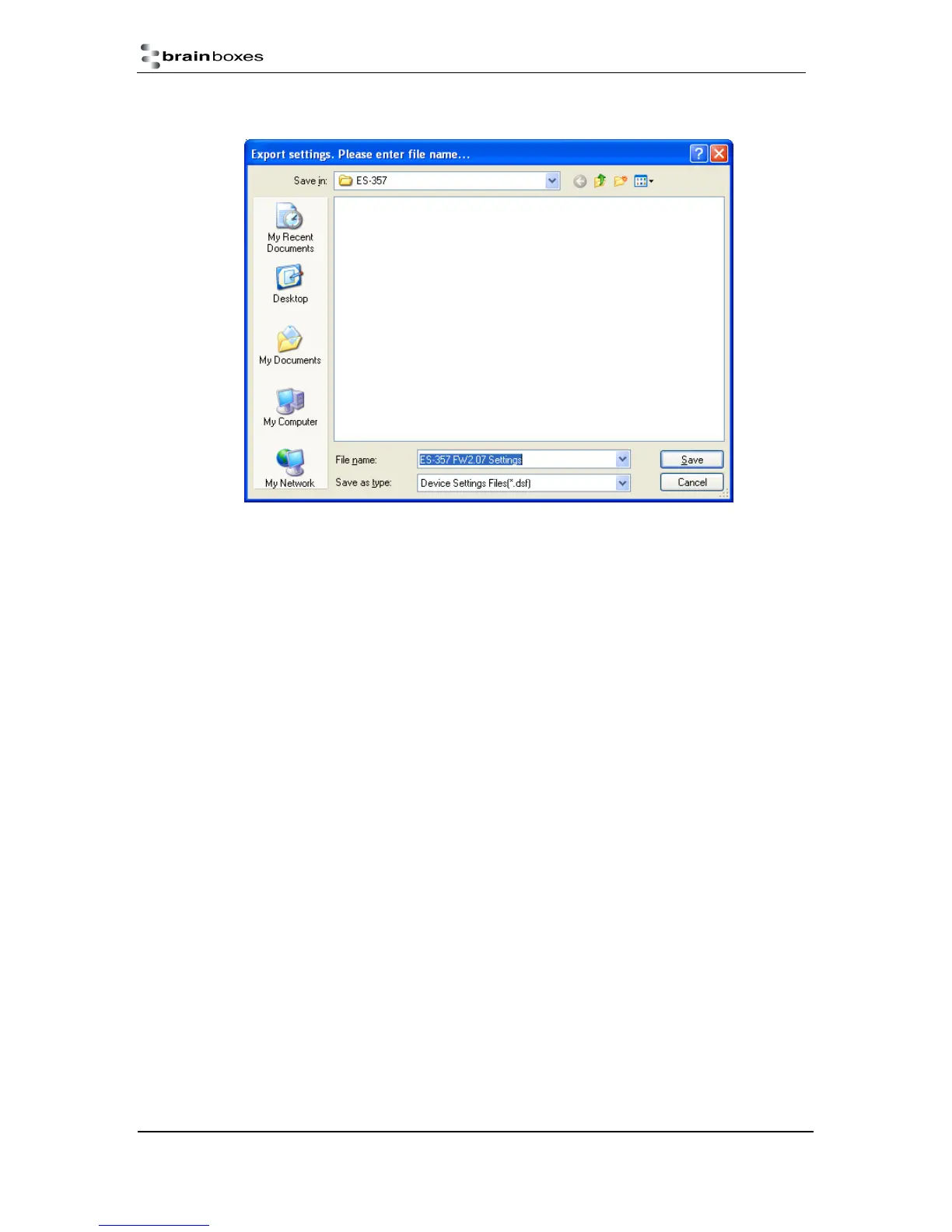
5) Browse to a location where you wish to save the settings file to.
6) Enter a file name in the “File name” box. E.g. “Device Model, Firmware Version XX“ etc)
7) Press Save.
Importing Device Settings
1) Open Boost.LAN Manager
2) Find and select your installed ES Device
3) On the left hand panel of the window, scroll down to the “Other Tasks” section
4) Select “Import Settings”



 To Next Page