ES Range Product Manual
Version 2.9
© Copyright Brainboxes Limited 2013
Page 47 of 66
12. Exporting & Importing Device Settings
It is possible to export the devices current settings to a file, and then import these settings at a later
date. This feature is available in the Boost.LAN Manager. At the time of going to print, the export
feature exported the following settings
Firmware Network Settings.
Firmware Serial Port Settings.
NB: This feature does not currently back up driver port settings. This is because the driver
serial port settings and firmware serial port settings are not linked.
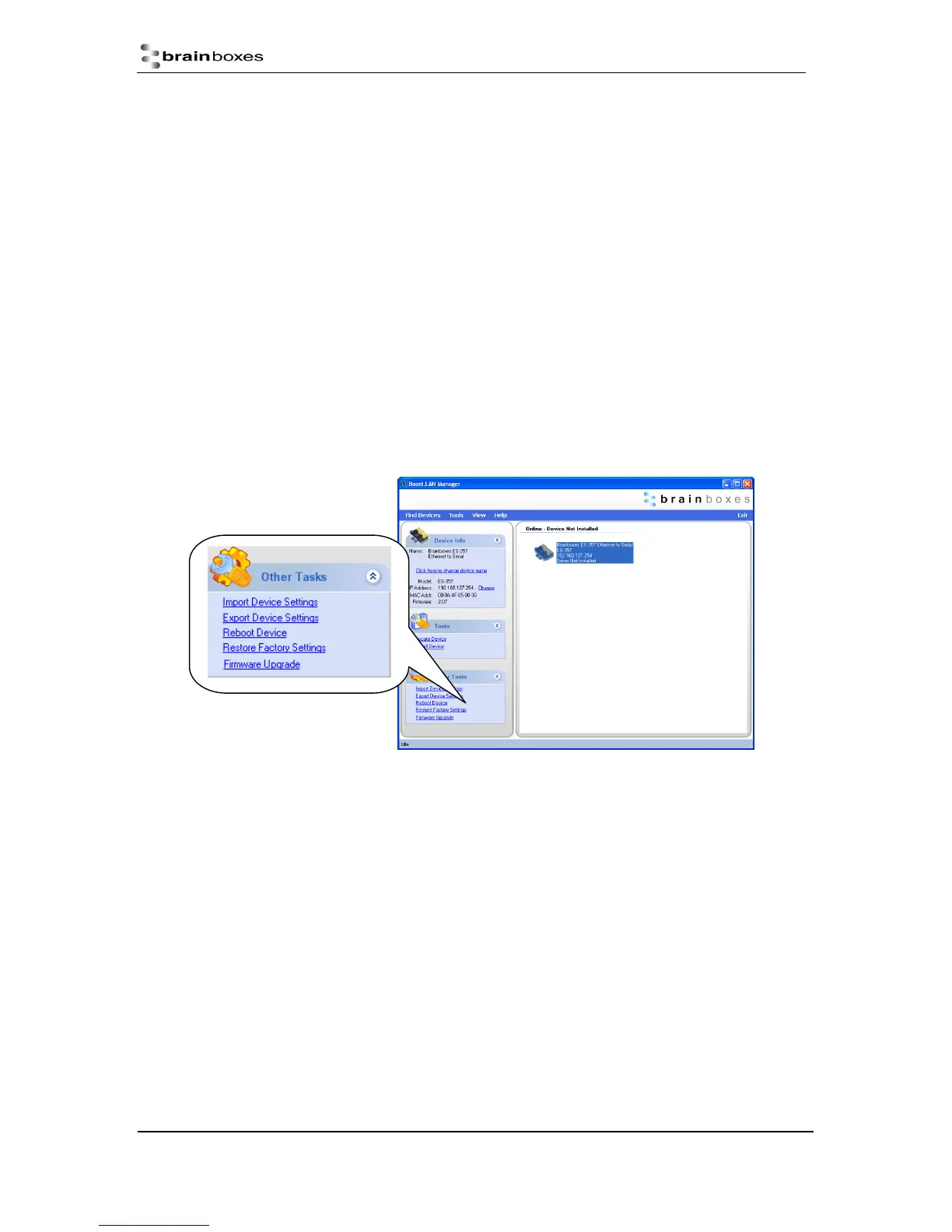
Exporting Device Settings
1) Open Boost.LAN Manager
2) Find and select your installed ES Device.
3) On the left hand panel of the window, scroll down to the “Other Tasks” section.



 To Next Page