ES Range Product Manual
Version 2.9
© Copyright Brainboxes Limited 2013
Page 40 of 66
9. On the remote device port webpage interface, on the Serial port that is tunnelling it will show
that the port is connected.
10. In Boost.LAN Manager, the symbol in the
image to the right will be displayed when a
device in is connected in tunnelling mode.
Firewall Exceptions and Port Numbers
When using the ES devices with a firewall you may need to manually add the exception entries and
port numbers to the firewall list. Listed below are the default port numbers and the firewall
exceptions.
Program Name Default port number
Device Web Server 80
Serial Port 1 9001
Serial Port 2 9002
Firmware Upgrade
67 (BOOTP Server)
68 (BOOTP Client)
69 (TFTP Port)
Default Windows Firewall Exception entries:
• Brainboxes Boost.LAN Suite
• Brainboxes Boost.LAN Suite (Device discovery) (except Windows XP 32 & 64 bits)
• UPnP Framework (Windows XP 32 & 64 bits)
• Network Discovery (Windows 7 or later)
UPnP on/off
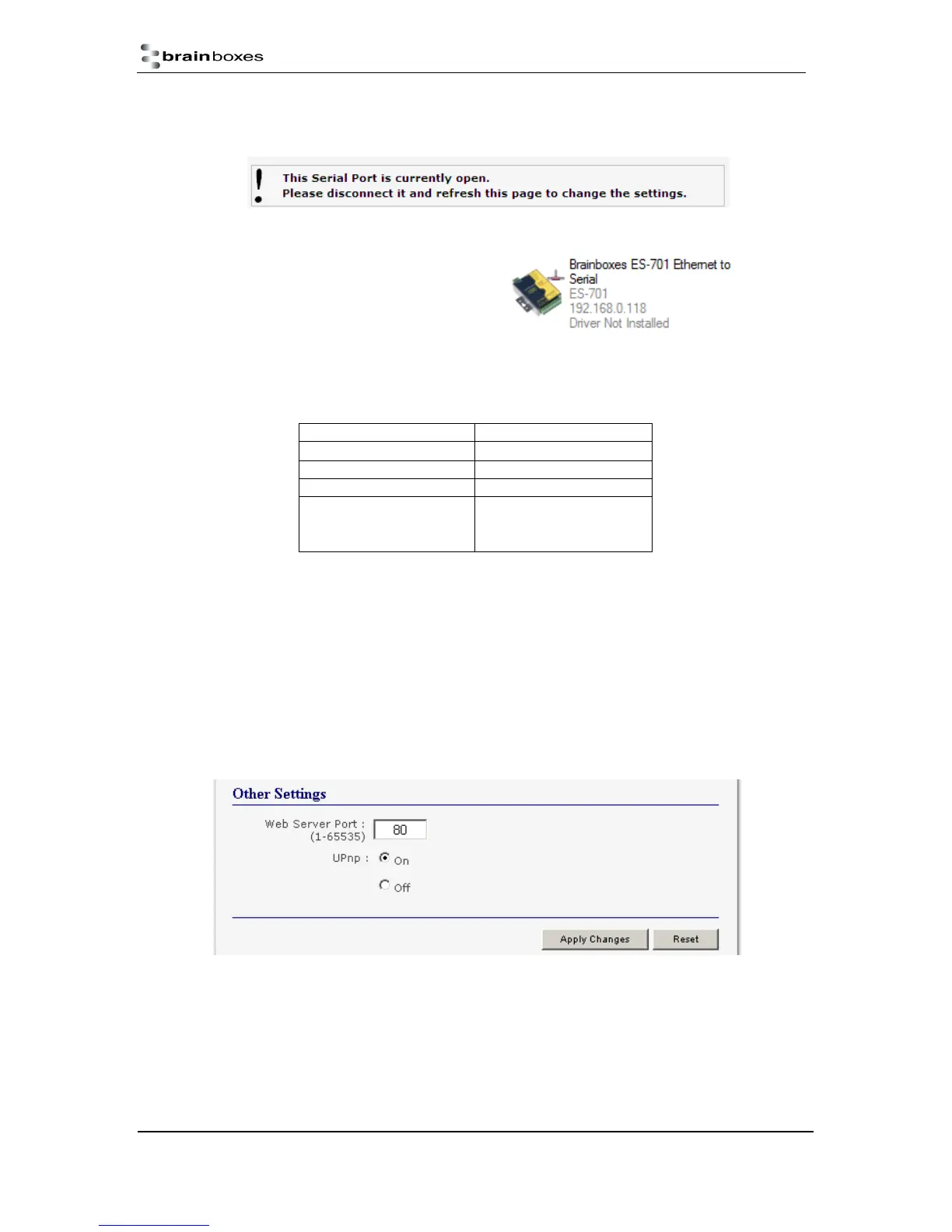
Turning the UPnP of your device off or on can only be done using the web page interface and will
mean that the ES Device won’t be broadcasting on the network. This means you won’t be able to
search for the device using Boost.LAN Manager. You can however add the device manually if you
know the IP address and port number.



 To Next Page