ES Range Product Manual
Version 2.9
© Copyright Brainboxes Limited 2013
Page 53 of 66
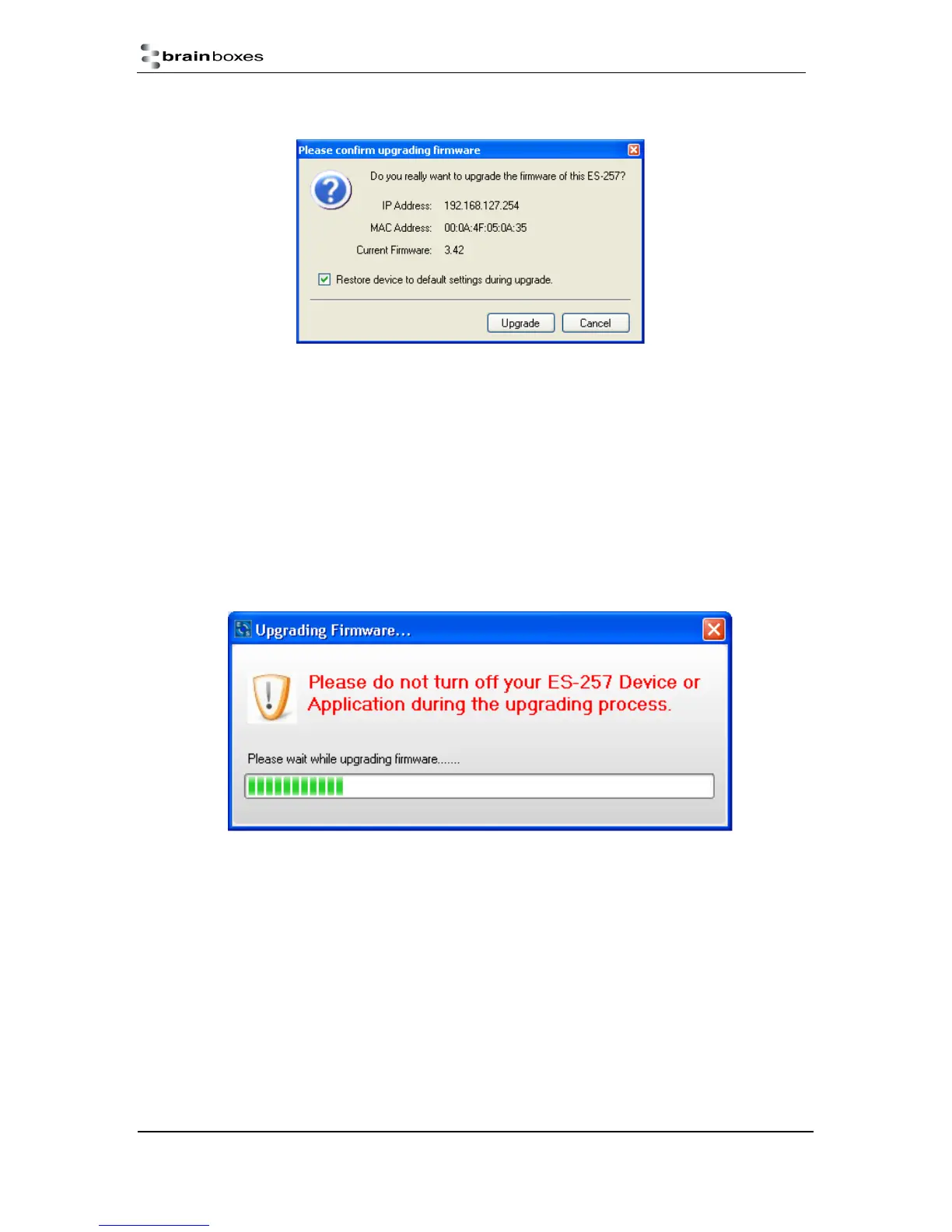
10) A message box will
appear asking you
to confirm you wish to
upgrade the firmware.
11) Press OK
12) Browse to the directory where you saved the latest firmware.
13) Select the firmware (the file extension will be .efw)
14) Press Open
15) Do not disconnect the ES Device from the network or power during the upgrade process.
16) Once the upgrade process is complete, select the device and check the firmware version
shown in the left hand panel is now the later version.



 To Next Page