14
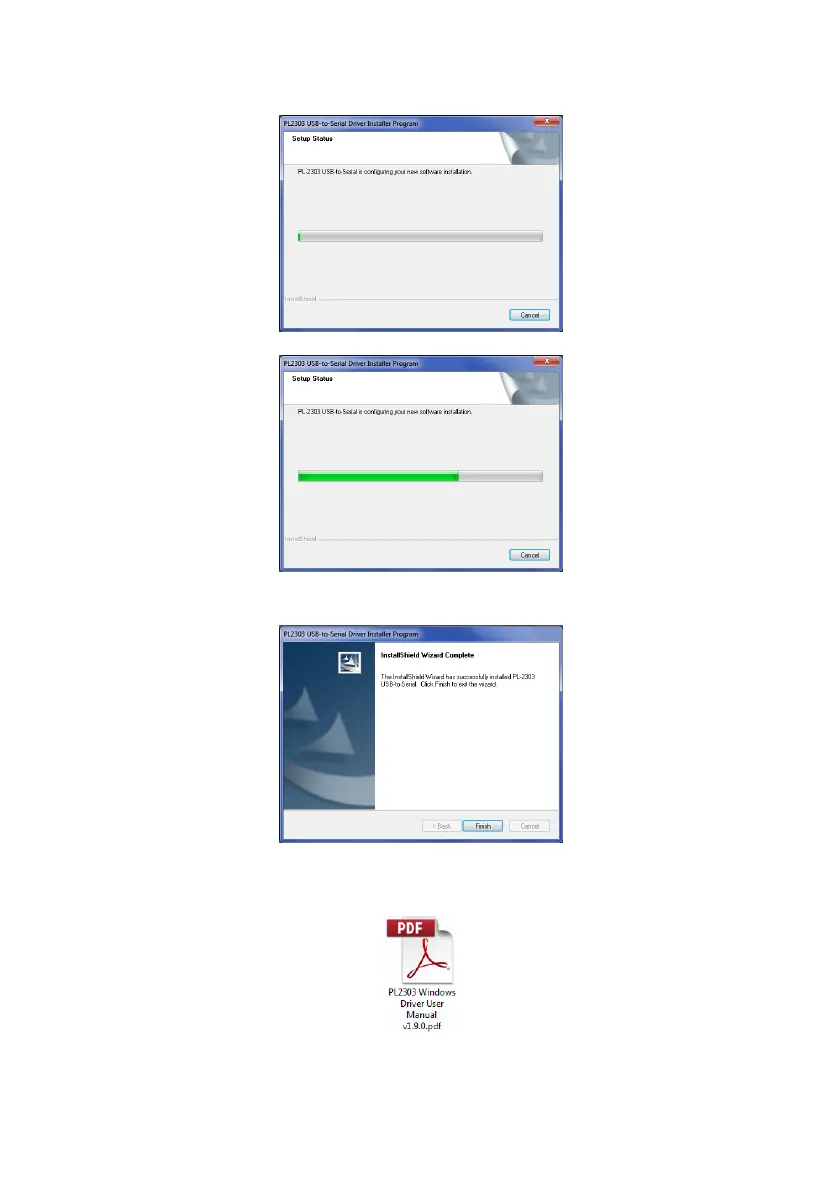
The installation progress will be shown as in both windows below:
Once the installation is complete, click “Finish”:
In case there are any issues with the driver installation further information can be found on the
CD ROM, folder “Driver”, document “PL2303 Windows Driver User Manual v1.9.0.pdf”.



 To Next Page