22
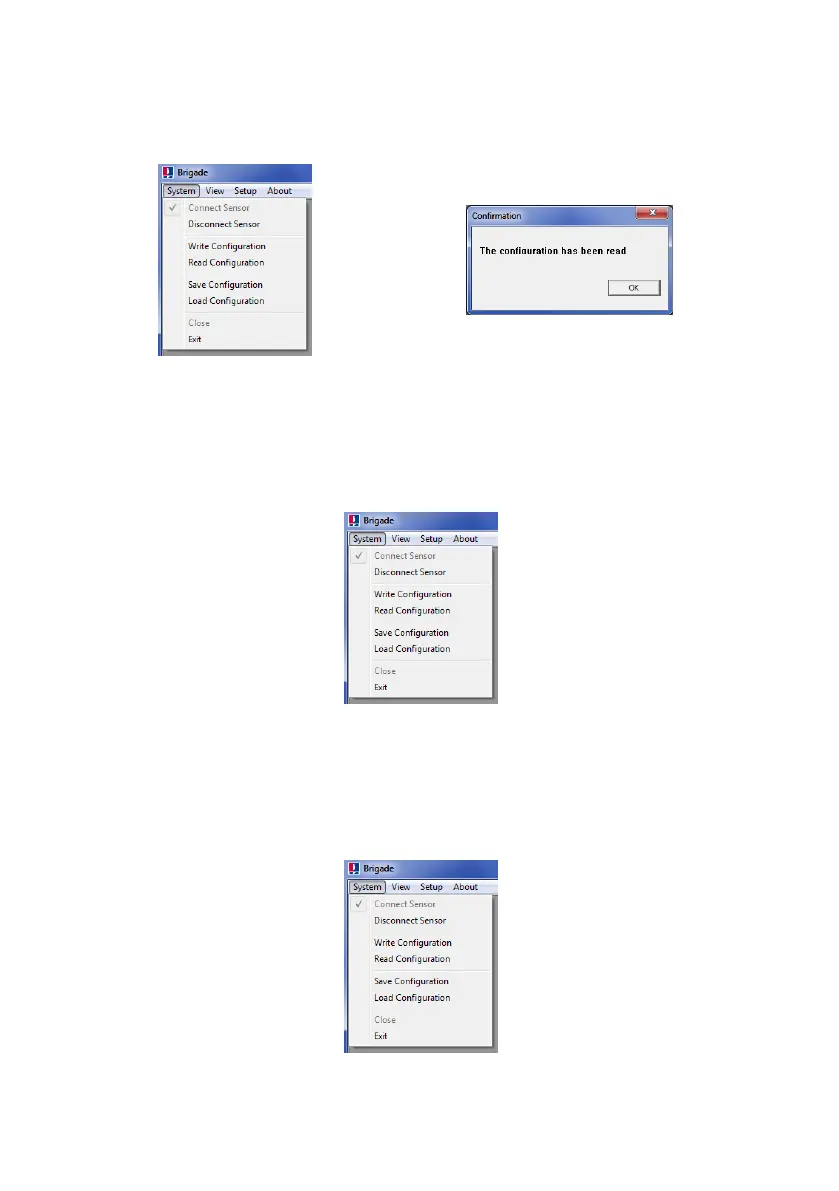
Note: When Brigade Backsense
®
System is connected to the Configuration Tool, see section
“4.3.4 Connecting to the Brigade Backsense
®
System” an automatic reading of the
configuration is executed.
4.3.8 Saving Configuration to a File
All settings in the Configuration Tool can be saved to a file at any point of time with or without
being connected to the system. The saved file is in a format that can only be read from the
Configuration Tool.
Click in menu area “System” then “Save Configuration”. This opens a window for the selection
of the save location and file name.
4.3.9 Loading Configuration from a File
All settings in the Configuration Tool can be loaded from a previously saved file. The loading
function is supported whether or not the Brigade Backsense
®
System is connected. Any
current settings in the Configuration Tool will be lost.
Click in menu area “System” then “Load Configuration”. This opens a window for selection of
the load location and file name.



 To Next Page