17
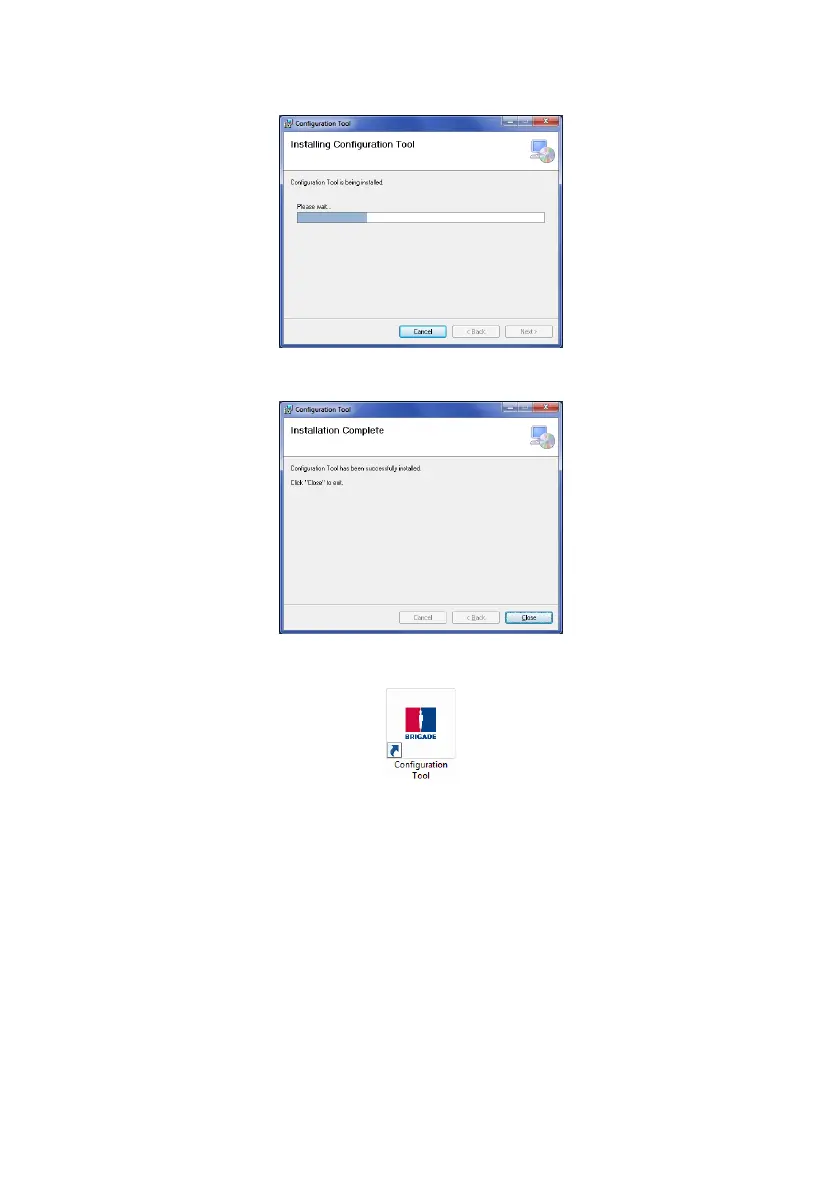
The installation progress will be shown as displayed below:
Once the installation is complete, click “Close”:
Desktop Icon shown below:
4.3 Using the Configuration Tool Software
Connect the display to the PC using the provided USB cable to the USB connector located on
the display.
Note: Before connection is made ensure Brigade Backsense
®
is powered and activated -
Status Light on the display should show constant green.
4.3.1 Identifying COM Port Number
To check the COM port number you are using for the connected Brigade Backsense
®
on the
PC you will need to open Windows “Device Manager”.



 To Next Page