15
If there is doubt whether the installation has been successful, follow sections “4.3 Using the
Configuration Tool Software” and “4.3.1 Identifying COM Port Number” to check for correct
installation and port properties.
4.2.2 Configuration Tool Software Installation
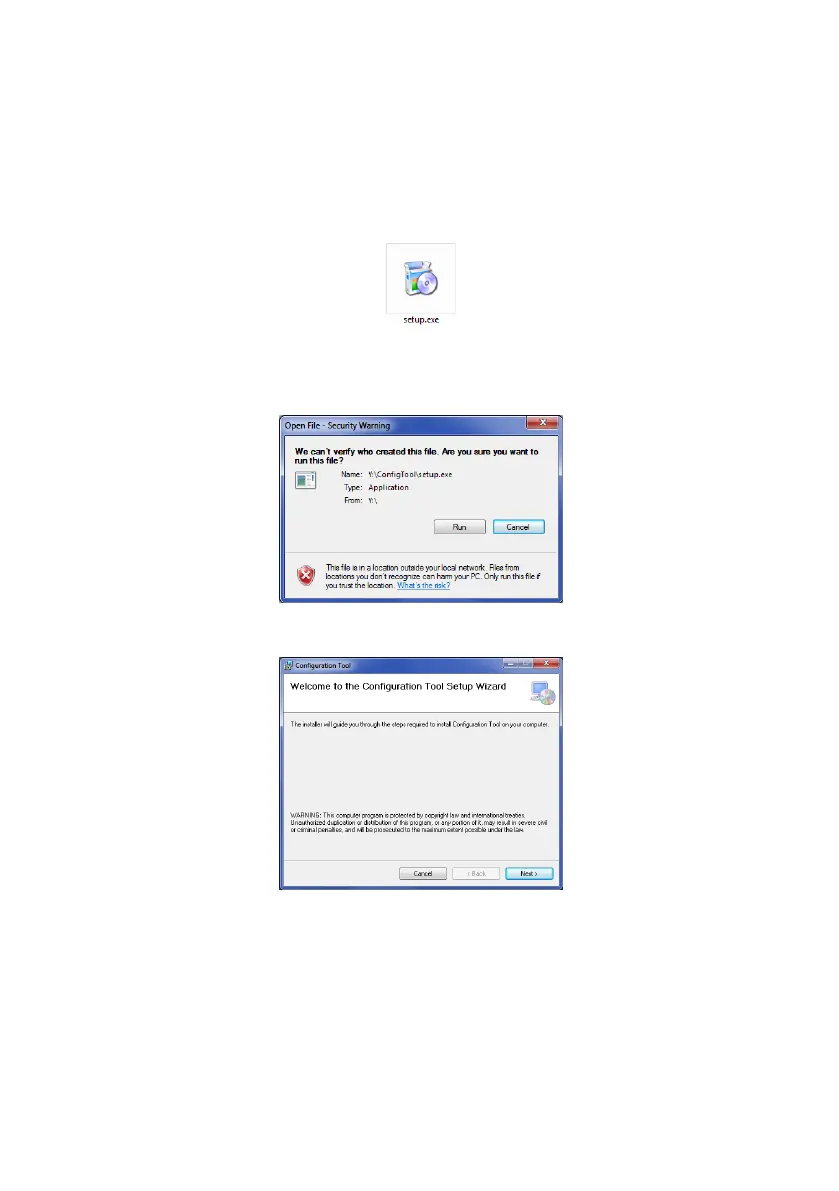
Insert and access the CD ROM, go to folder “ConfigTool” and double click and run the file
“setup”.
In some cases you may have a digital signature warning. Click “Run” to continue with the
installation. If unsure or your user rights are not permitting the installation, refer to your IT
department or a person with reasonable PC skills.
Click “Next >”



 To Next Page