13
4 Configurable System Model BS-8000
This section covers the setup of the configurable Brigade Backsense
®
model BS-8000.
4.1 PC System Requirements
The system requires a PC with a USB 2.0 Type-A connector, which will connect a computer to
the programming interface connector located on the display. A USB cable with USB standard
type A plug to mini-B plug should be used, which is included with the BS-8000.
The Configuration Tool is compatible with Microsoft Windows 7 & 8 (32-bit or 64-bit version)
operating system.
4.2 Software Installation
The software installation requires two steps. First, the installation of a USB to serial port driver
and second the installation of the Configuration Tool itself. The installation files can be found
on the CD supplied with the BS-8000.
4.2.1 USB to Serial Port Driver Installation
A USB to serial port driver is required to communicate between the PC and the BS-8000. This
driver is included on the CD and should be installed before any cable connection is made to a
PC.
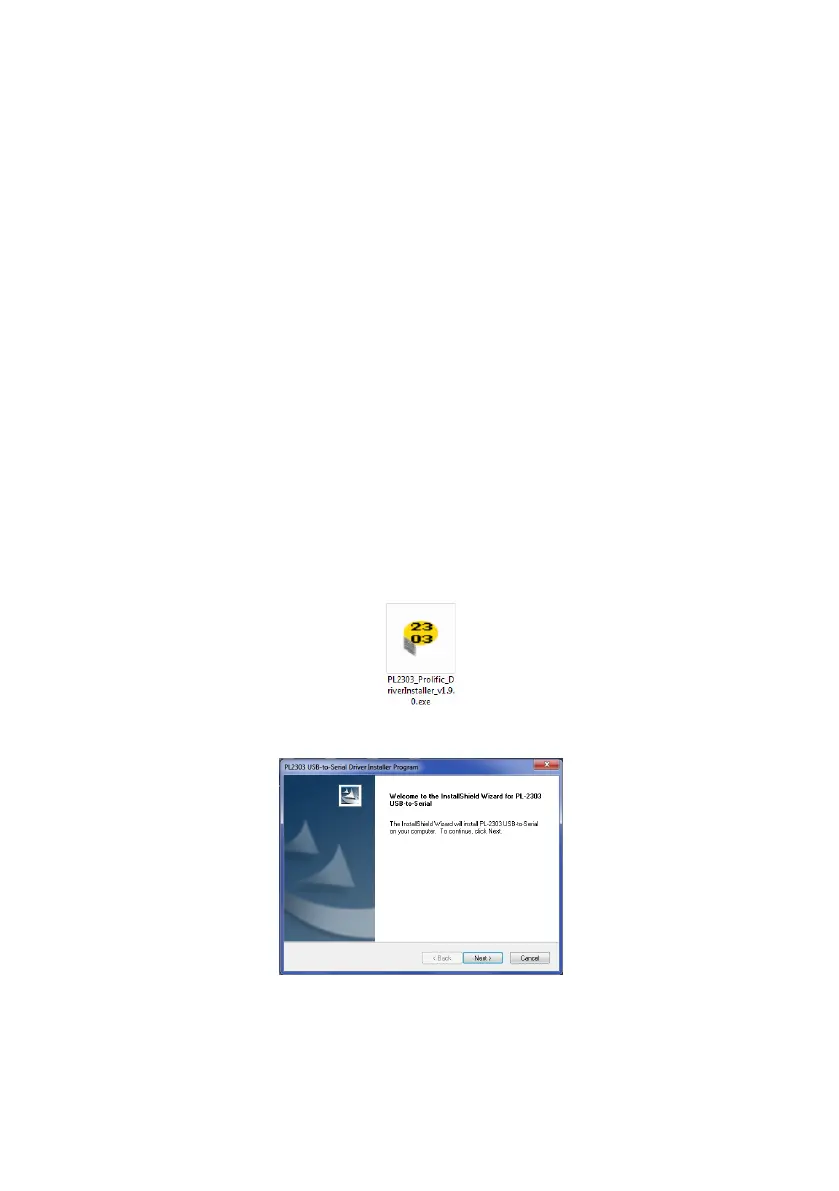
Insert and access the CD ROM, go to folder “Driver” and double click and run
“PL2303_Prolific_DriverInstaller_v1.9.0”.
Click “Next >”



 To Next Page