© 2022 Brivo Systems LLC. All rights reserved. PUB-Brivo ACS6100 Installation Manual
34
Brivo ACS6100 Installation Manual
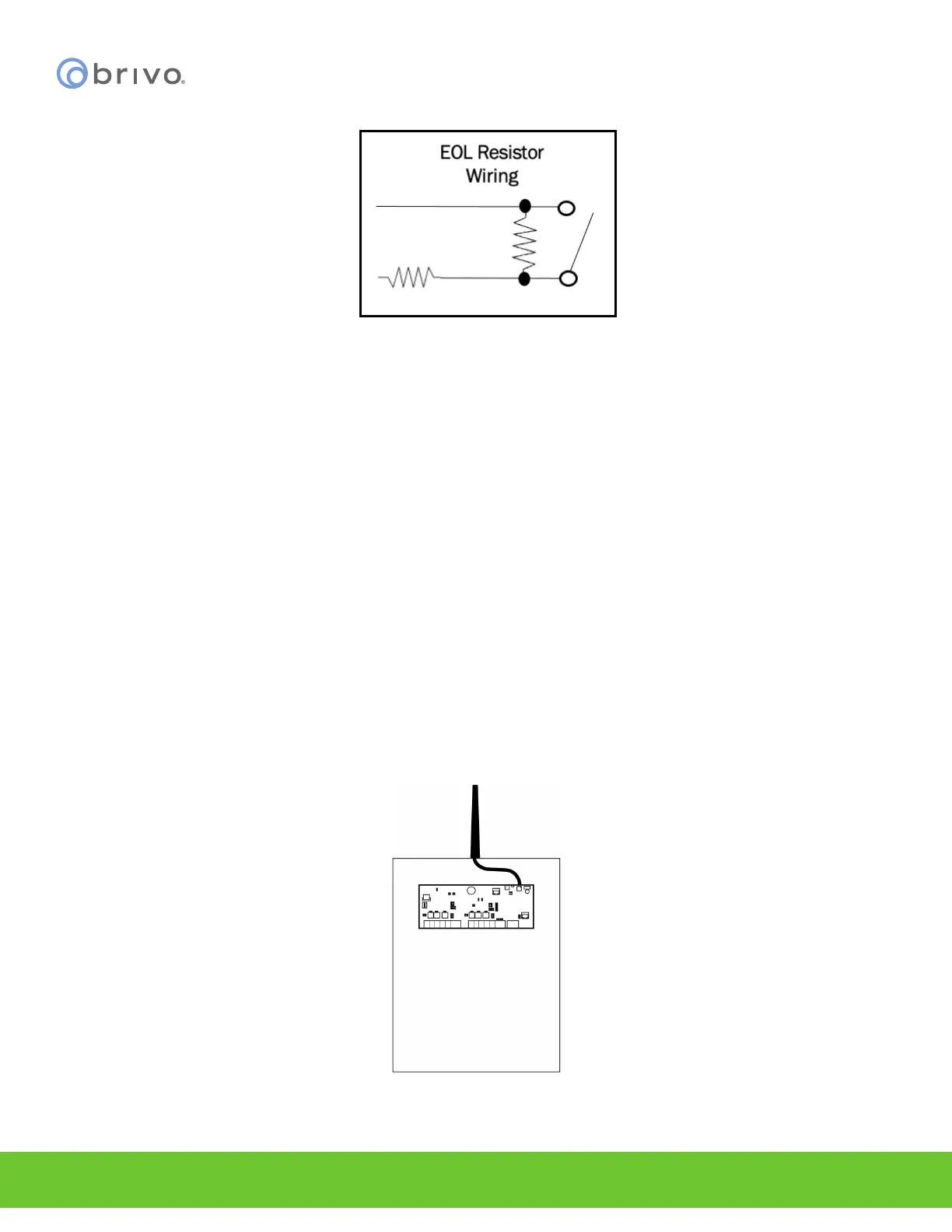
Figure 27 - EOL Resistor Wiring
WARNING: Powering Electronic Strikes and Latches
DO NOT POWER ELECTRONIC STRIKES AND LATCHES WITH THE BATTERY (OR OTHER POWER SOURCE) USED TO
POWER THE CONTROL PANEL; DOING SO WILL CAUSE DAMAGE TO THE BRIVO CONTROL PANEL. USE ONLY A MET
LISTED BURGLAR ALARM OR ACCESS CONTROL SYSTEM TO POWER ELECTRONIC STRIKES AND LATCHES.
Mount and connect the Wi-Fi antenna (if using Wi-Fi functionality)
NOTE: Wi-Fi Frequency - Wi-Fi on the B-ACS6000-MBE panel operates in the 2.4GHz frequency bands.
1. If you are using the Wi-Fi functionality of the B-ACS6000-MBE MAIN CONTROL BOARD, please make certain
that your SW 7-8 Wi-Fi switch is set to the Enabled position.
2. Included in the shipping contents of the B-ACS6000-MBE panel is a Wi-Fi antenna cable with one end being
a brass washer/screw connector (which is covered by a removable red protective cover) and the other end
being a silver snap connector.
3. Unscrew the brass washer from the cable and place that end through the top of the chassis. Now screw the
washer back in place on the outside of the chassis, securing the cable to the top of the chassis.
4. Attach the Wi-Fi antenna (included with the shipping contents) to the connector atop the chassis.
Figure 28 - ACS6000 Wi-Fi Cable Connection



 To Next Page