© 2022 Brivo Systems LLC. All rights reserved. PUB-Brivo ACS6100 Installation Manual
39
Brivo ACS6100 Installation Manual
the Internet and the appropriate server depending upon the version of MAIN CONTROL
BOARD.
b) Use a straight, (i.e., non-crossover) cable to connect this port to a local hub, switch or router
that has connectivity to the Internet.
c) The following Ethernet LED behavior represents the network speed for the LAN port on the
MAIN CONTROL BOARD:
• Green LED only – 1000 M
• Orange LED only – 100 M
• Green LED + Orange LED – 10 M
NOTE: Since each OSDP reader is on a separate bus on the B-ACS6000-MBE MAIN CONTROL BOARD, the RS-485
default address assigned to each reader should not interfere with any other OSDP readers assigned to the same
control panel. However, make certain that the default OSDP reader address matches the OSDP address used when
assigning the reader in Brivo.
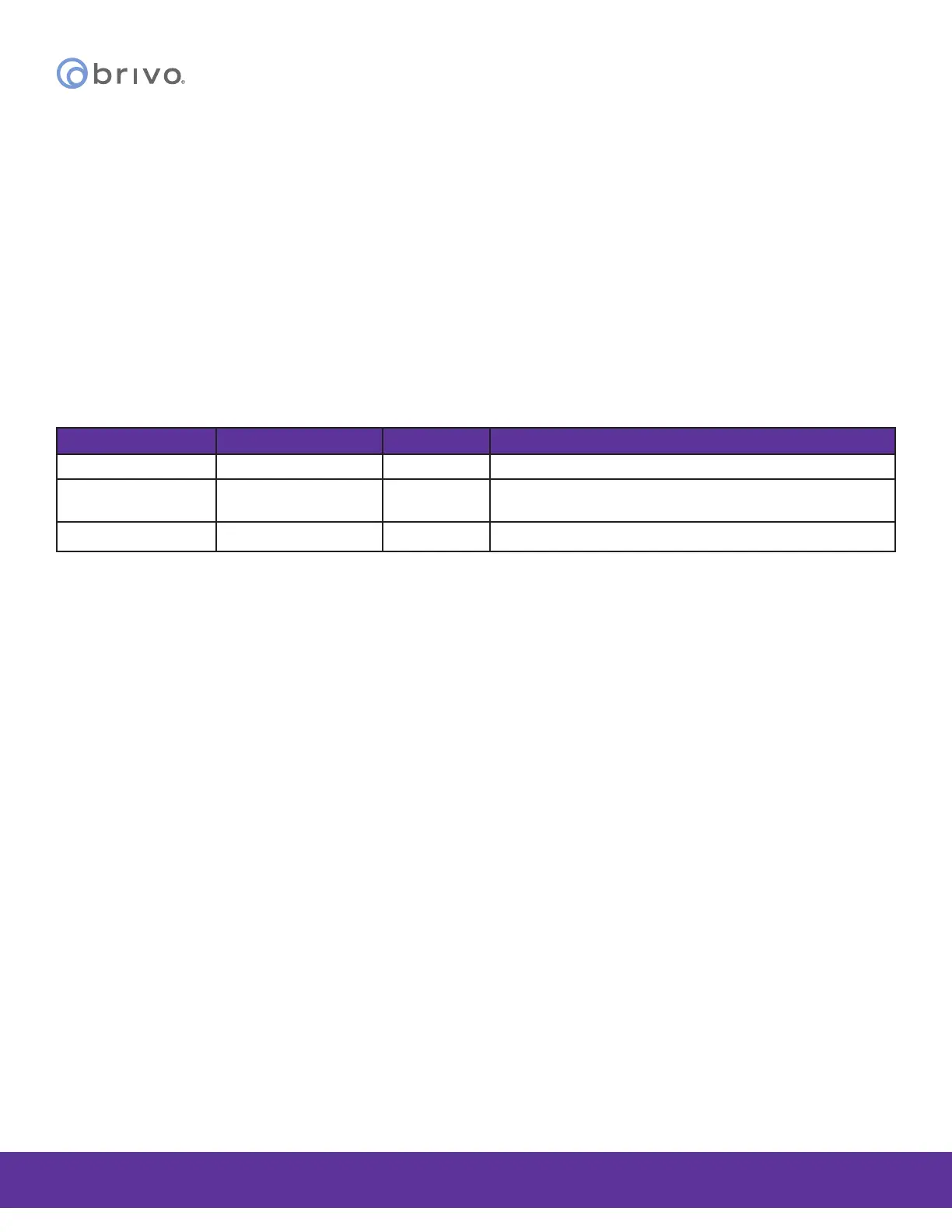
Revision Table
Version Date Author Content
1.0 08/27/2021 LMW Original document
1.1 11/01/2021 LMW/RC/
RTM/TRN
Updates and corrections
1.2 08/01/2022 LMW Added Wiegand voltage warning



 To Previous Page