© 2022 Brivo Systems LLC. All rights reserved. PUB-Brivo ACS6100 Installation Manual
5
Brivo ACS6100 Installation Manual
14Ah batteries.
• B-ACS6100R-S. The full access control panel that includes: main controller board with standalone
Onsite rmware loaded, a regular size enclosure, a power supply board, AC/DC wall transformer,
and a 14Ah battery (or two 7Ah batteries).
• B-ACS6100L-S. The full access control panel that includes: main controller board with standalone
Onsite rmware loaded, a large size cabinet, , two power supply boards, two power transformers,
and two 14Ah batteries.
• B-ACS6100R-EXP (Expansion Chassis). An access control expansion chassis that includes a regular
size cabinet , a power supply board, a power transformer and a 14Ah battery (or two 7Ah batteries).
• B-ACS6100L-EXP (Large Expansion Chassis). An access control expansion chassis that includes a large
size cabinet, two power supply boards, two power transformers and two 14Ah batteries.
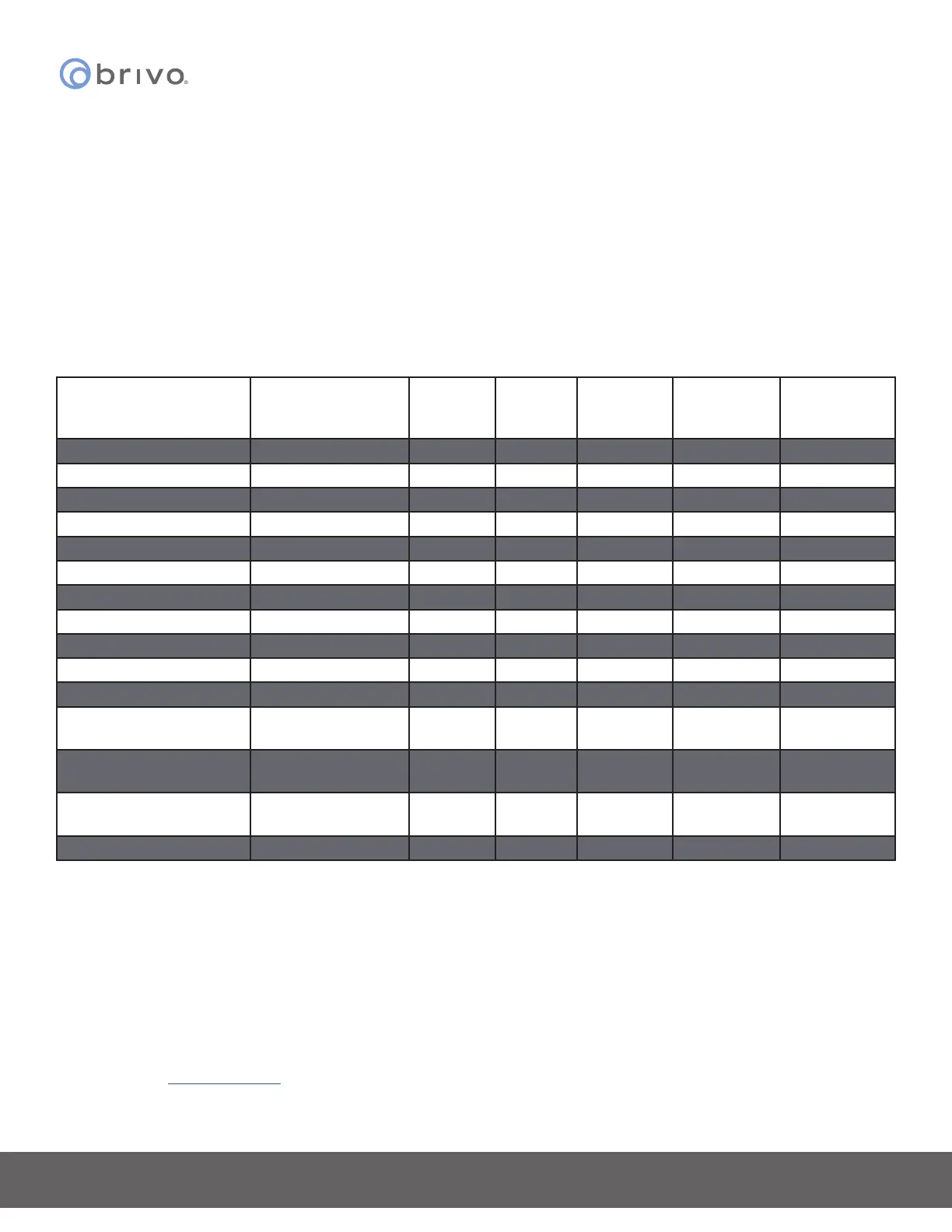
Wire Recommendations
Signal
Belden # or
Equivalent
AWG
Twisted
Pair
Shielded? Conductors Max Length
RS-485 Comm 9842 24 Yes Yes 4 4000 ft
Power (22 gauge) 5504FE 22 No No 2 600 ft
Power (18 gauge) 6300FE 18 No No 2 500 ft
RJ45-Ethernet N/A Cat5 Yes No 8 328 ft
CAN Bus N/A Cat5 Yes No 5 1500 ft
Fire Alarm Relay 6300FE 18 No No 2 1500 ft
Request-to-Exit 5520FE/6300FE 22/18 No No 4 500 ft
Door Contact 5500FE 22 No No 2 500 ft
Transformer Block 6300FE 18 No No 2 100 ft
Molex Connector N/A 22 No No 4 1 ft
Earth Ground N/A 18 No Yes 1 (solid) 40 ft
Reader Option 1
(22 AWG)
5504FE 22 No Yes 6 250 ft
Reader Option 2
(20 AWG)
5400FE 20 No Yes 6 300 ft
Reader Option 3
(18 AWG)
6300FE 18 No Yes 6 500 ft
Reader OSDP 9842 24 Yes Yes 4 500 ft
Additional Resources
The following additional resources are available for the installer as well as the client.
• Panel Networking Admin Interface Guide
• Brivo Onsite Administrator’s Manual
• Approved Reader Compatibility List
• Brivo Cellular Network Router Conguration Guide
• Technical Support: 1-866-BRIVO-4-U
• www.brivo.com



 To Next Page