6–14
Stir/Agitate Reminder:
This alert appears
when 3 conditions occur.
1. When the fryer is first turned on in the
morning, this reminder will appear after the
oil comes up to the set temperature.
2. After a filter cycle has been completed
this reminder will appear after the oil comes
up to the set temperature.
3. If the fryer has been sitting idle for 2
hours or longer this reminder will appear will
alert you to stir the oil to get it to a uniform
temperature.
After making the adjustments on this dis-
play press the green OK button to save the
entries.
To go back to the Cook display either press
the “Exit Setup” button or the “Cook” Tab.
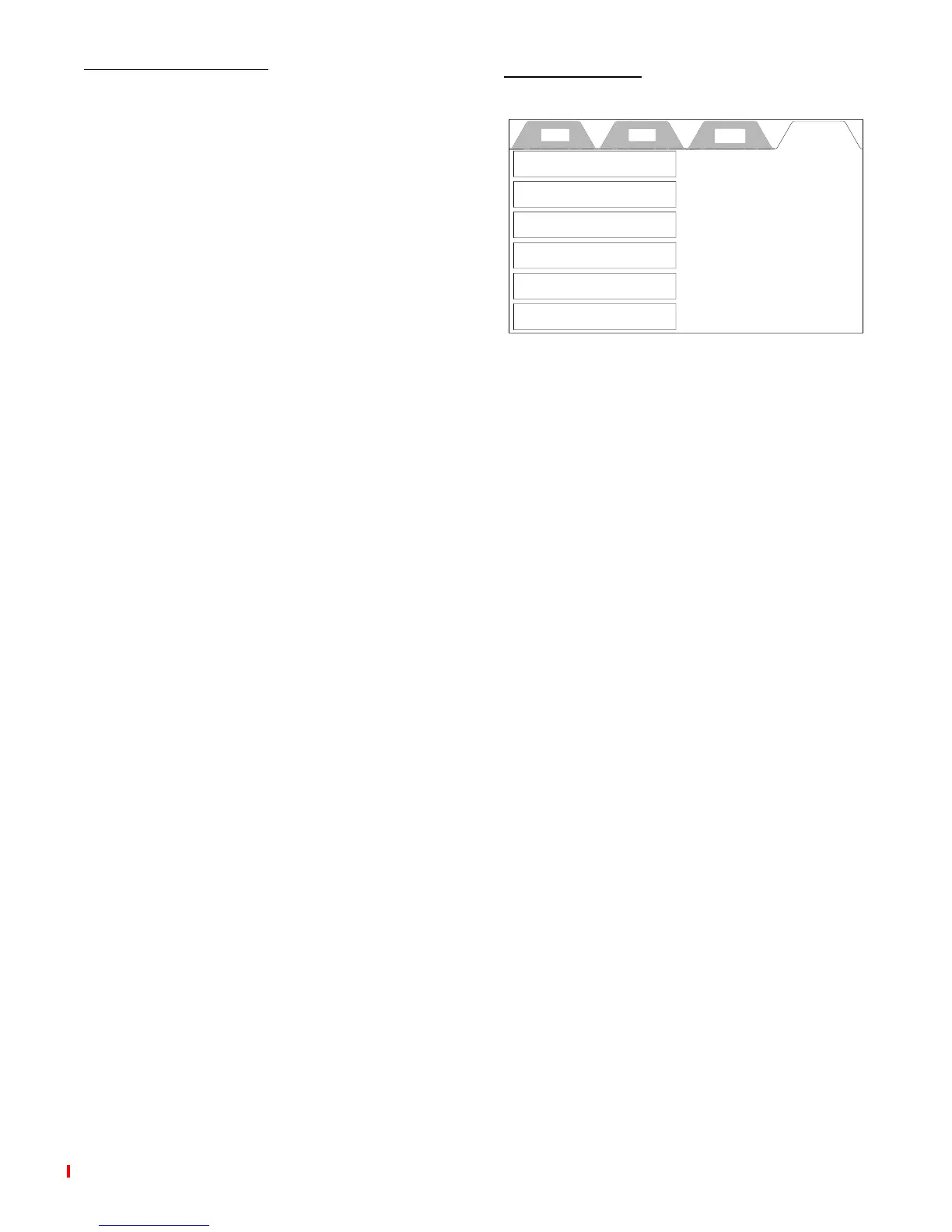
HELP TAB
This display provides instructions for the
items in the boxes. They are available at
any time to help you set up the control to
cook product.
Cook Filter Setup Help
Service Contact Information
How to Set the Time
How to Set the Temperature
How to Select a Preset
How to Filter
Cleaning Procedures
broaster.com Manual #15459 5/02 Rev: 6/16



 To Next Page